Apple and Dell student buying in Australia: eligibility, verification and limits
Compare two actual Australian education programmes before planning a purchase: who qualifies, how verification works, where the benefit applies and why eligibility is not a cheapest-price result.
Updated:
1. Resolve programme eligibility before relying on a discount
Apple Australia’s Store for Education and Dell Australia’s Student Purchase Program use different published eligibility and verification conditions. Being a student does not make their rules interchangeable. This guide compares the two actual programmes as observed on 29 October 2026. It answers the eligibility question; it does not report a verified cheapest MacBook or Windows laptop offer.
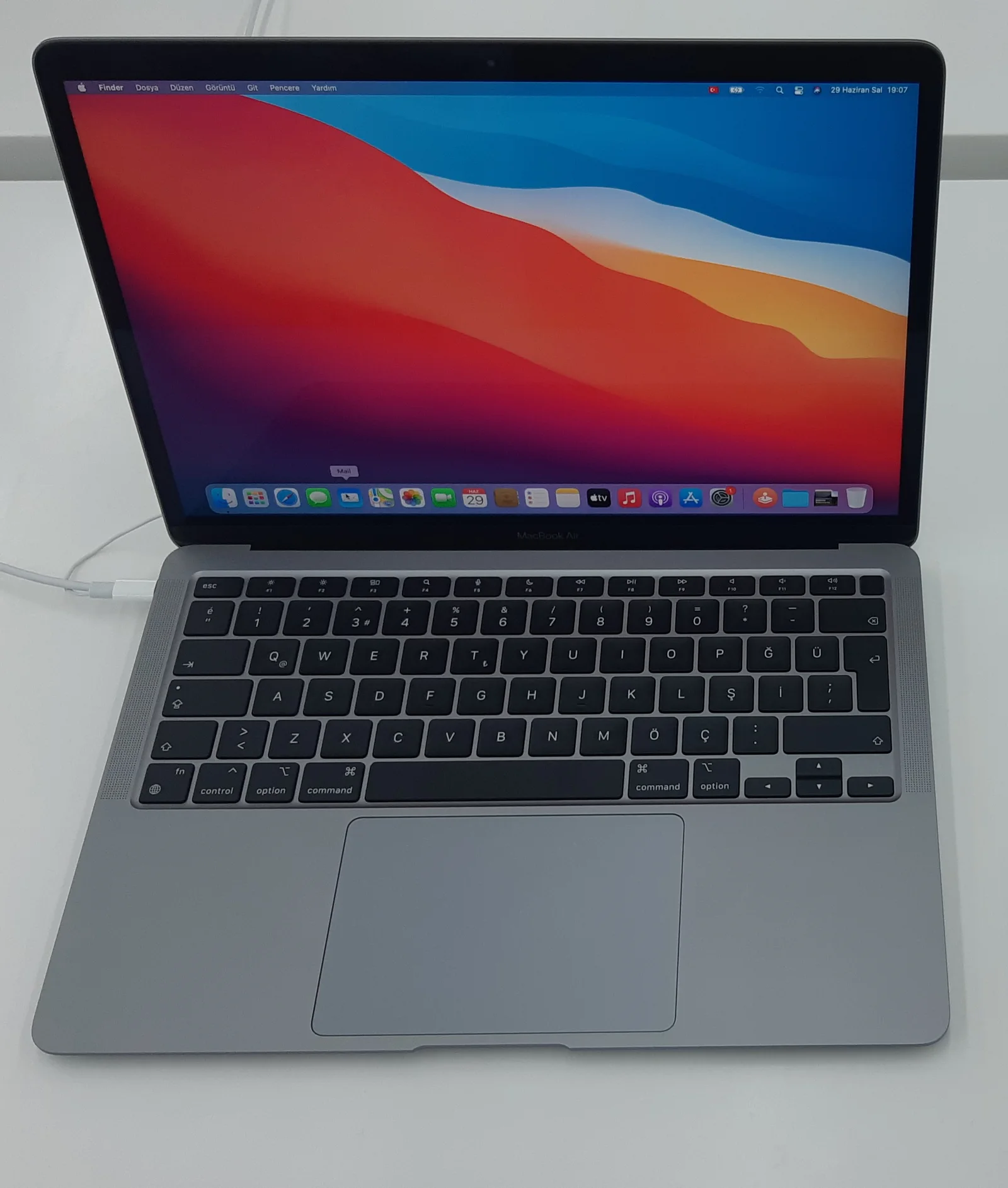
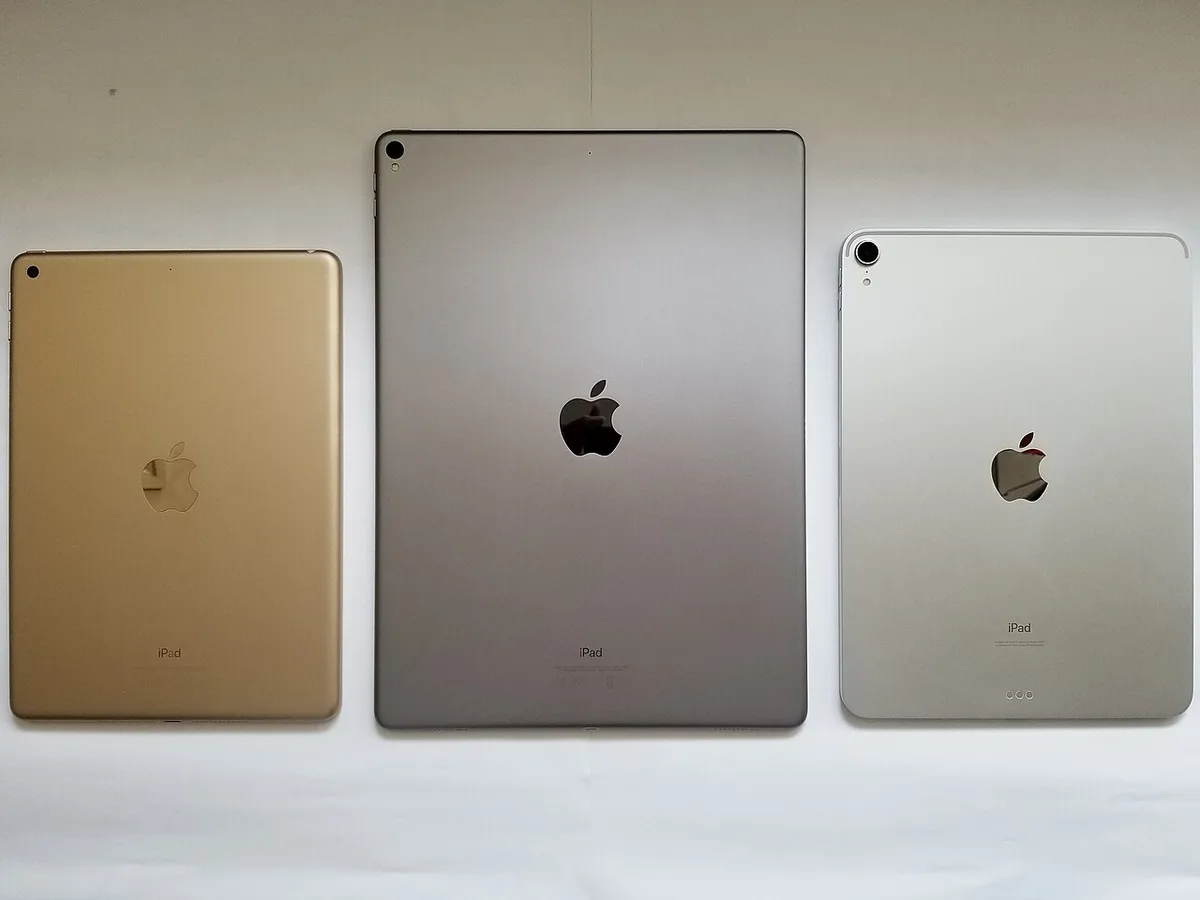
Keep the account holder, purchaser and intended user distinct when checking a programme. A parent buying for a child, a newly accepted student and a teacher can fall under different wording. Read the current Australian conditions rather than transferring a US or UK verification process. The real hardware photographs illustrate product classes only; none proves that an individual or photographed unit qualifies for a programme.
2. Compare the actual eligibility definitions
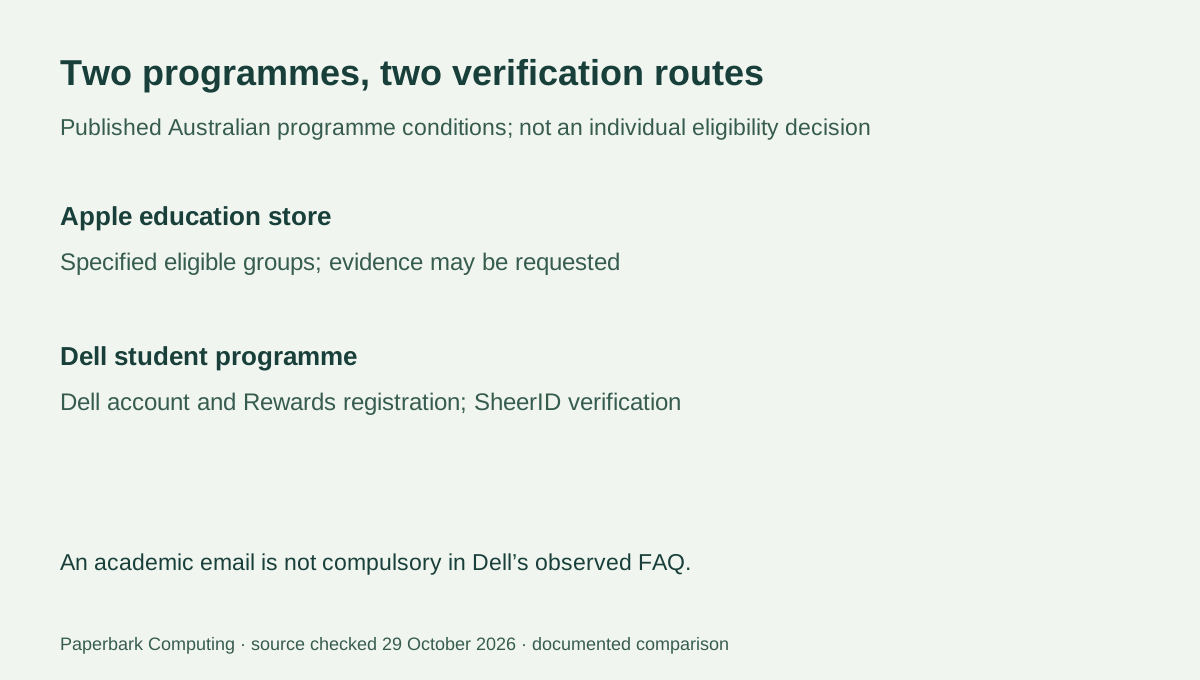
Apple’s Australian education sales policy includes a full-time or part-time student aged 18 years or over with current student identification who is studying at, or accepted into, an accredited Australian university or another Apple-approved institution. It separately includes specified education staff and a parent buying for an eligible child. Apple can request evidence, and purchases must be for the permitted personal, education or research use.
Dell’s observed Australian page describes current or newly accepted full-time or part-time students at accredited Australian educational institutions, subject to SheerID verification. It names universities, schools, colleges, technical institutes and vocational institutions. Do not silently import Apple’s age and institution wording into Dell’s definition, or assume that meeting one programme’s wording proves acceptance by the other.
| Question | Apple Australia education store | Dell Australia student programme |
|---|---|---|
| Student wording | Specified 18-or-over student and institution conditions in education sales policy | Current or newly accepted students at accredited Australian institutions, subject to verification |
| Parent route | Policy includes a parent purchasing for an eligible child | Do not infer an identical parent route from Apple’s policy |
| Verification | Apple may require eligibility evidence | Dell account, Rewards registration and SheerID verification |
| Result | Eligibility for the programme’s applicable education purchases | Eligible selected products receive the applicable in-cart member benefit |
3. Verification and store scope differ
Dell explicitly says an academic email address is not compulsory: valid enrolment evidence can be used through its verification process. Its page describes signing into an existing or new Dell account, registering for Dell Rewards and verifying student status. We have not submitted an application or approved anyone’s documents. Use the official verification route rather than sending identity documents to a seller or treating this article as an eligibility decision.
Dell says its student benefit is valid on Dell.com, not at other retailers. Its exclusions include certain offers, coupons and product classes, so a membership badge is not proof that every cart item receives a discount. Apple likewise says not all products have special education pricing. Neither programme’s existence establishes that the photographed older devices, refurbished offers or a particular third-party listing receive the benefit.
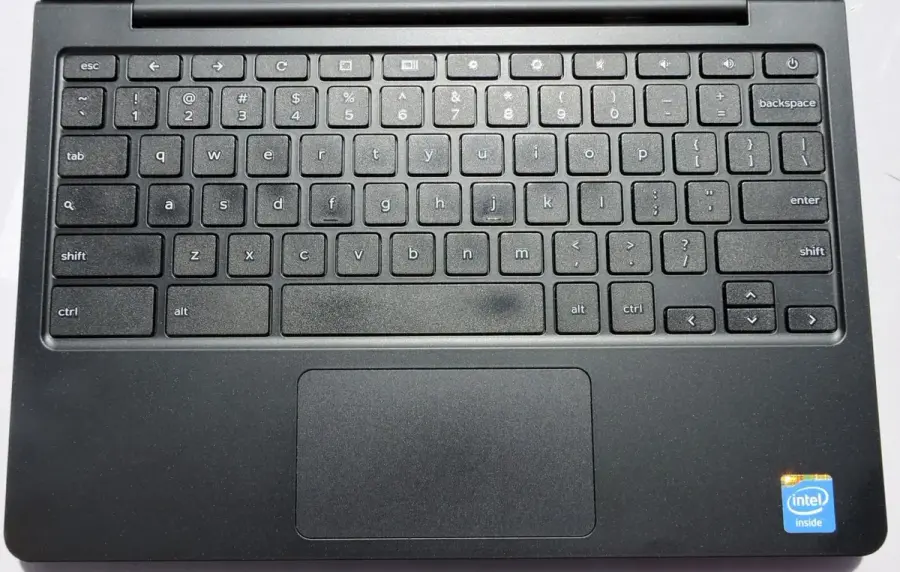
An old Dell Chromebook, such as the real keyboard example pictured here, is not automatically an eligible purchase merely because it carries the Dell name. The actual sales channel, selected current product and verified member account determine the programme question.
4. Retain the actual quantity limits
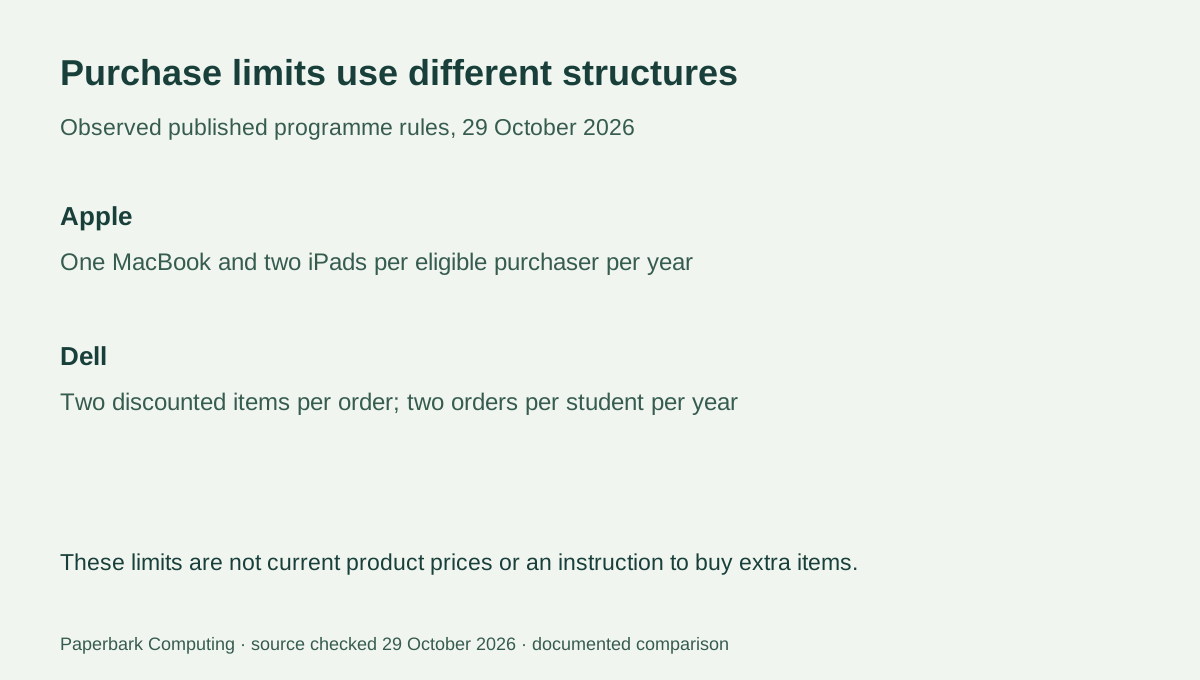
Apple’s observed policy allows one MacBook per eligible purchaser within 1 year and two iPads within 1 year, alongside separate limits for other product categories. Its text says the total is shared across online and Apple Retail Store purchases. Do not read those two channels as separate allowances for the same purchaser.
Dell’s current FAQ lists two discounted items per order and two orders per student per year, a stated total of four items. That is a different structure from Apple’s product-category limits. These are programme purchasing conditions, not a suggestion to make extra purchases or a judgement about an individual application. Recheck the official terms at the actual order date, particularly if buying for several family members.
5. Eligibility is not a complete price comparison
Once eligibility is resolved, compare the same actual configuration, supplied charger, keyboard where separate, delivery and any required support. Obtain the real AUD totals available to that eligible account. A headline percentage or an education-store label does not establish that a configuration is cheaper than every current public offer. No paired complete student-price quotations have been verified for this guide.
For a qualifying university buyer considering an Air, Apple’s explicit education route is worth checking against a complete current quote. For a student in an accredited vocational institution, Dell’s published institution wording provides a distinct route to investigate through its actual verification process. Neither route certifies course or examination suitability. Resolve those requirements before using programme access as a reason to buy the wrong device.