MacBook Air 512GB or 1TB: compare capacity before the quote
Use the actual M5 Air storage options and decimal-to-binary arithmetic, then keep formatted space, system use and measured files separate.
Updated:
1. Compare two documented order configurations
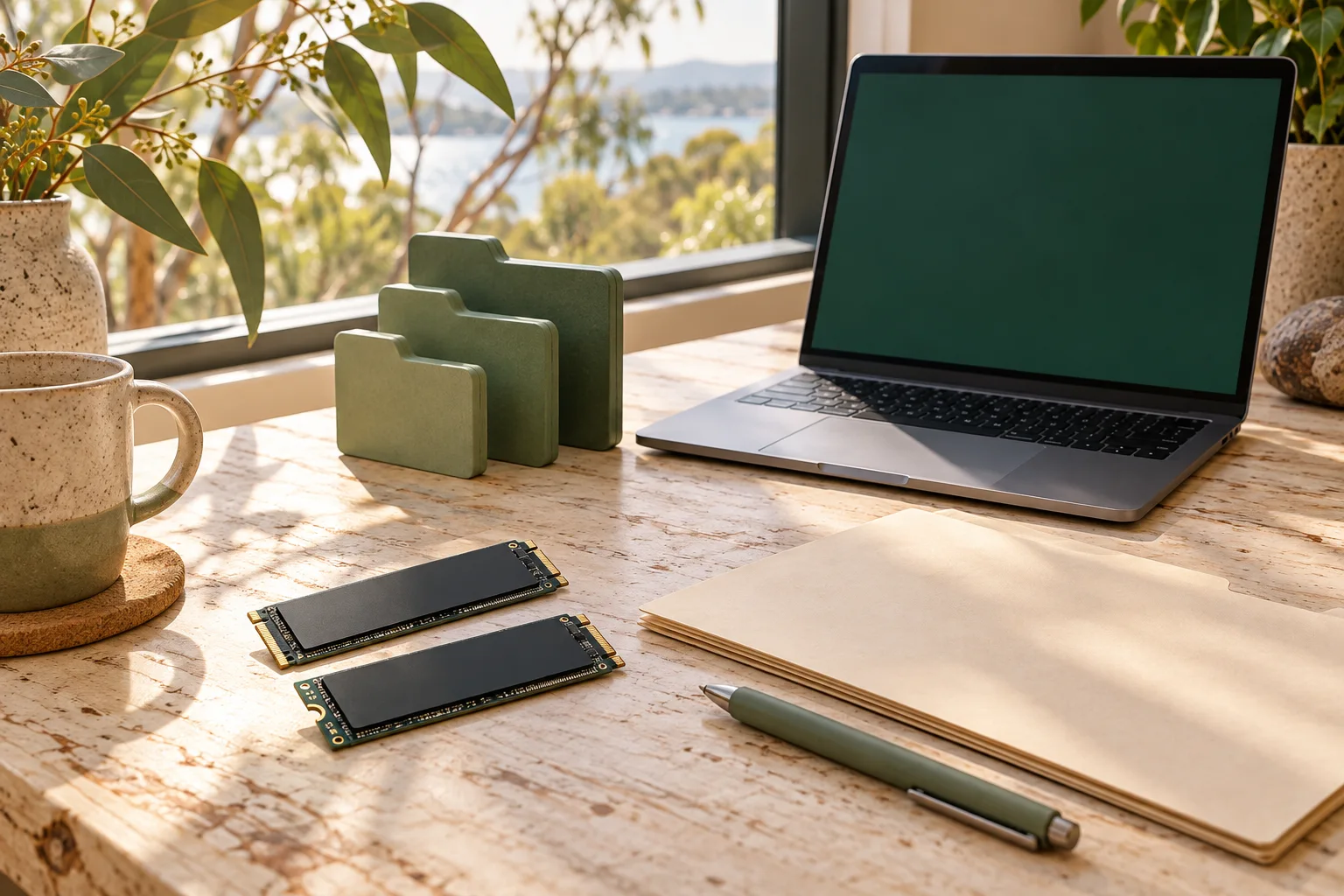
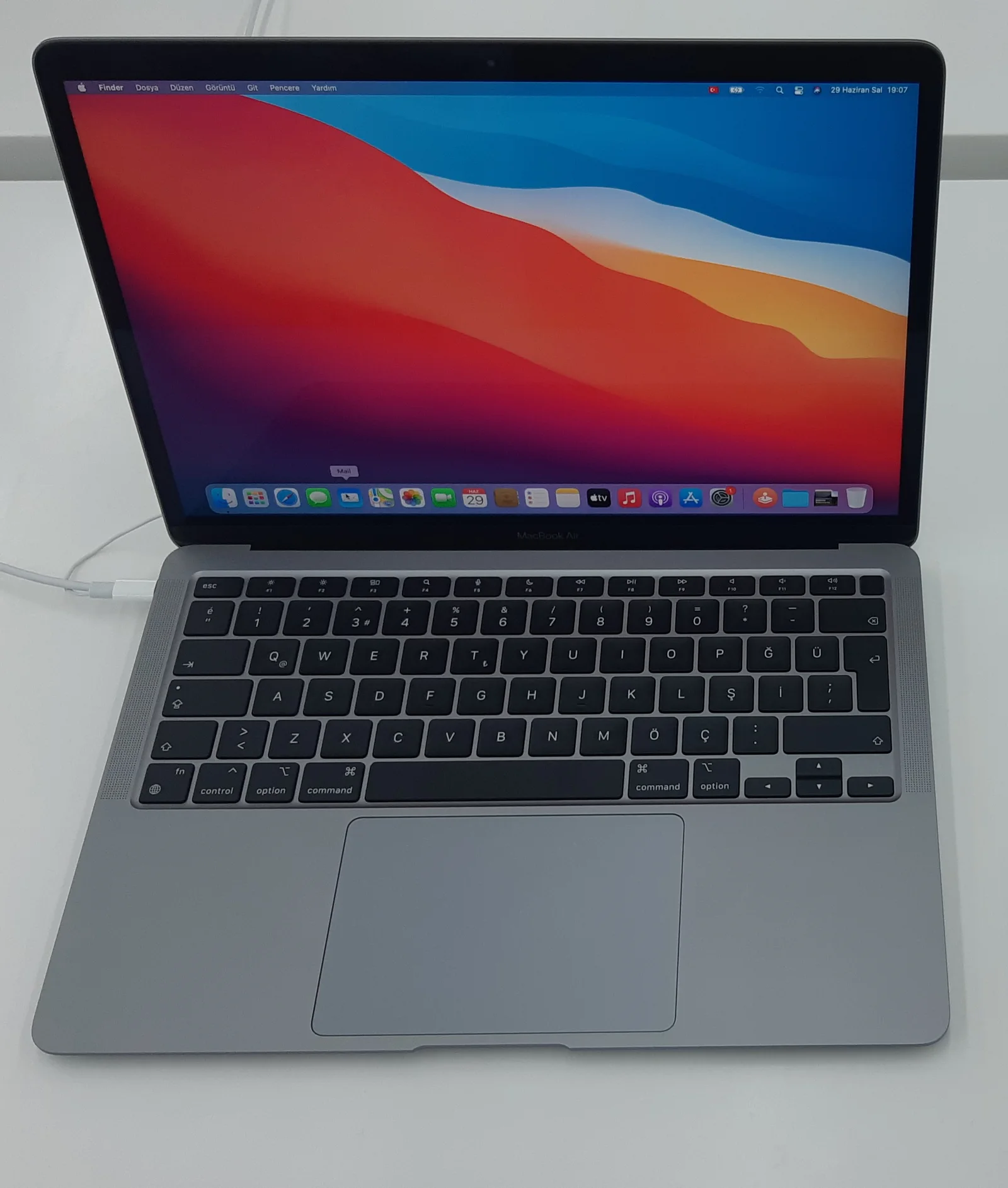
For a 13-inch M5 MacBook Air order, 512GB and 1TB are real storage options in Apple Australia’s technical specifications. Keep memory, GPU choice and the other order details fixed when comparing the storage change. Here the named alternatives are a 16GB-memory configuration with 512GB storage and the same memory capacity with 1TB storage; they are configuration choices, not quoted current retailer SKUs.
Choose the larger capacity because a measured workload needs it, rather than assuming that a larger SSD automatically improves every task. Conversely, do not choose the smaller option solely from an unverified headline price. This guide checks the specifications as of 29 October 2026 and does not supply a live Australian price or stock comparison.
2. Put GB and GiB on the same basis
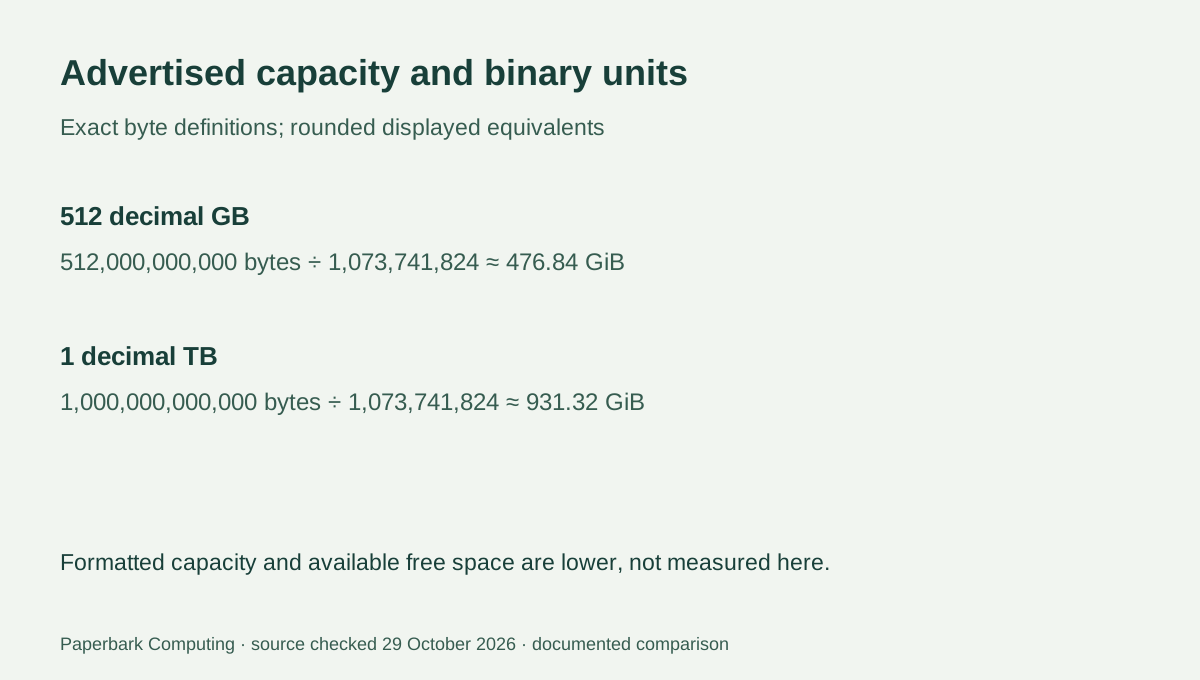
Apple’s storage footnote defines a gigabyte as one billion bytes and a terabyte as one trillion bytes, and says actual formatted capacity is less. A GiB is a binary unit of 1,073,741,824 bytes. That is why an advertised decimal capacity and a binary file-usage total must be converted before they are subtracted. The different numbers do not by themselves show that storage is missing.
Before formatting or system reservations, 512 decimal GB is about 476.84 GiB, while 1 decimal TB is about 931.32 GiB. The nominal difference is 488 decimal GB, equivalent to about 454.49 GiB calculated from the unrounded byte values. These are unit conversions, not a guarantee of free space shown on a newly started Mac.
| Planning item | 512GB order choice | 1TB order choice |
|---|---|---|
| Advertised decimal bytes | 512,000,000,000 | 1,000,000,000,000 |
| Binary equivalent before reservations | Approximately 476.84 GiB | Approximately 931.32 GiB |
| Memory held fixed for this comparison | 16GB unified memory | 16GB unified memory |
| Actual formatted and free capacity | Lower and configuration-dependent; not measured here | Lower and configuration-dependent; not measured here |
| Verified current complete AUD quote | Not obtained | Not obtained |
3. Use measured space, not an invented universal allowance
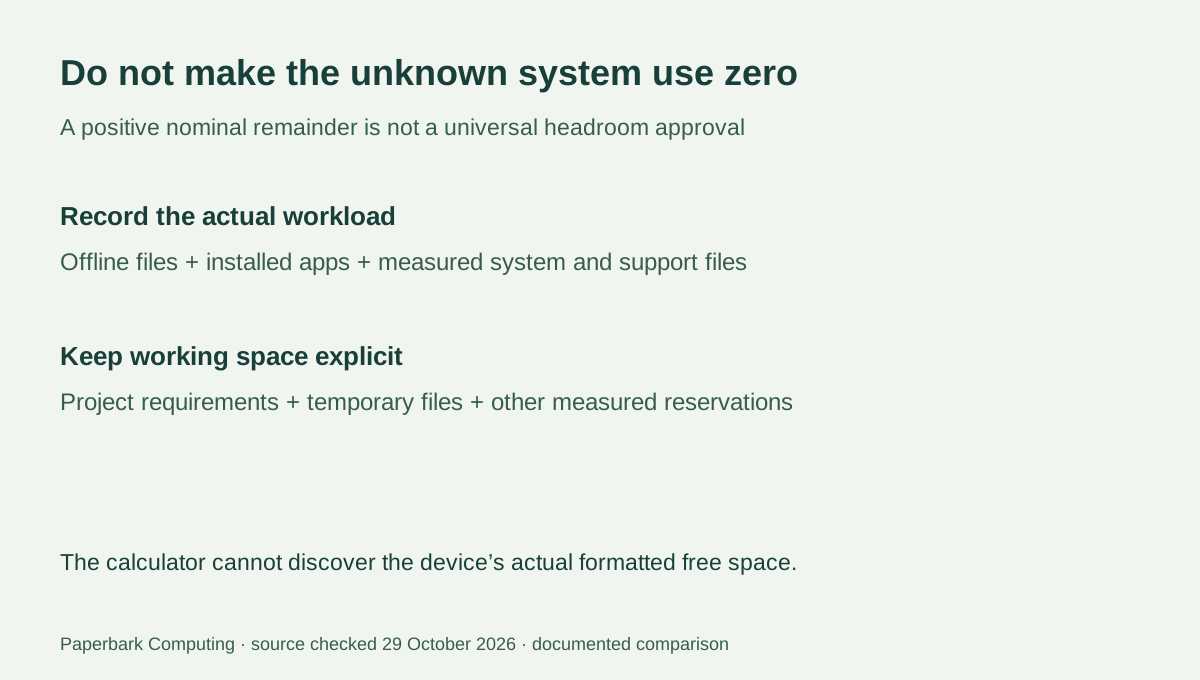
Record the files that actually need to remain offline, installed applications and their support files, system use and the working space required by your real projects. Cloud-only files are not the same as downloaded copies. A video editor temporarily storing source media and exports has a different space requirement from a student keeping modest documents locally.
The storage calculator converts the nominal GB figure and subtracts the GiB amounts you supply. It cannot know recovery partitions, your installed system, app caches or future project growth. If the arithmetic remainder is small or negative even before those unknowns, the smaller configuration has not been established as suitable. If it is positive, that alone is not a universal safe-headroom result; compare it with actual measured use and your applications’ requirements.
4. A photographed PC drive is not a Mac upgrade promise
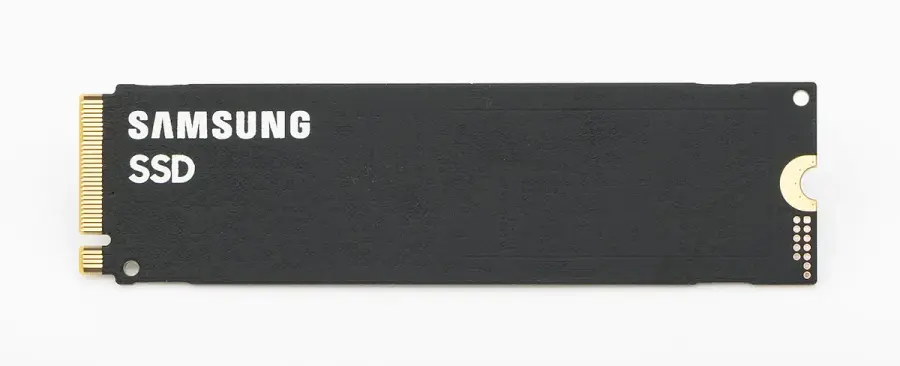
The real Intel and Samsung M.2 drives illustrate physical storage components with their own identities. They are not photographs of the SSD inside the compared M5 Air, replacement recommendations or evidence that a retail PC module can be installed in that Mac. Keep the manufacturer’s actual configuration and service information separate from an unrelated drive’s appearance.
If a future service or upgrade route is part of the purchase plan, obtain the exact model-specific answer before treating it as available. An external storage plan also needs its actual drive, connection, app workflow and backup arrangement; it should not be counted as an identical substitute for internal storage merely because the advertised capacities match.

5. Choose the capacity that fits the recorded workload
The 512GB configuration is the candidate when the required local data and applications fit with the real working space you need and the complete quote is suitable. The 1TB configuration is the candidate when that measured plan exceeds the smaller configuration’s actual usable space or when the offline working set requires the documented additional capacity. No fixed file count or generic percentage can decide this for every reader.
Get matched AUD configuration quotes and identify any genuinely required external drive or software cost separately. An unknown accessory cost is not $0. Keep the recorded storage units with the comparison so that a nominal-capacity calculation is not mistaken for a tested free-space result. That gives a defensible capacity choice without inventing a price saving or an unsupported physical upgrade route.