Student laptop: compare Air M5 and Surface Pro 9 against a real Monash example
Use published Australian course and eExam requirements to assess two actual configurations, including the screen-size and engineering conditions a generic spec list can miss.
Updated:

1. Start with your institution and course
A student laptop has to meet the course and assessment requirements, not a generic label on a shop page. As a concrete Australian example, this guide reads Monash University’s published BYOD and eExam pages, checked on 29 October 2026. These are Monash conditions, not a rule for every Australian university or an endorsement of the devices compared here.
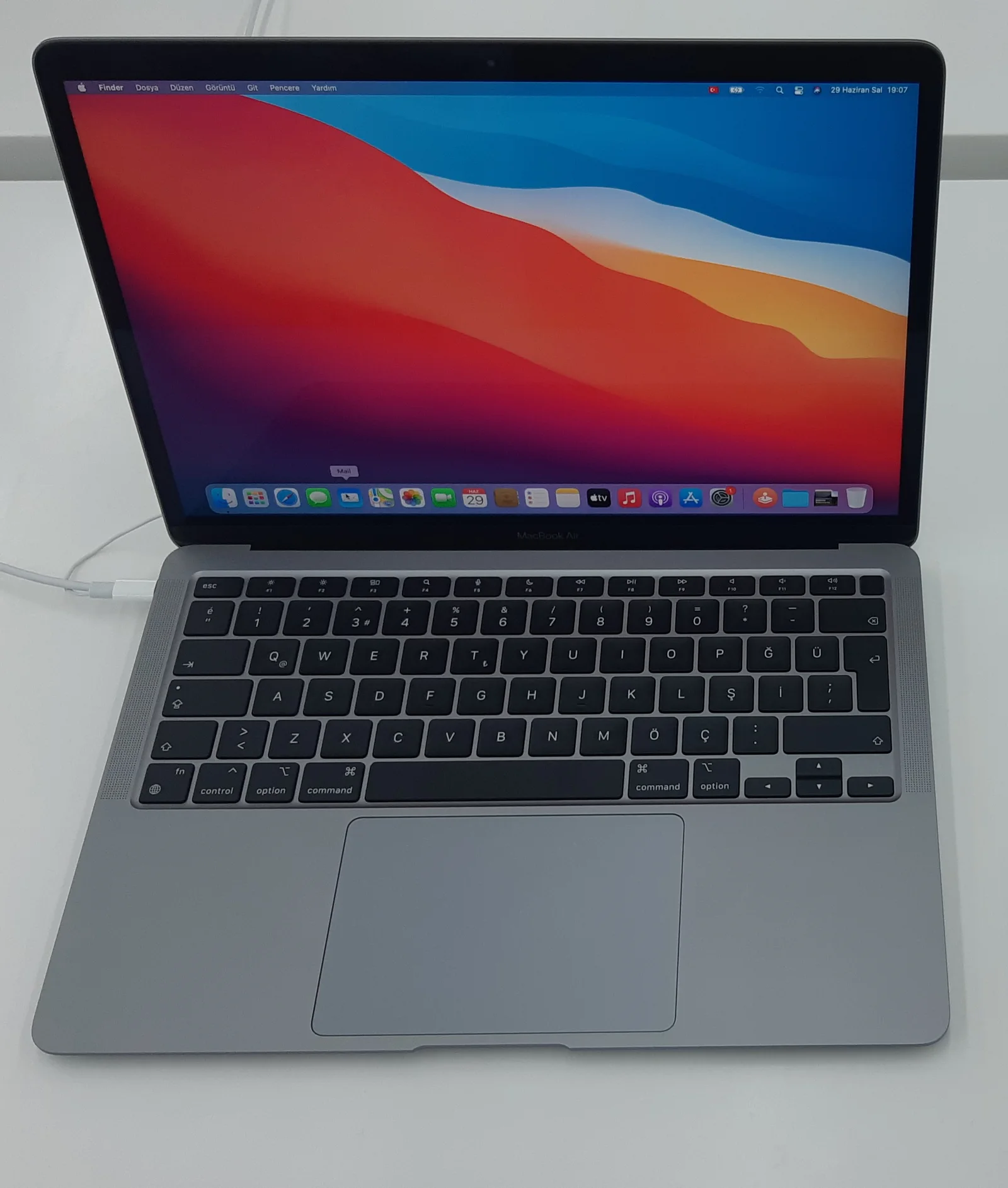
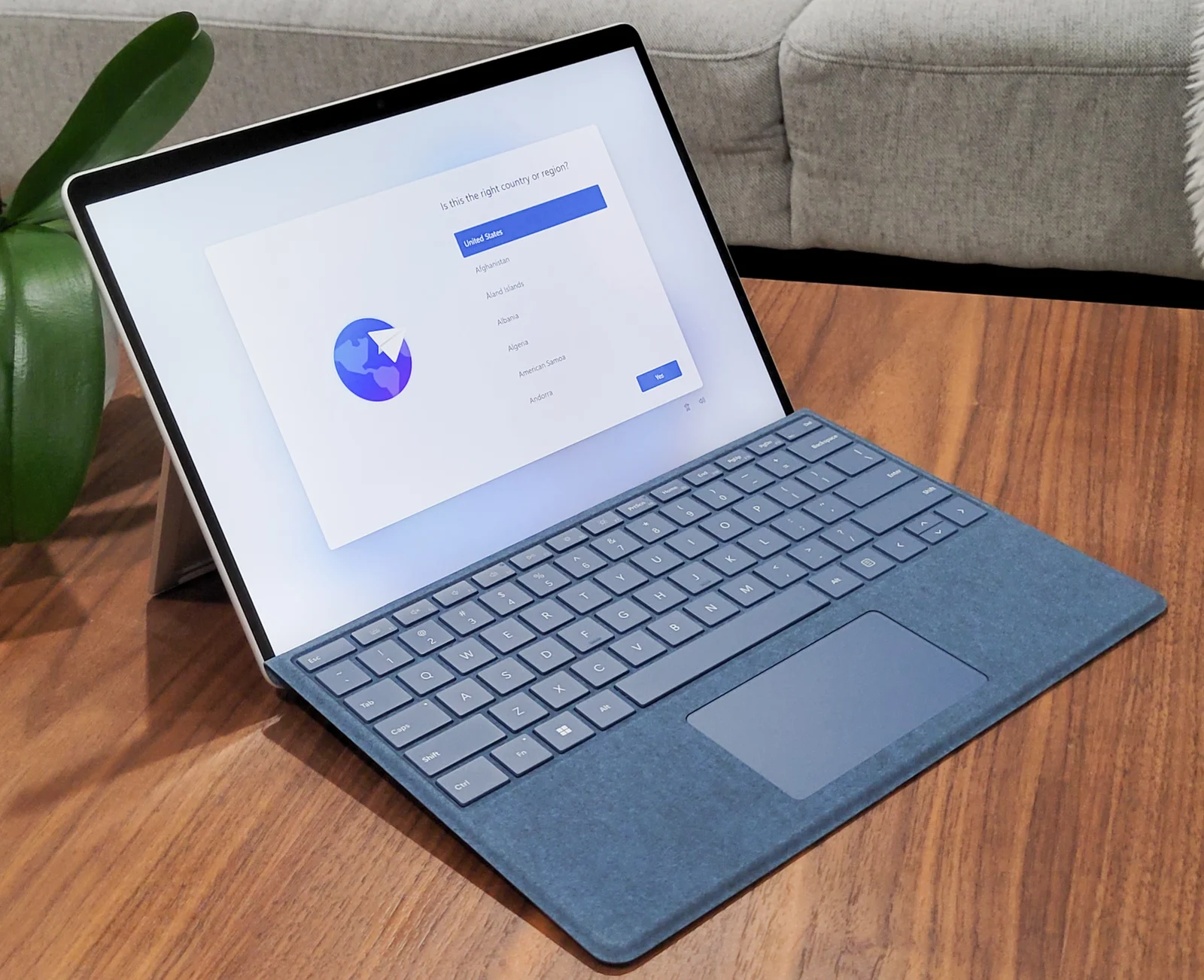
The actual comparison is a 13-inch M5 MacBook Air configuration with 16GB memory and 512GB storage versus a consumer Intel Surface Pro 9 configuration with the same named memory and storage capacities. The Air is a current model family; Pro 9 is the older 2022 family documented in Microsoft’s original fact sheet. We have not verified a current Australian retailer offer for either setup.
2. Match the actual device to each published requirement
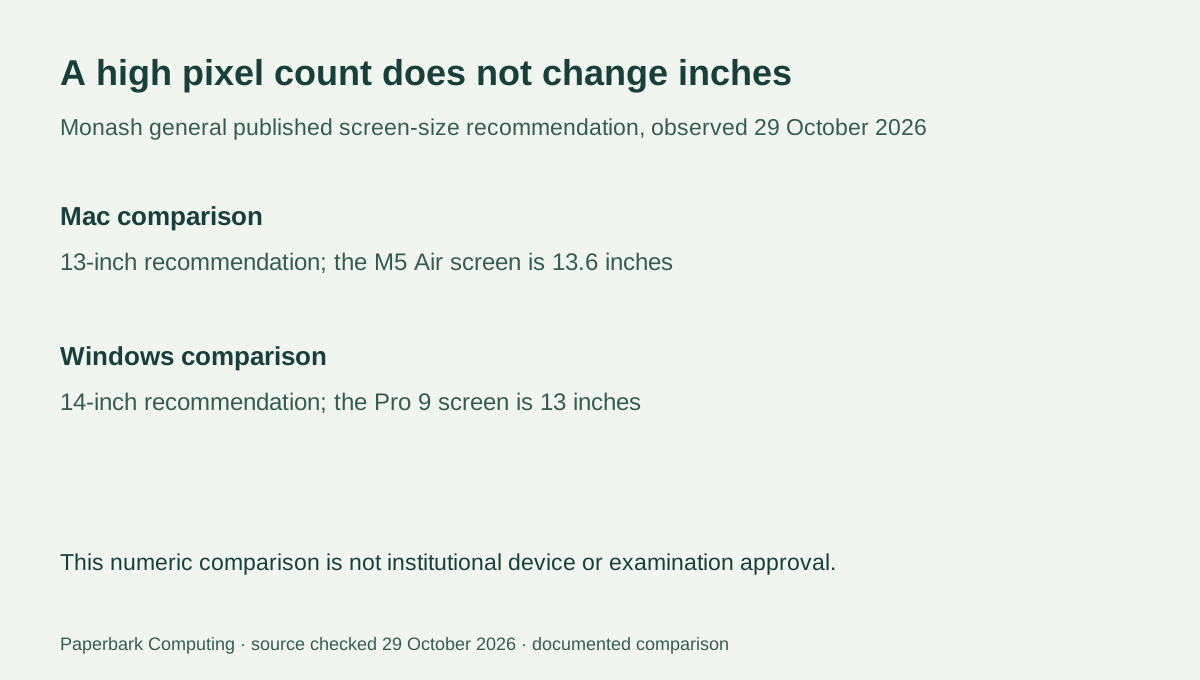
Monash’s general recommendation lists 8GB memory and a 120GB SSD for Windows and Mac, but it also gives different screen-size recommendations: 14 inches for Windows and 13 inches for Mac. The compared 13.6-inch Air clears that physical Mac screen-size number. The 13-inch Pro 9 is below the published Windows size recommendation even though its pixel resolution is high. More pixels or more memory do not change a physical screen-size requirement.
This is a comparison of stated numbers, not approval of either computer. The institution’s device check, exact installed system, applications and individual course requirements still apply. Do not compare processor clock numbers across the different architectures as if a newer chip name by itself proves every published requirement is met.
| Decision detail | 13-inch M5 MacBook Air configuration | Consumer Intel Surface Pro 9 configuration |
|---|---|---|
| Named memory / storage | 16GB / 512GB | 16GB / 512GB |
| Physical screen and pixels | 13.6-inch; 2560 × 1664 | 13-inch; 2880 × 1920 |
| Operating-system family | macOS | Windows 11 consumer family |
| Typing setup | Built-in keyboard and trackpad | Matching keyboard is a separate supplied-kit question |
| Monash general screen-size comparison | Above the published 13-inch Mac recommendation | Below the published 14-inch Windows recommendation |
| Final eExam suitability | Use Monash’s device check and course instructions | Obtain institution clarification and use its device check; do not infer approval |
3. Device class and assessment software are separate checks
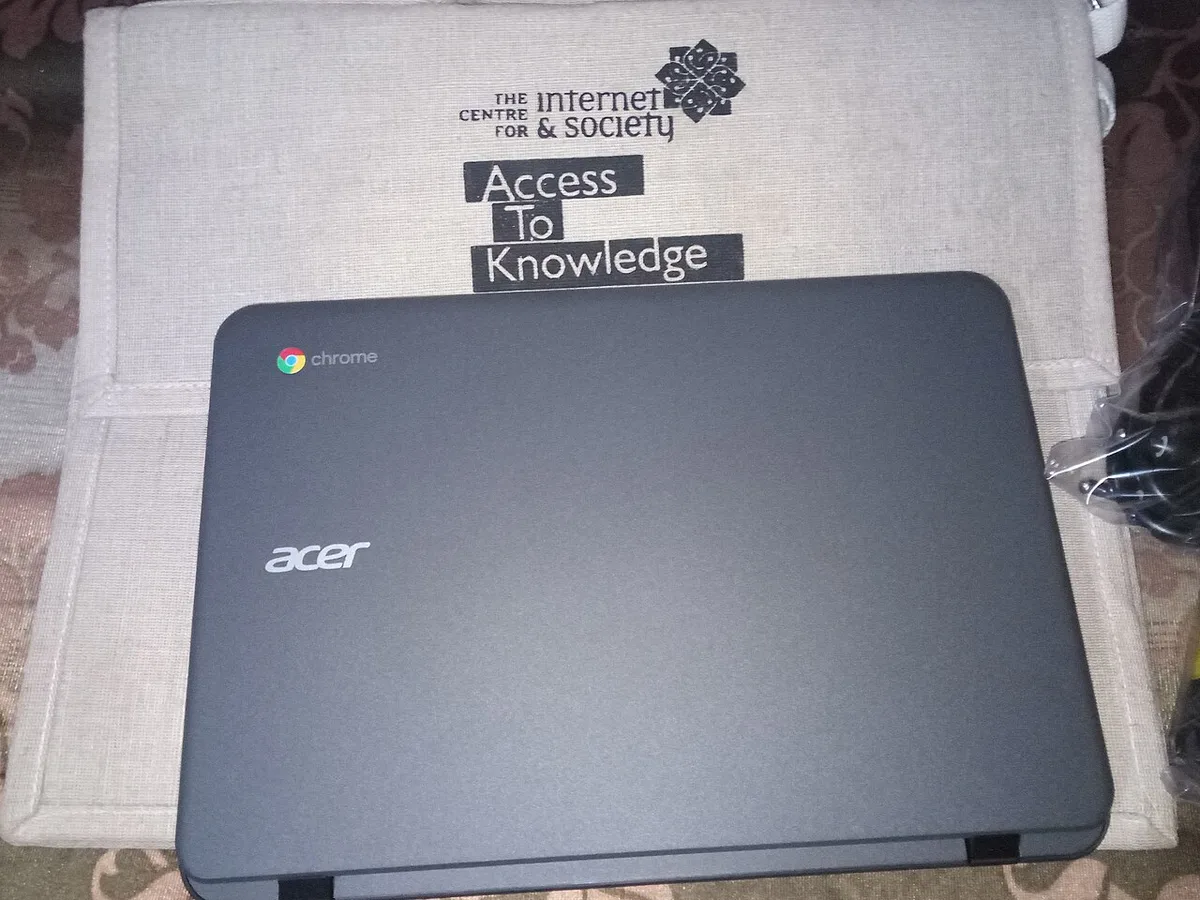
Monash’s eExam page says a laptop is needed and excludes Chromebooks, tablets, mobile phones and virtual machines for that assessment setup. The real Chromebook photograph illustrates an explicitly excluded class in this particular policy; it is not a claim that Chromebooks are unsuitable for every course or institution. A working browser or an attractive hardware specification does not override the assessment rule.
For a detachable Windows device such as Pro 9, do not invent the institution’s interpretation of a generic “tablet” exclusion. Seek its actual answer for the specific device as well as resolving the published screen-size recommendation. Monash provides a device-check route; this article and its calculators do not replace it or certify examination eligibility.
4. Engineering changes the shortlist
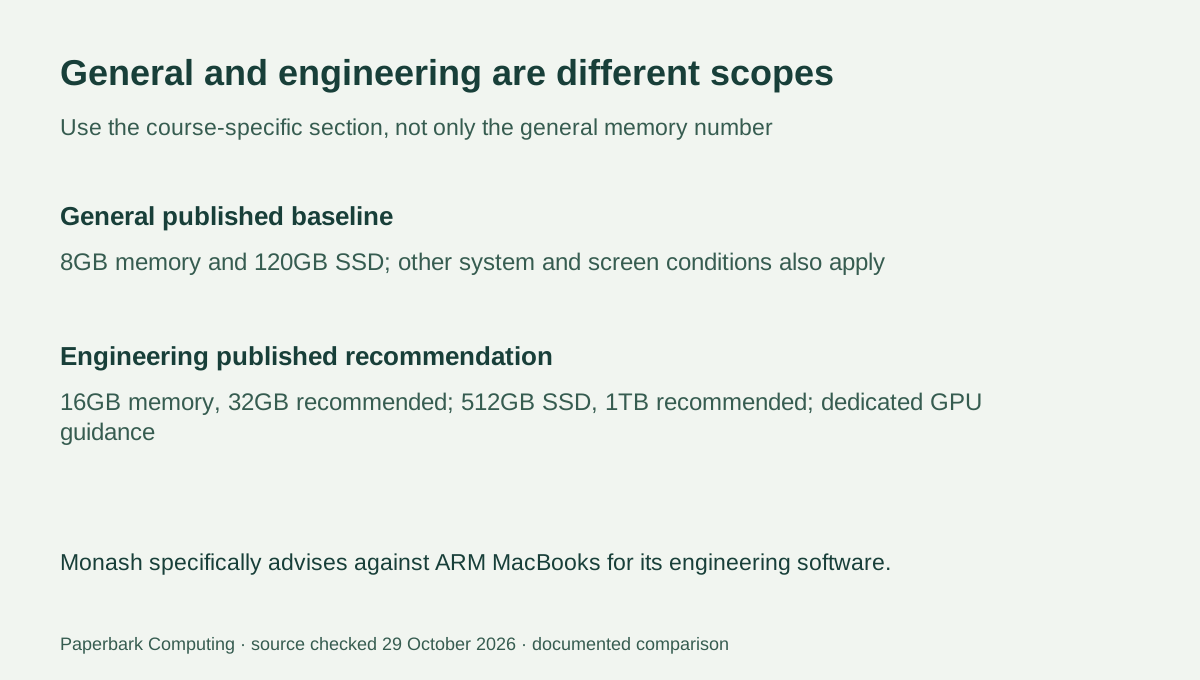
Monash’s engineering section strongly advises a Windows laptop and specifically says ARM-based Apple MacBooks are not suitable for its essential course software. It separately recommends a stronger memory, storage and graphics setup, including a dedicated GPU with at least 6GB VRAM. Do not transfer the general Mac recommendation into an engineering approval.
The Intel Pro 9 fact sheet lists Iris Xe graphics, not a documented dedicated 6GB-VRAM configuration. Its Windows name therefore does not establish that it meets that engineering recommendation either. For that stated course use, neither compared specification is a reason to stop researching; choose an actual course-appropriate Windows configuration and obtain the institution’s guidance. This conclusion is limited to the cited Monash engineering requirements.
5. Quote only after the course question is resolved
For a general course compatible with macOS, the Air remains a candidate to take through the institution’s actual checks. For the Pro 9, resolve the size recommendation and device-class interpretation before buying it for the cited eExam context. For the cited engineering use, do not treat either named setup as approved by this comparison. The useful result can be to reject an unsuitable shortlist before spending money.
Get complete AUD quotes after confirming the required configuration and input equipment. Keep the actual keyboard, charger, software and any required support in the quote rather than assuming that a bare detachable device is a complete laptop. Manufacturer up-to battery claims do not measure the university’s normal-use requirement, and no verified price or stock feed is used to label either device the best student deal.