iPad Pro M5 or MacBook Air M5: choose by Pencil, Xcode and the desk
Compare two actual Apple platforms using documented input, developer-tool host requirements and external-display support rather than the shared chip name.
Updated:
1. Compare the platform required by the work
An 11-inch iPad Pro M5 and a 13-inch MacBook Air M5 can suit different work even though both carry M5 in the specification. The iPad is the documented Pencil-input option in this pair. The Air is the macOS notebook candidate for a task that needs a Mac-hosted tool such as desktop Xcode. Start with those requirements before comparing a processor label or a headline device price.
This guide uses Apple Australia specifications and the Apple Developer Xcode requirements checked on 29 October 2026. The named configurations are a Wi-Fi 256GB 11-inch iPad Pro and a 16GB-memory / 512GB 13-inch Air order choice. Their capacities and input arrangements are different; they are not a matched-price benchmark or two photographed current review units.
2. A shared chip name does not make the operating systems interchangeable
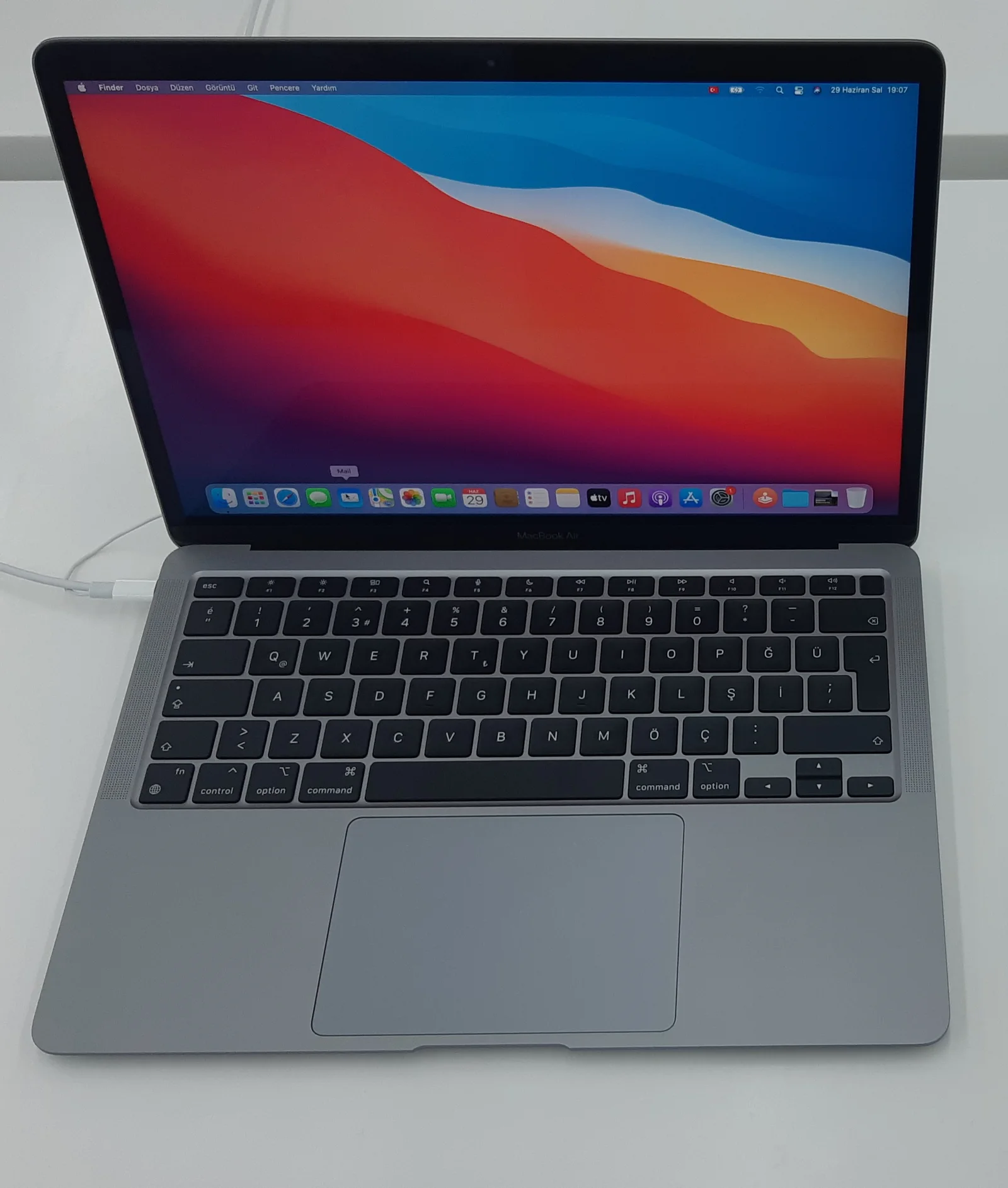
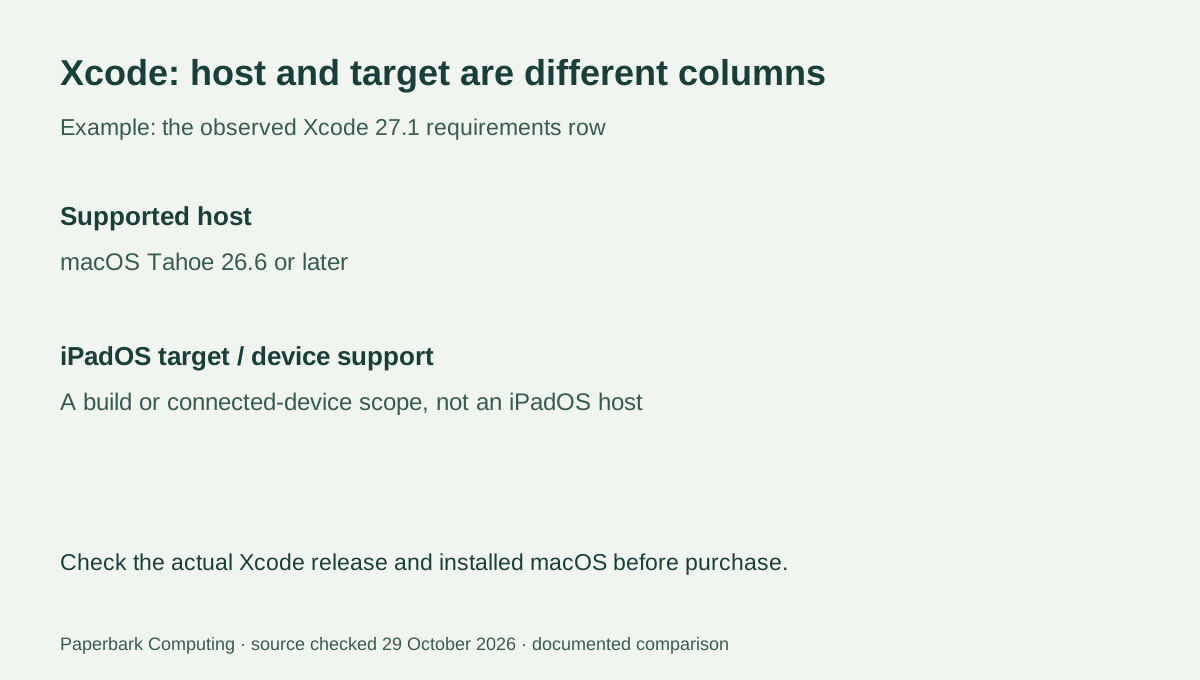
The iPad Pro runs iPadOS; the MacBook Air runs macOS. A concrete example is Apple’s Xcode 27.1 requirements row, which lists macOS Tahoe 26.6 or later as the supported host. The same row also lists iPadOS deployment and device support, but those columns describe the software you can build for or connect—not an iPadOS host on which desktop Xcode runs.
For a course or project requiring that desktop Xcode workflow, investigate the Air and its installed macOS version rather than treating the iPad’s M5 as sufficient evidence. The requirement is version-specific and should be rechecked for the actual tool release. This guide does not claim that every coding task needs Xcode, that every developer workload fits a base Air, or that all Mac and iPad app versions have identical features.
| Work requirement | iPad Pro 11-inch M5 Wi-Fi 256GB | MacBook Air 13-inch M5 16GB / 512GB |
|---|---|---|
| Operating-system family | iPadOS | macOS |
| Memory / storage in this named configuration | 12GB unified memory / 256GB | 16GB unified memory / 512GB |
| Documented Pencil Pro support | Listed in iPad Pro specification and Pencil compatibility list | Not the documented Pencil Pro tablet option in this pair |
| Keyboard arrangement | Matching external keyboard is a separate purchase choice | Built-in keyboard and trackpad |
| Xcode 27.1 host requirement | iPadOS target/device columns are not host support | Check installed macOS against the specified Tahoe 26.6-or-later host row |
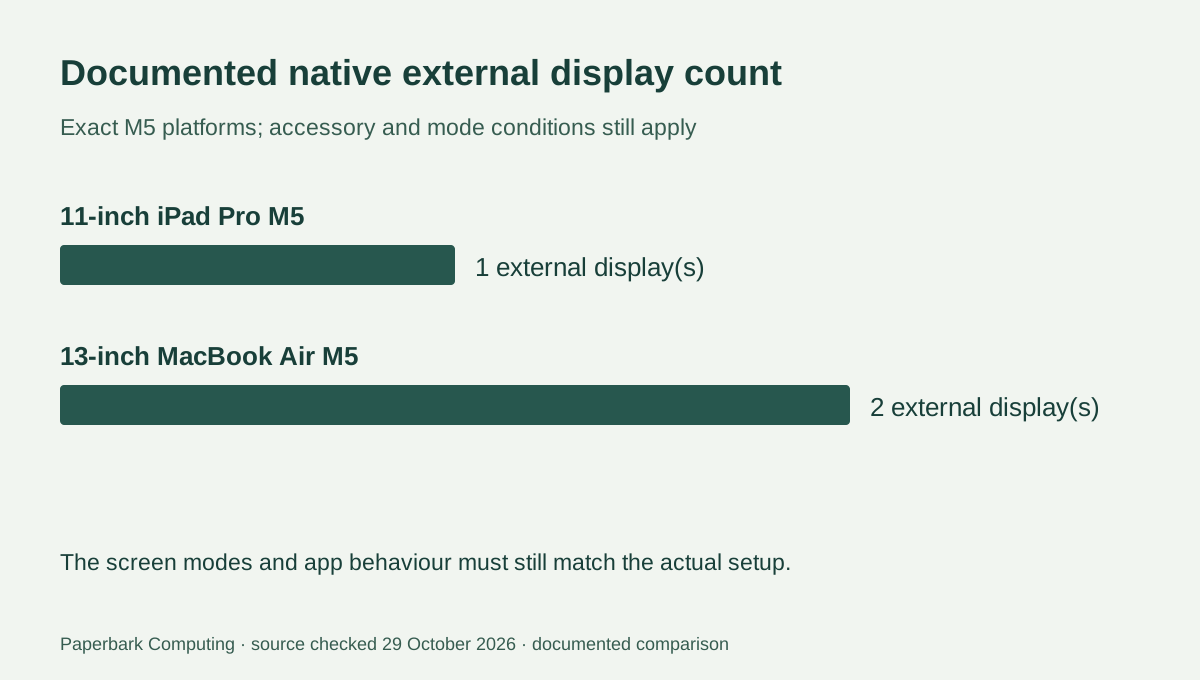
| Native external display count in specifications | One external display | Up to two external displays |
3. Put the input method into the decision
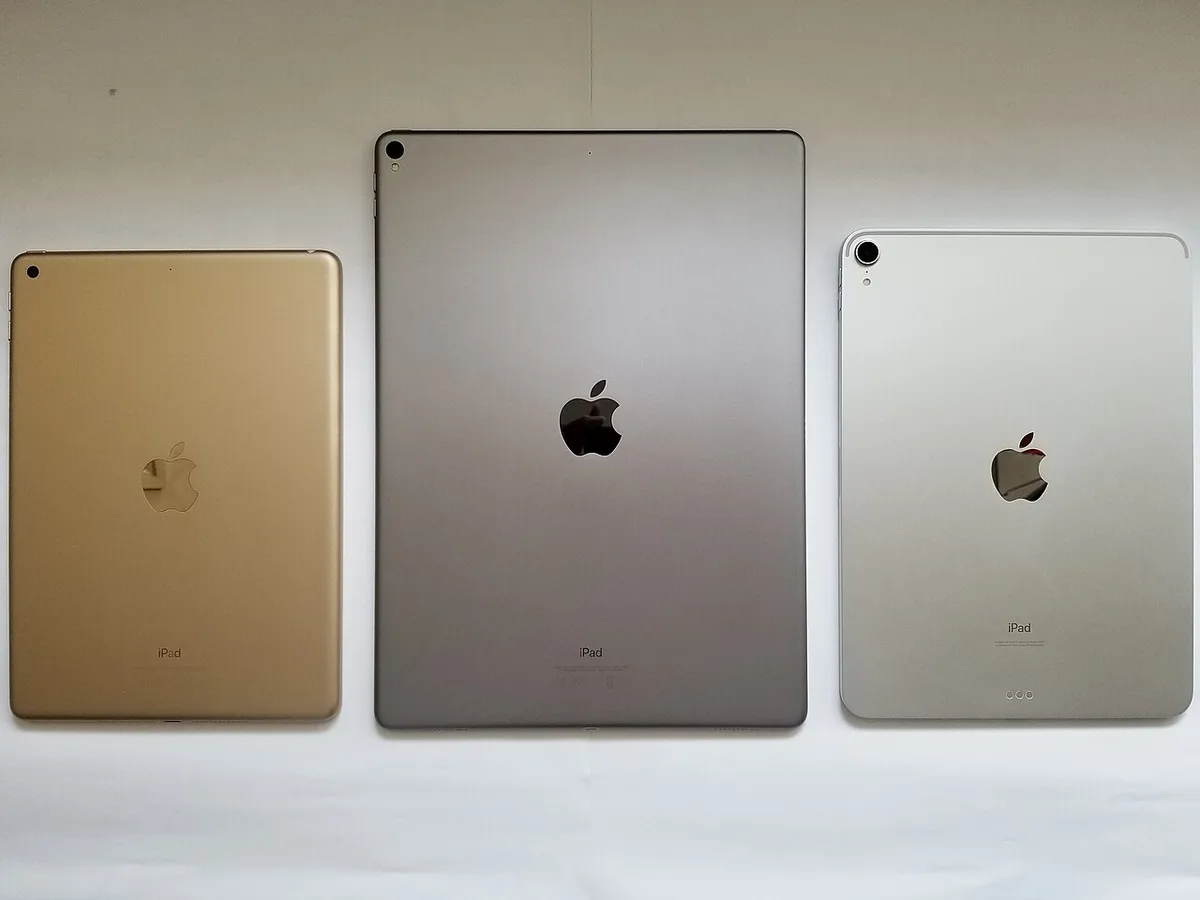
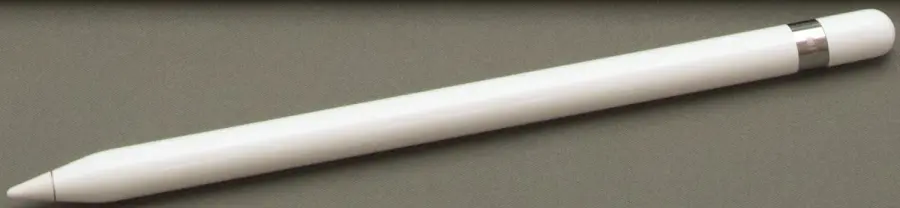
If the job specifically needs supported Pencil Pro drawing or handwritten annotation, the iPad Pro is the documented candidate of this pair. Check the exact application’s required features as well as the tablet and Pencil compatibility. An older capped Apple Pencil, like the real example shown here, is not made compatible with the M5 Pro merely by sharing the Apple Pencil name.
If most of the job is keyboard-led and needs macOS software, the Air’s built-in keyboard and trackpad are already part of the computer. An iPad keyboard quote must preserve the correct size and supported generation. Do not compare a bare tablet subtotal with a complete notebook while assuming the input accessories cost nothing or that an old case keyboard automatically fits.
4. Define the actual display desk
Apple lists one external display for the M5 iPad Pro, including up to 6K at 60 Hz or 5K at 120 Hz. The M5 Air specification lists up to two external displays while supporting the built-in panel, with its own resolution and refresh combinations. A desk requiring two native external monitors therefore creates a real distinction between these platforms.
The count does not approve an arbitrary dock, cable or app arrangement. Check the exact monitor modes and how the required application uses external displays. Do not infer two independent external desktops from two visible connectors or from a product photo. The current specification—not the older devices in the contextual photographs—establishes the model capability being compared.
5. Quote the working setup you actually need
Choose the iPad Pro candidate when its supported Pencil workflow and iPadOS applications are the requirement and its display arrangement is sufficient. Choose the Air candidate when the required macOS host tool, built-in typing setup or documented two-external-display capability is the deciding feature. If the task needs both platforms, identify that explicitly rather than pretending the chip label eliminates the distinction.
Get complete AUD configuration and accessory quotes, including a matching keyboard or Pencil where required. No verified live price or stock feed is used in this guide, and the different named storage capacities should remain visible. The cost and storage tools can calculate supplied numbers; they cannot certify that a course, project, app or display chain is supported.