Chromebook or Windows laptop for Microsoft 365: decide by the required app
Compare a real Acer Chromebook 314 family with an Intel Surface Pro 9 platform for browser Microsoft 365 versus Windows desktop requirements and offline file workflows.
Updated:

1. Desktop Office is the decisive distinction
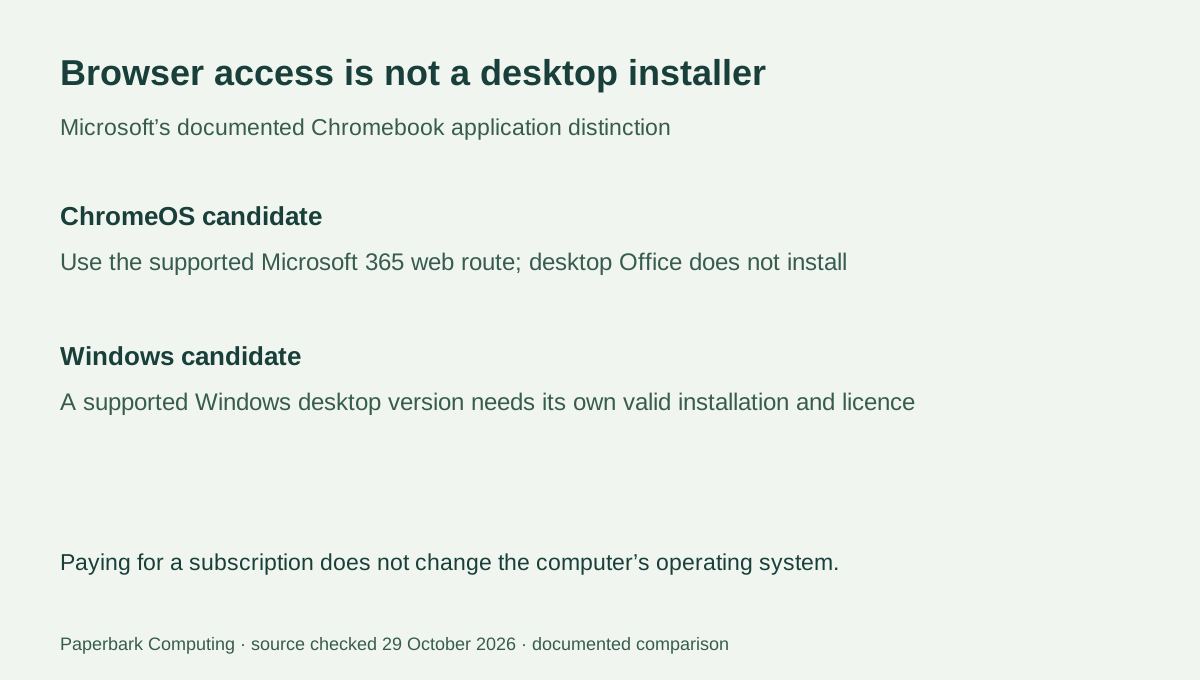
If your requirement is the Windows desktop version of Microsoft 365, a Chromebook is not a substitute: Microsoft says its Windows and Mac desktop Office versions cannot be installed on ChromeOS. Browser-based Microsoft 365 is a different route. That distinction matters more than choosing a Chromebook by RAM alone or assuming that a paid subscription changes the computer’s operating system.
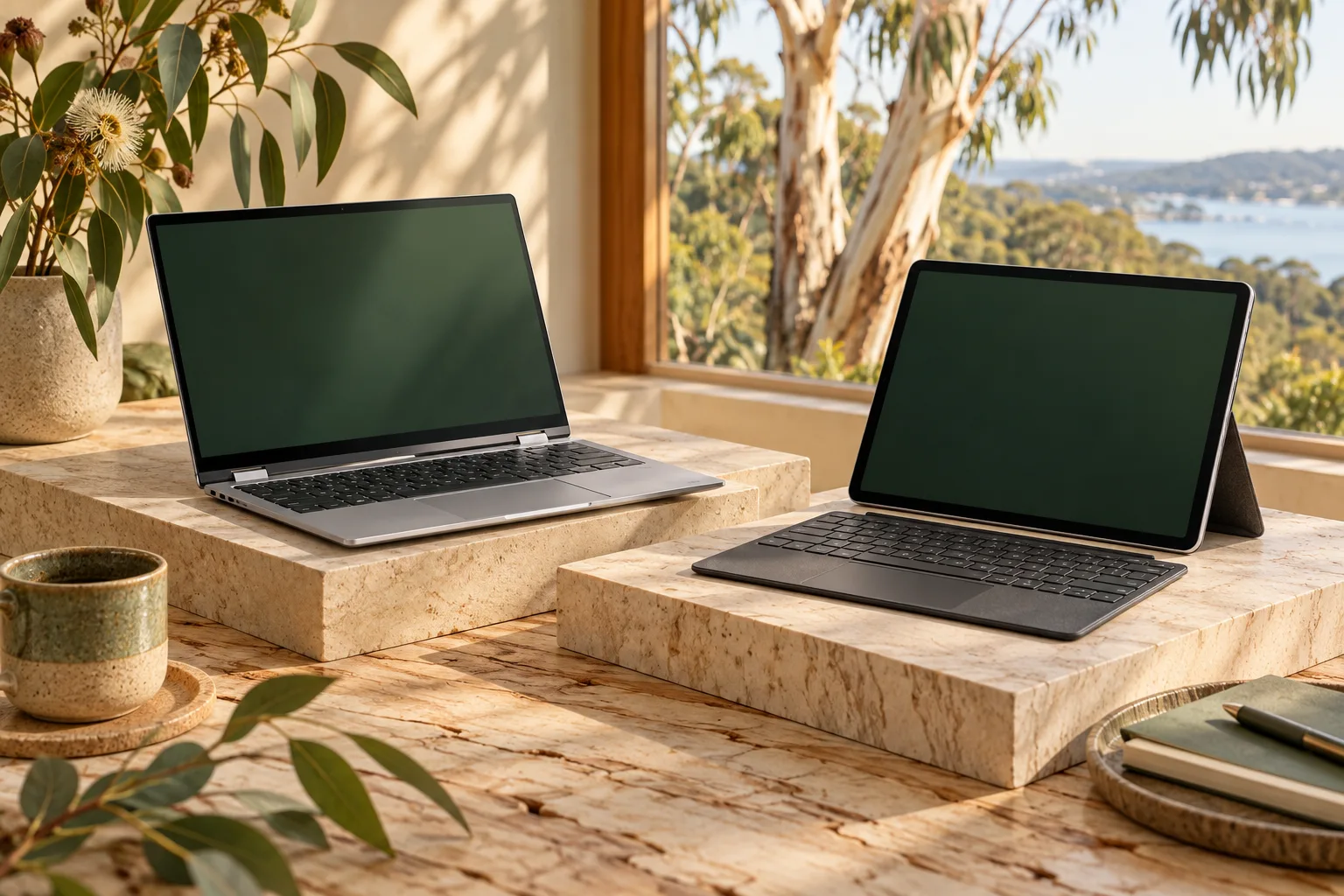
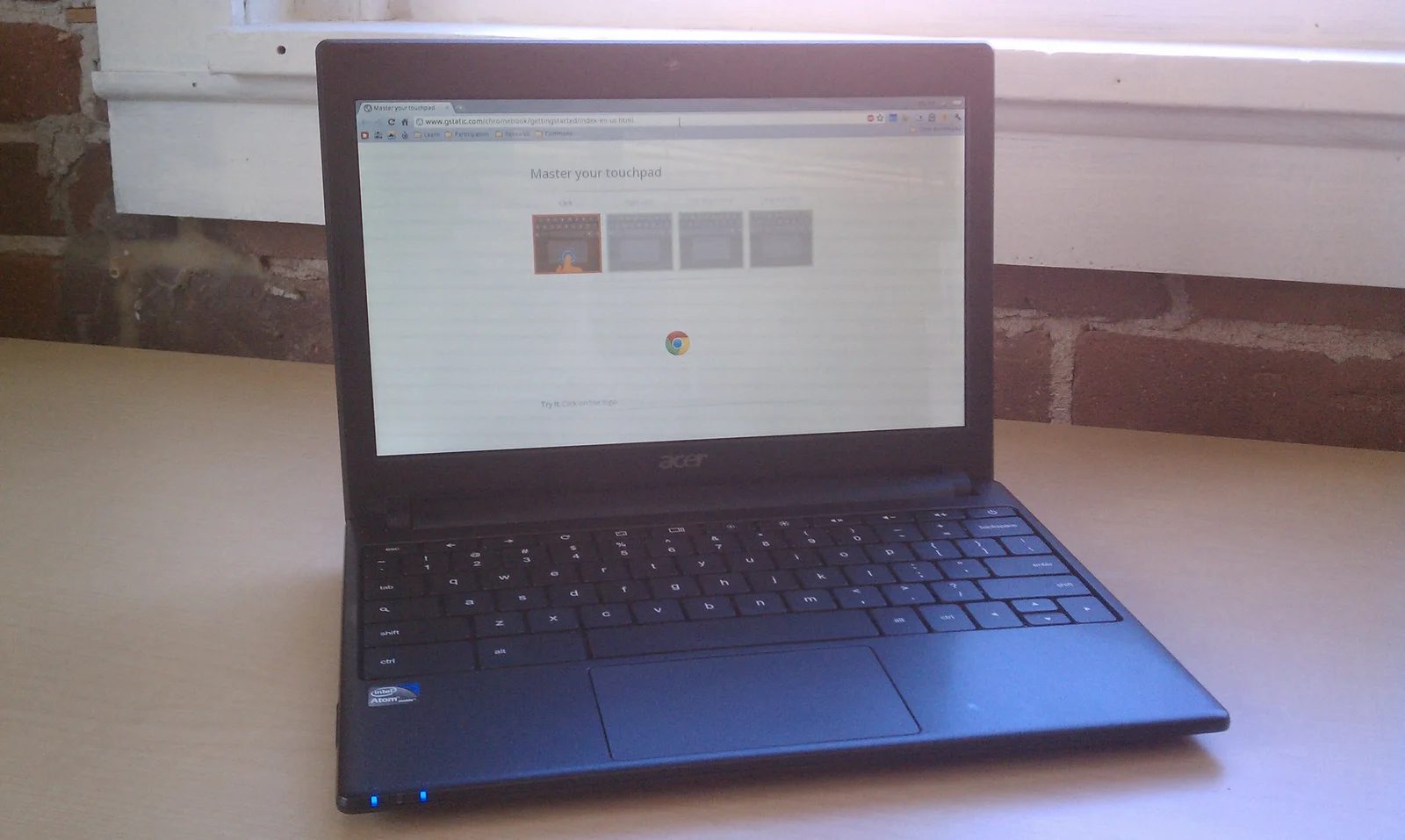
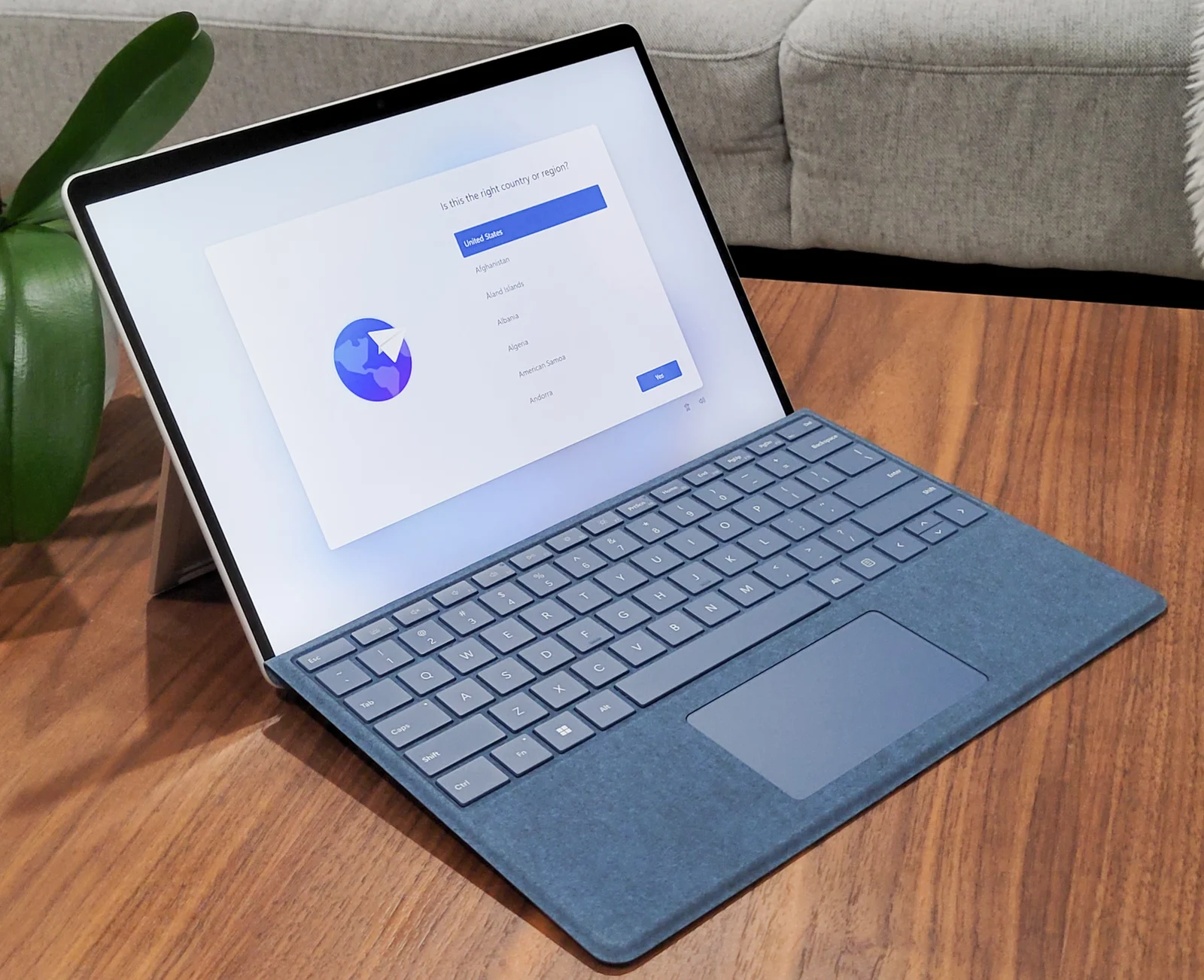
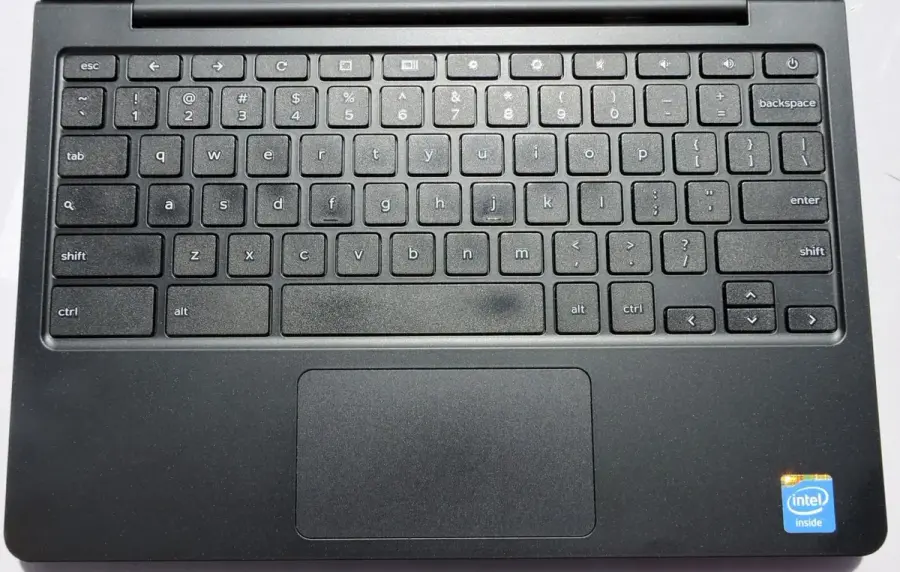
This comparison uses the Acer Chromebook 314 CB314-4H / CB314-4HT family as an identified ChromeOS candidate and the consumer Intel Surface Pro 9 as the Windows candidate. Google lists the Acer group in its support table; Microsoft’s 2022 fact sheet documents the Intel Pro 9 consumer Windows 11 family. They are actual device families, not anonymous A/B machines. No current Australian prices, availability or performance test results have been verified.
2. Match the required application to the actual platform
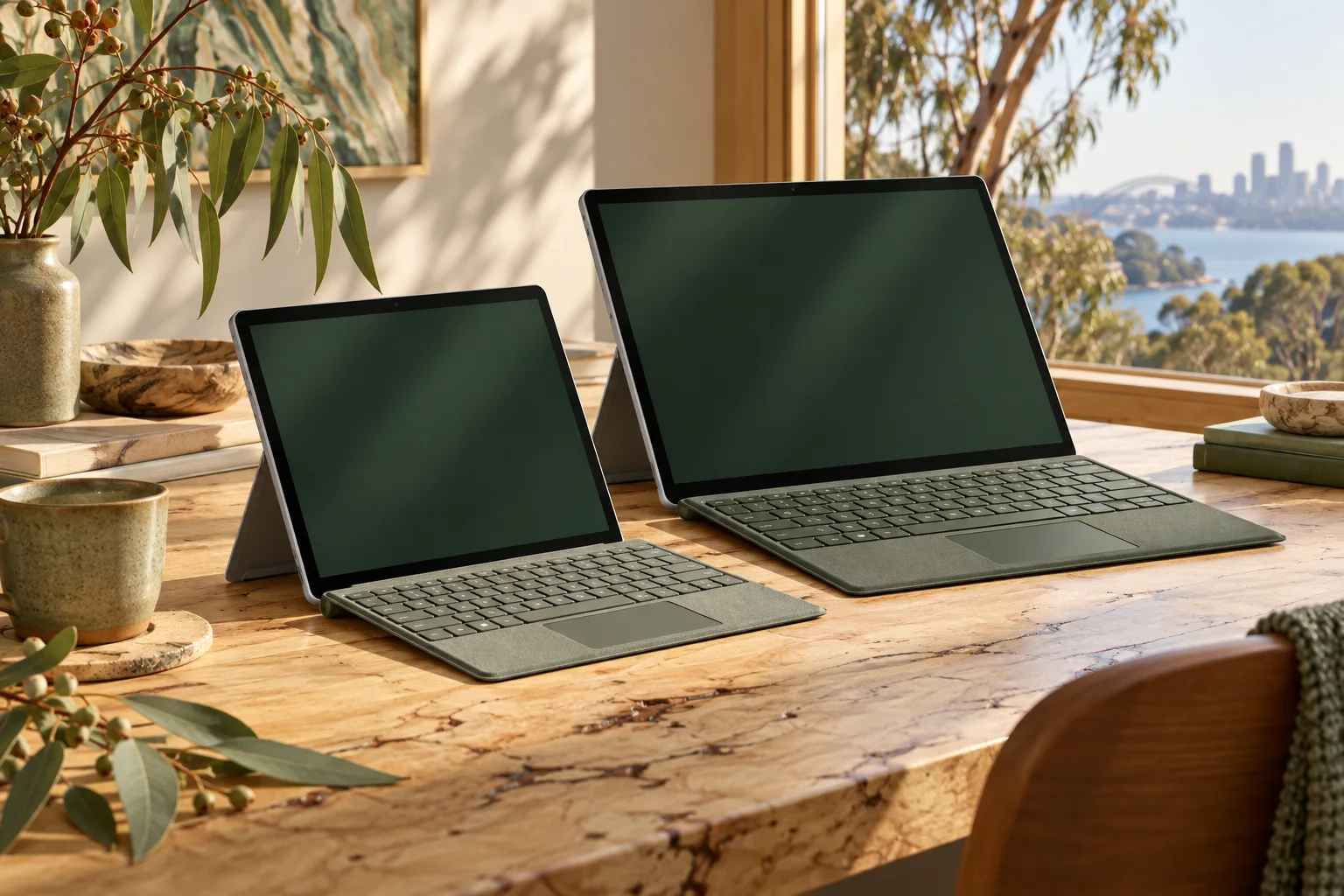
The Acer candidate belongs on the shortlist when the required work is explicitly supported in the browser and the organisation accepts ChromeOS. The Intel Pro 9 belongs on a Windows shortlist when the required application needs a supported Windows installation. Neither statement approves every configuration, software licence or institutional assessment setup. The Surface also requires a matching supplied keyboard to become the typing kit many buyers expect from a laptop.
Keep the Intel model distinct from Surface Pro 9 with 5G, which uses SQ3 and introduces separate Windows-on-Arm application and driver conditions. A listing saying only “Surface Pro 9” leaves that distinction unresolved. The platform table below is about application routes, not evidence that the older Pro 9 is currently the best-priced Windows machine.
As a concrete Intel Pro 9 configuration, Microsoft documents 16GB memory with a 512GB storage option, alongside its 13-inch 2880 × 1920 display. Those capacities identify a research configuration, not a verified seller offer, and do not remove application, licence or course requirements.
| Decision detail | Acer Chromebook 314 CB314-4H / CB314-4HT | Consumer Intel Surface Pro 9 |
|---|---|---|
| Documented platform family | ChromeOS Chromebook | Windows 11 consumer Intel model |
| Microsoft 365 browser route | Available subject to account and organisation conditions | A browser route remains a separate option |
| Windows desktop Office installation | Not installable on ChromeOS | Use a supported Windows desktop version and valid licence |
| Typing equipment | Notebook form; confirm exact offered keyboard layout | Matching keyboard is a separate supplied-kit item |
| Approval for a specific course or exam | Not established by this comparison | Not established by this comparison |
3. Test the real document and the offline situation
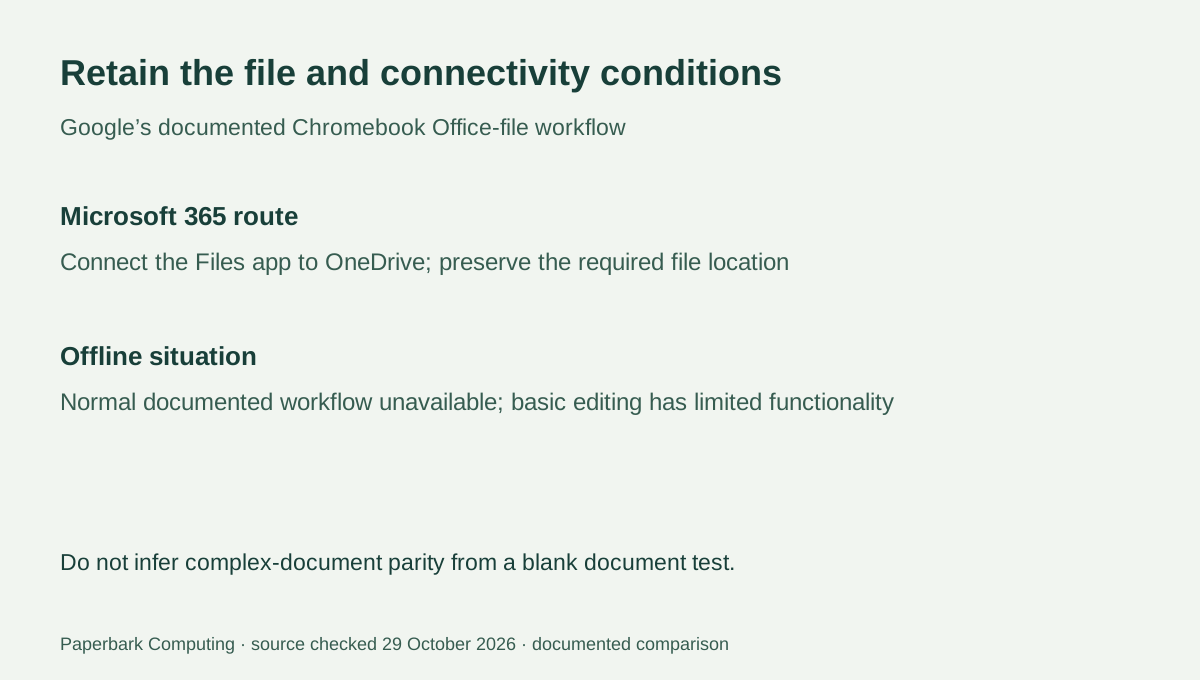
Google’s documented Microsoft 365 file workflow connects the Chromebook’s Files app to OneDrive. Files may need to move to that location for editing. Its help page also describes Google’s alternative editing route and warns that the specified normal file-opening workflow is unavailable offline, with only a limited basic-editor option. Do not promise that every file in Downloads will retain the same editing experience without connectivity.
Before buying for study or work, identify a representative document that contains the features you actually need: the required workbook, presentation or template rather than a blank test file. Establish the required app and storage location with the organisation, and test that workflow on an accepted device if access is available. We have not run your documents or measured feature parity, so a successful ordinary text edit is not presented as proof about complex files.
4. A subscription and a desktop installation answer different questions
Microsoft describes access through a personal or subscription-associated account for its Chromebook web route, with additional editing features depending on the subscription. That account access does not install the Windows desktop suite on ChromeOS. The same distinction applies when someone offers a laptop bundled with a licence: determine what application the licence actually permits on the selected operating system.
For an Intel Windows device, check the desktop software’s current supported system, licence and required features rather than assuming every old Office installer is supported indefinitely. The device’s Windows label is only one part of that decision. For a managed account, also confirm whether the organisation permits the required browser sign-in and cloud storage route. This article does not certify an organisation’s access policies or licensing entitlement.
5. Use the hard requirement to choose the right shortlist
Choose a Windows shortlist when the requirement explicitly names a supported Windows desktop application or a Windows-only workflow. The Intel Pro 9 is one documented example, not a universal buying recommendation. Choose a ChromeOS shortlist only when the needed browser workflow, connectivity pattern and organisation’s device policy are actually acceptable. The Acer’s published update horizon must still be checked against the exact model code; a new purchase does not restart that platform clock.
For an Australian student, obtain the actual course and assessment device rules before ordering either candidate. A browser-only task today does not override a written exam-device exclusion tomorrow. Once the platform is resolved, obtain complete AUD quotes for the exact computer, keyboard where separate, charger, software and support. That sequence answers the application question before a superficially cheap but unsuitable device becomes an expensive replacement problem.