Surface Pro 9 Intel or Pro 9 with 5G: check the platform, not just the modem
The actual 2022 Pro 9 variants use different processor platforms, memory options and USB-C modes. Check current app and driver support before buying used.
Updated:
1. The 5G model is not just the Intel model plus a modem
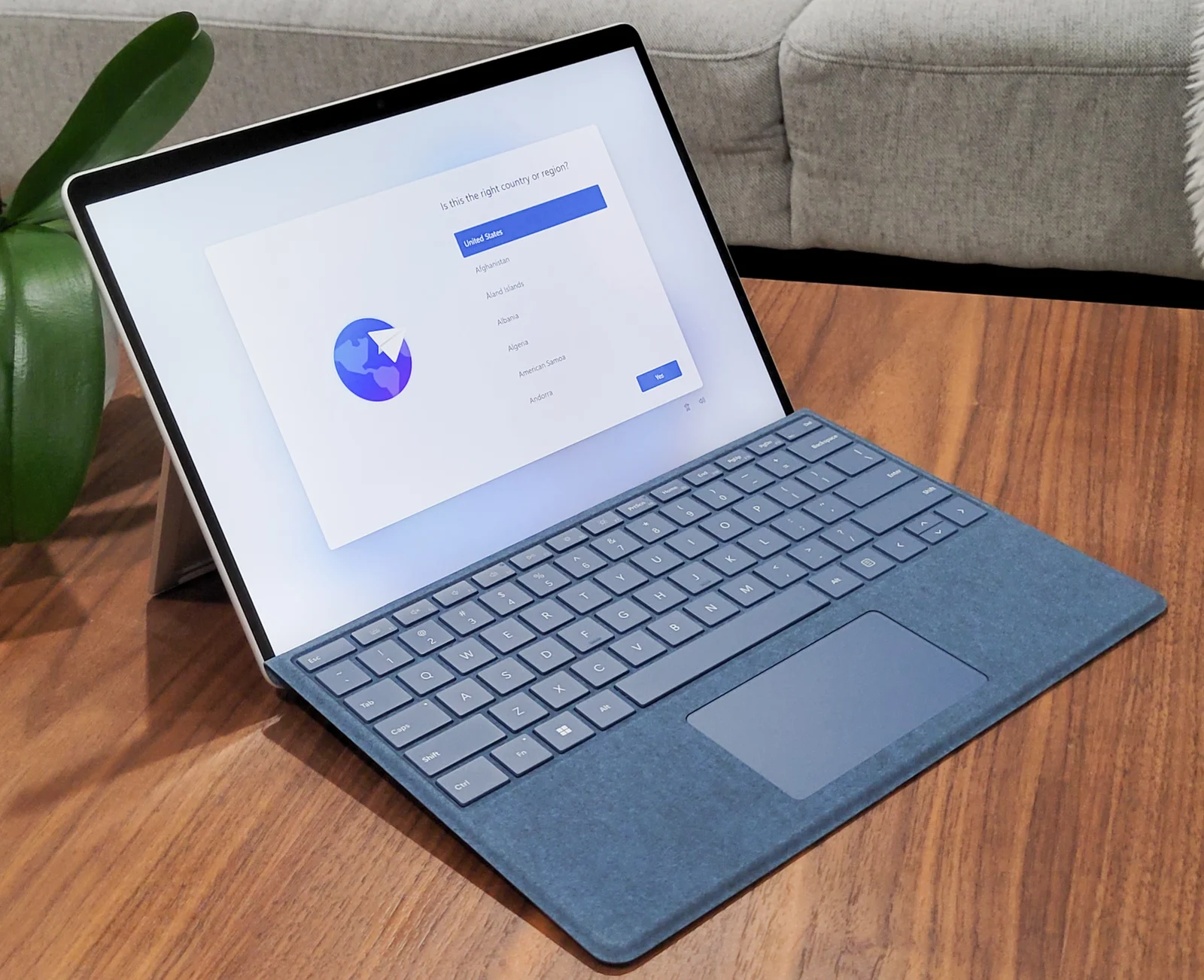
A used Surface Pro 9 listing needs its processor platform as well as its name. Microsoft’s October 2022 fact sheet names Intel Core processors for Surface Pro 9 and Microsoft SQ 3 for Surface Pro 9 with 5G. That is a different Windows hardware platform, not a single optional modem added to an otherwise identical Intel configuration.
This guide compares those actual 2022 consumer variants using the manufacturer’s original fact sheet, read again on 29 October 2026, and current Microsoft Australia software guidance. It does not present them as the latest Surface generation or verify current Australian stock, carrier support or a retail price. A seller must still identify the exact unit and its supplied accessories.
2. Compare the actual configurations you can identify
The fact sheet distinguishes consumer Intel processors from the separate commercial configurations. The consumer comparison below uses Core i5-1235U or i7-1255U; it does not silently substitute the business i5-1245U or i7-1265U. Preserve the exact processor in a quote rather than reducing the listing to “i5 Surface”.
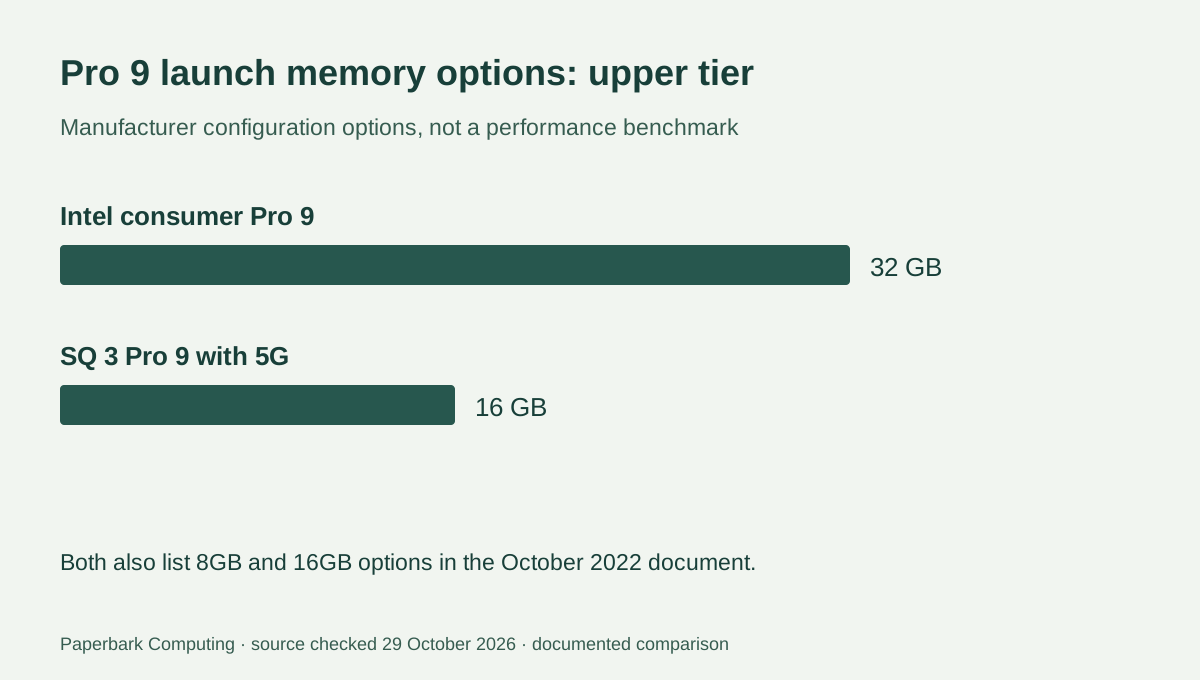
Memory and storage options also differ. The Intel variant’s documented memory options extend to 32GB, whereas the SQ 3 variant lists 8GB or 16GB. That is a configuration limit in the cited launch document, not an app-speed measurement or a claim that the highest capacity is needed for every buyer.
| Documented item | Surface Pro 9 Intel consumer | Surface Pro 9 with 5G |
|---|---|---|
| Processor platform | Core i5-1235U or i7-1255U | Microsoft SQ 3 |
| Launch consumer OS | Windows 11 Home | Windows 11 Home on the Arm platform |
| Memory options | 8GB, 16GB or 32GB LPDDR5 | 8GB or 16GB LPDDR4x |
| SSD options in cited document | 128GB, 256GB, 512GB or 1TB | 128GB, 256GB or 512GB |
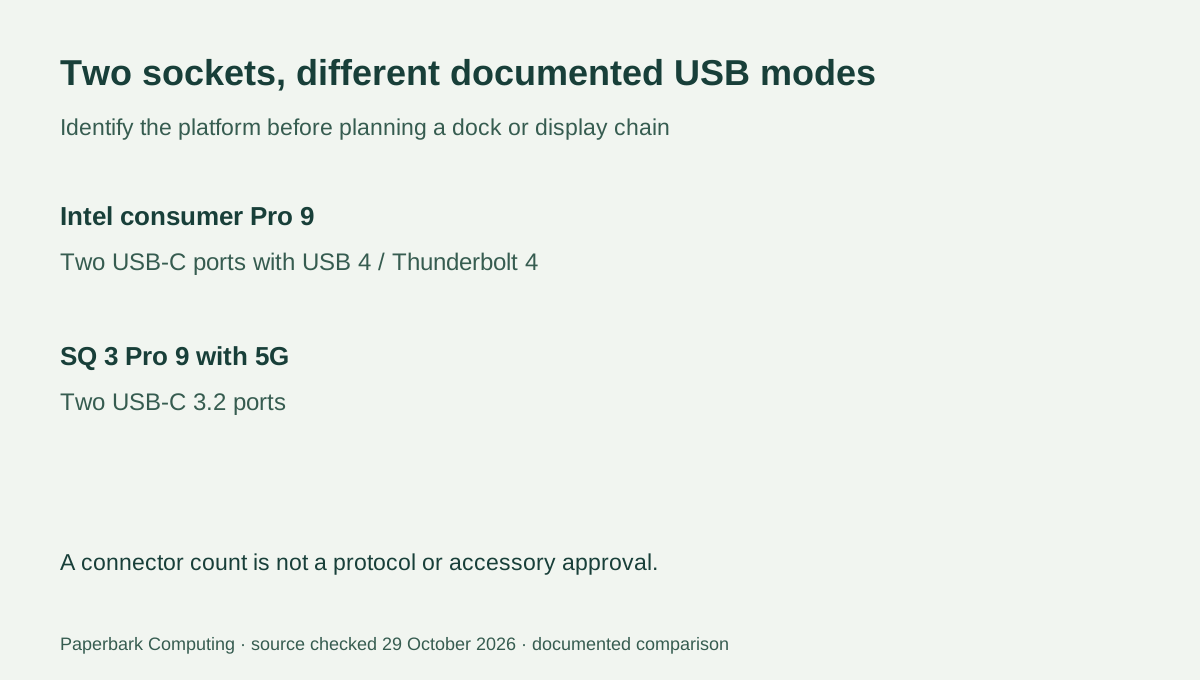
| USB-C ports | Two with USB 4 / Thunderbolt 4 | Two USB-C 3.2 |
| Other listed connections | Surface Connect; keyboard connector | Surface Connect; keyboard connector; nano SIM |
3. The same connector shape does not preserve the port mode
Both variants have two USB-C-shaped ports, but the Intel model’s specification names USB 4 and Thunderbolt 4. The SQ 3 with 5G specification names USB-C 3.2 instead. Keep this distinction when a dock, external storage device or display chain is part of the purchase. A Thunderbolt requirement cannot be satisfied by counting two physical USB-C sockets.
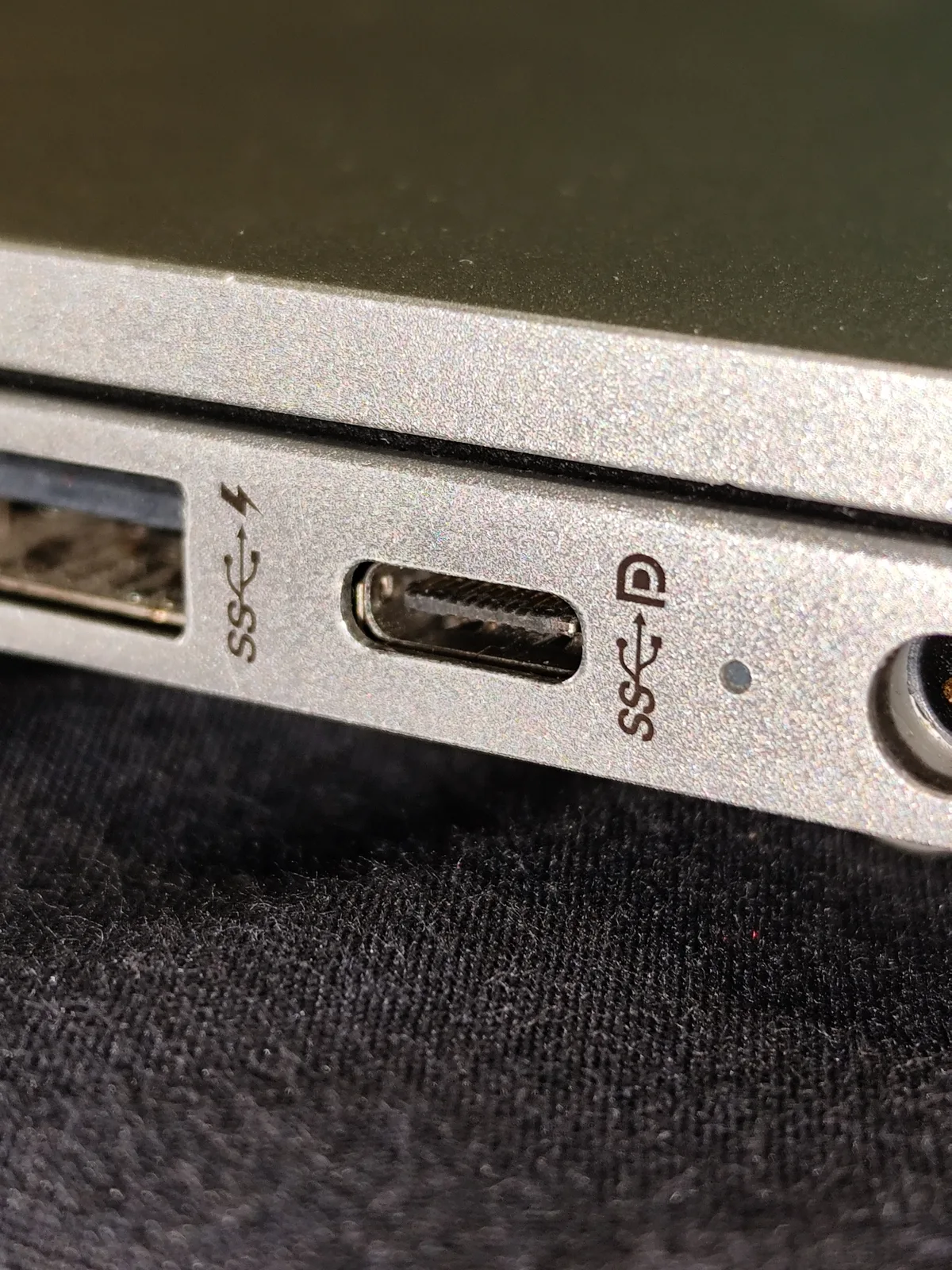
The real laptop-port photograph is a connector and symbol example from a different computer, not a close-up proving either Surface variant’s implementation. Use the actual Surface specification and the accessory’s requirements to decide which mode is available. Also check the exact monitor mode and the operating system; the presence of a connector is not a complete dock compatibility result.
4. Separate application support from peripheral drivers
Microsoft’s current guidance describes native Arm64 apps and x86/x64 application emulation on Windows 11 Arm devices. It separately says that hardware and software relying on drivers need drivers designed for the Arm platform or supported built-in drivers. An app opening successfully does not establish that its scanner, printer, specialist device or driver-dependent feature will work.
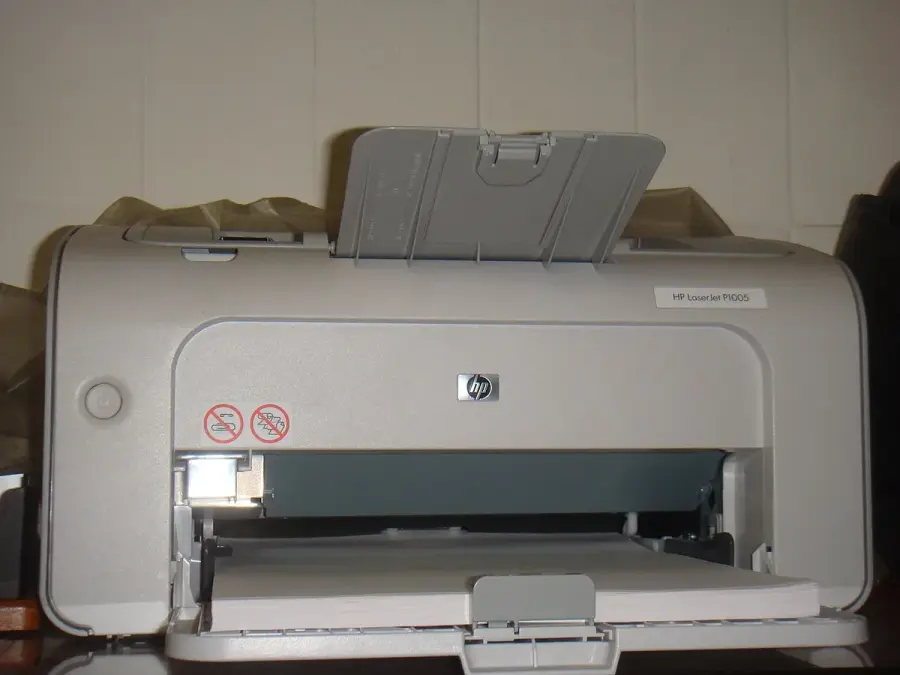
The older HP printer photograph is a real example of a retained peripheral that needs its own model-specific check. We have not established Arm64 driver support for that particular printer, so the image is not a compatibility recommendation. Before buying the SQ 3 variant, identify the exact printer and required software versions and obtain the publisher or manufacturer’s current support answer. Do not replace that answer with a general statement that all Windows applications or all old printers work.
5. Choose the variant whose platform fits the work
The Intel Pro 9 is the relevant candidate of this pair when the requirement is its documented Thunderbolt mode or an established Intel Windows software and driver setup. Pro 9 with 5G is the candidate when its cellular option is required and the actual Arm application and peripheral plan has been checked. Neither is automatically suitable merely because the seller calls it a full Windows computer.
For the cellular candidate, retain the exact regional model and verify the intended Australian carrier and plan separately; the global launch sheet includes different radio-market configurations. For either variant, obtain a complete AUD quote for the identified device, keyboard, power equipment and required accessories. No verified current offer or measured runtime result is supplied here, and this comparison does not transfer newer Snapdragon X-series performance claims to the older SQ 3.