Framework Laptop 13 Pro: AMD and Intel do not use the same memory format
Compare the manufacturer’s actual SO-DIMM and LPCAMM2 configurations, M.2 storage scope and DIY-kit requirements before counting retained parts as savings.
Updated:
1. Specify the platform inside “13 Pro”
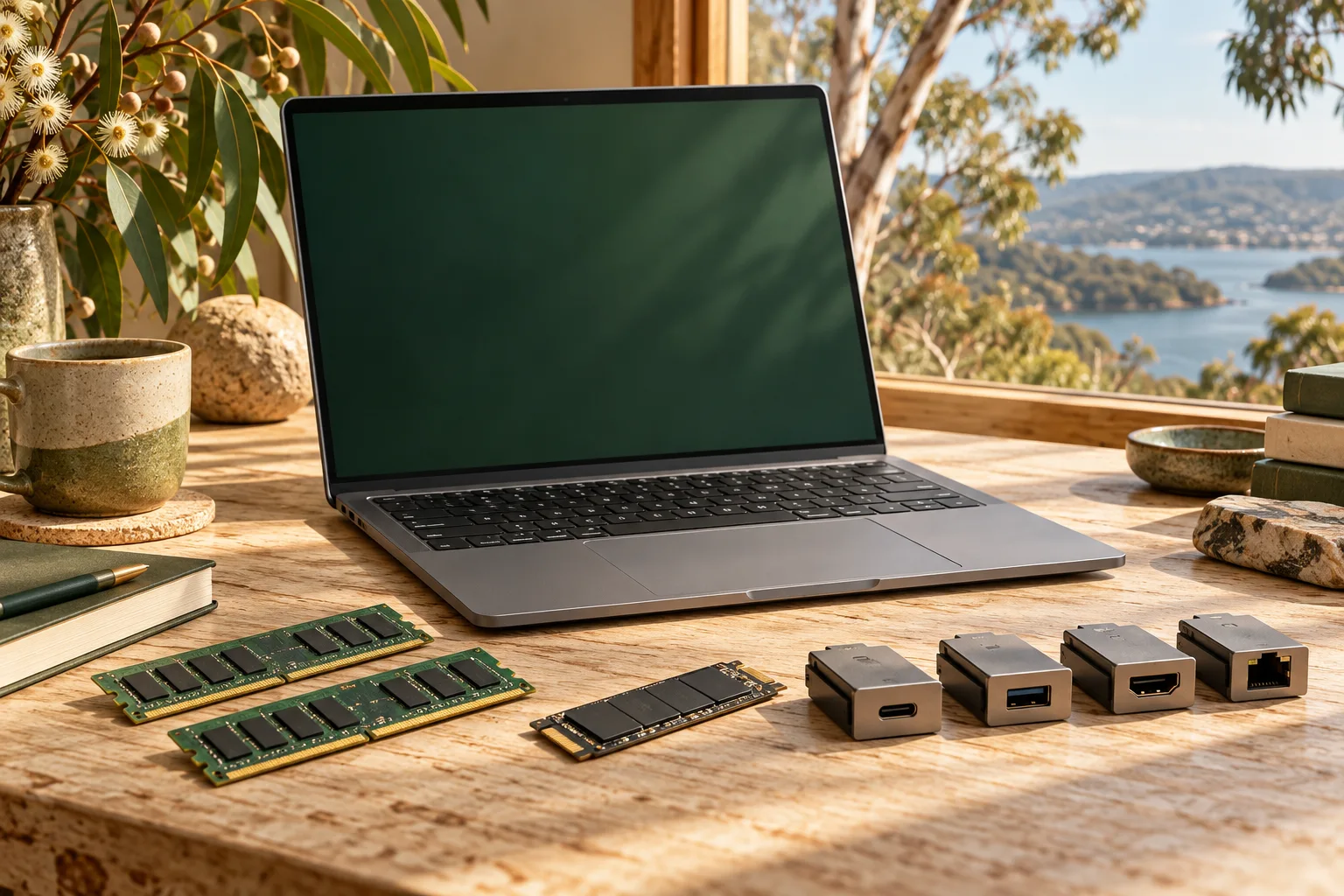
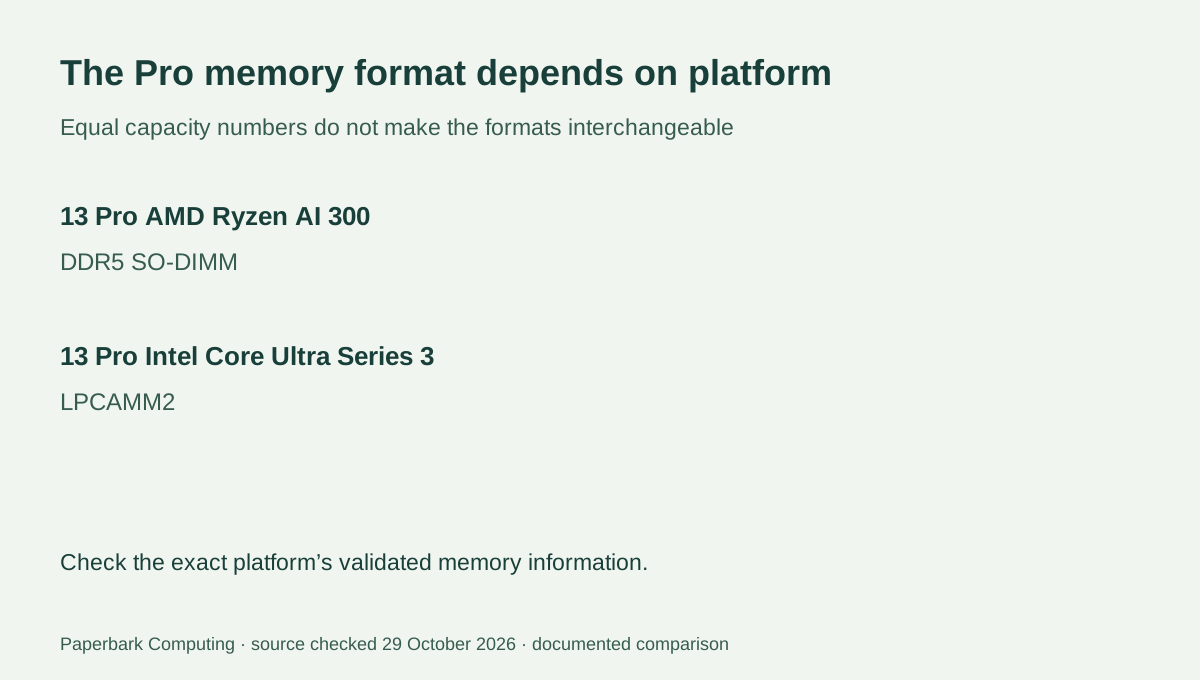
A Framework Laptop 13 Pro purchase can involve different memory formats even though the outer product family is the same. The AMD Ryzen AI 300 Series Pro uses DDR5 SO-DIMM memory. The Intel Core Ultra Series 3 Pro uses LPCAMM2. If keeping memory from another computer is part of the purchase plan, identify the exact platform before treating those modules as a saving.
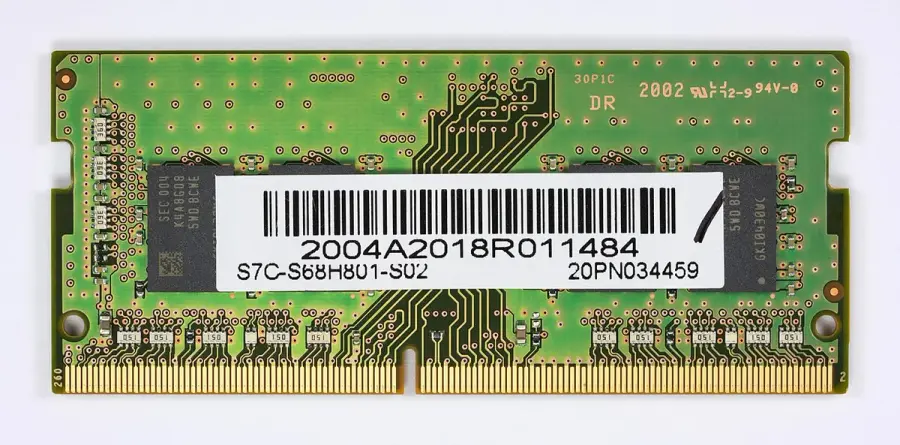
The comparison uses Framework’s own part-compatibility article and Pro guides checked on 29 October 2026. These are hardware-planning documents, not our performance tests, a current Australian price list or a promise that every third-party module has been validated. The component photographs are real historical RAM and SSD examples; none is presented as a tested part installed in either compared Pro.
2. Memory type comes before capacity
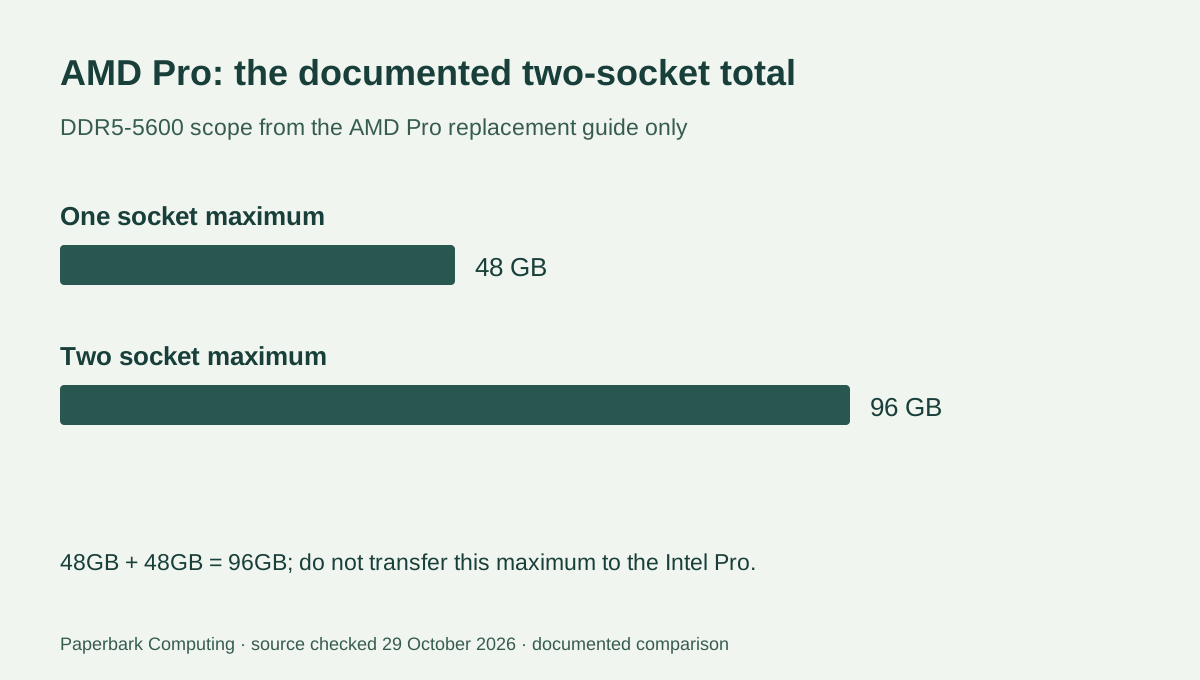
Framework’s AMD Pro memory guide specifies two DDR5 SO-DIMM sockets, supporting up to 48GB each at DDR5-5600. That gives a documented two-module maximum of 96GB: 48 + 48 = 96. A module being the desired capacity does not establish that it is the required generation or a validated part. The DDR4 SO-DIMM in the photograph is deliberately identified as DDR4; it is not the specified DDR5 memory for this AMD Pro.
The manufacturer’s compatibility table names LPCAMM2 for the Intel Core Ultra Series 3 Pro. Do not attempt to turn a SO-DIMM quote into an Intel Pro configuration by changing only the capacity number. Use the platform’s own memory list and exact part identification. This guide does not assert a universal Intel capacity maximum from the separate AMD specification.
| Purchase detail | 13 Pro AMD Ryzen AI 300 | 13 Pro Intel Core Ultra Series 3 |
|---|---|---|
| Documented memory format | DDR5 SO-DIMM | LPCAMM2 |
| Capacity established by cited AMD guide | Two sockets, up to 48GB each; 96GB total | Do not transfer the AMD maximum to this platform |
| M.2 storage form in compatibility table | M.2 2280 | M.2 2280 |
| Documented storage interface speed scope | PCIe 4.0 | PCIe 5.0 |
| DIY planning requirement | Exact supported memory, SSD, expansion cards and OS plan | Exact supported memory, SSD, expansion cards and OS plan |
3. Storage is a separate compatibility question
Framework’s part table lists M.2 2280 storage and distinguishes PCIe 4.0 speed support on the AMD Pro from PCIe 5.0 on the Intel Pro. That is a platform-interface distinction, not a measured speed comparison between complete laptops. A drive’s controller, workload and other limits still matter; buying a higher interface generation is not a benchmark result.
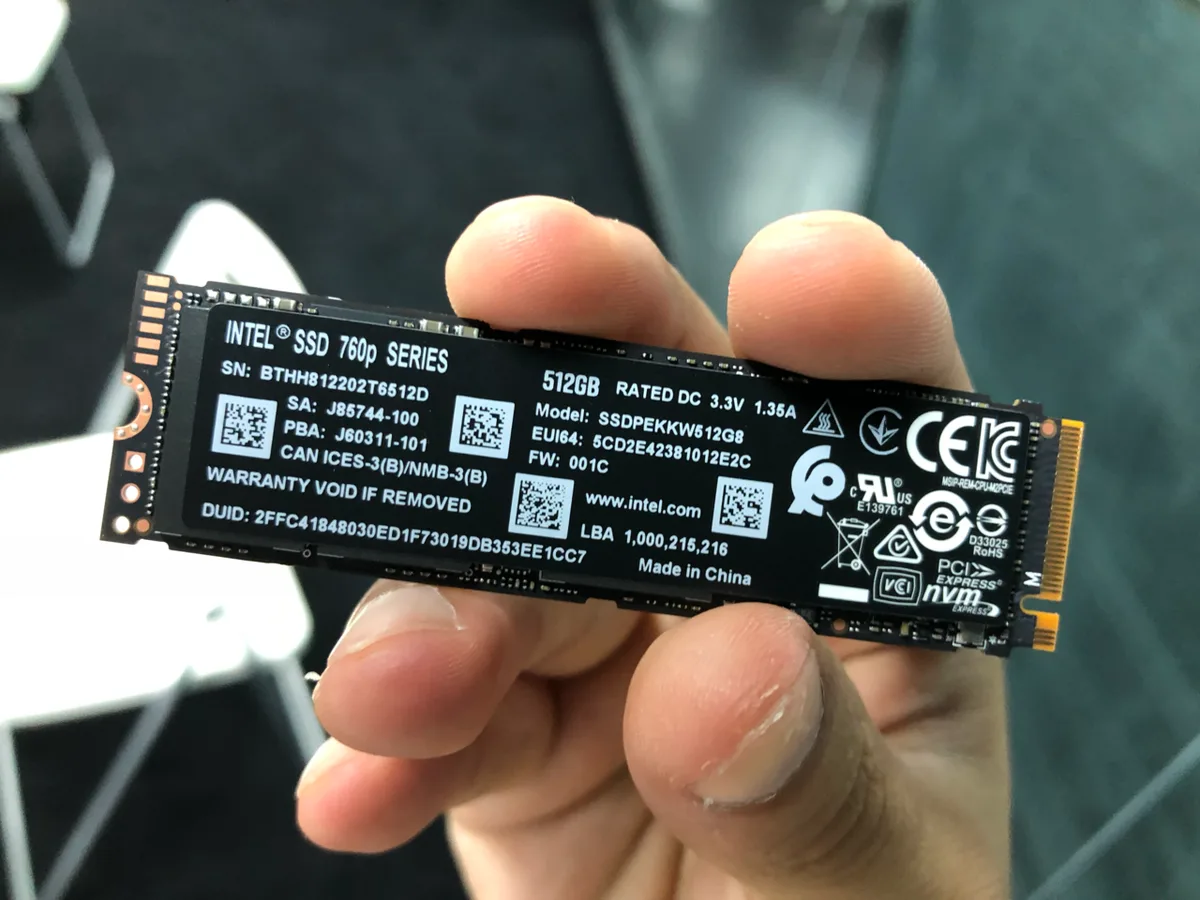
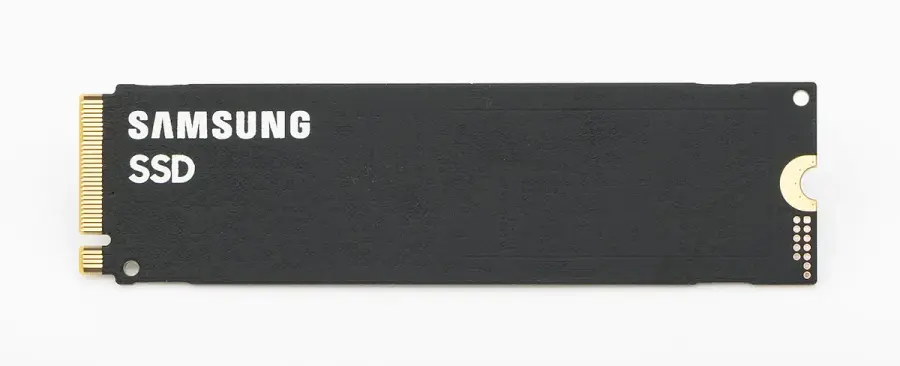
The real Intel and Samsung storage modules shown here are examples of identifiable M.2 components. They are not approved purchases for these Pro models. Preserve the actual drive model, form factor and interface when asking whether it can be retained, then check the manufacturer’s applicable support information. A storage module is not interchangeable with memory just because both are small boards in a laptop.
4. Make the DIY quote complete
Framework’s Pro DIY quick-start guide lists the laptop with mainboard, input cover, expansion cards, bezel, storage, memory, power adapter and screwdriver as the items to have for assembly. It also directs the owner to install an operating system and obtain the correct drivers after assembly. That is why an incomplete memory-and-SSD subtotal is not the cost of a ready working computer.
Record which items are actually included, which exact parts you intend to retain and what still needs to be quoted in Australia. Do not assume a Windows licence, a particular expansion-card selection or your preferred power adapter is included without checking the chosen order. The price and availability of a current complete configuration have not been verified in this guide.
5. Choose the order that matches the verified parts plan
The AMD Pro is the relevant platform of this pair when the plan specifically requires its documented DDR5 SO-DIMM arrangement and the exact retained modules are validated. The Intel Pro is the relevant alternative when its documented platform features are required and the LPCAMM2 configuration is planned explicitly. This is a parts-format choice, not a claim that one processor is universally faster or better value.
Keep the part numbers and official checks with the complete quote. If compatibility or a required item is still unknown, preserve that as an unresolved item instead of entering $0 or calling it a confirmed reuse saving. Use Framework’s instructions and appropriate support for any actual assembly; the cost and storage calculators do not approve a memory installation or a hardware modification.