Surface Pro 12 or 13 inches: compare the X2 models and the complete keyboard setup
The current Australian comparison lists different screens, USB modes, charging routes and keyboard arrangements. Keep the X2 generation explicit.
Updated:
1. Keep the X2 generation in the comparison
The current Australian Surface Pro page compares a 12-inch Snapdragon X2 Plus device with 13-inch X2 Plus or X2 Elite configurations. This guide uses that observed family as of 29 October 2026. It does not transfer the specifications of Pro 6, Pro 9, the first 12-inch generation or a business Intel configuration into these rows.
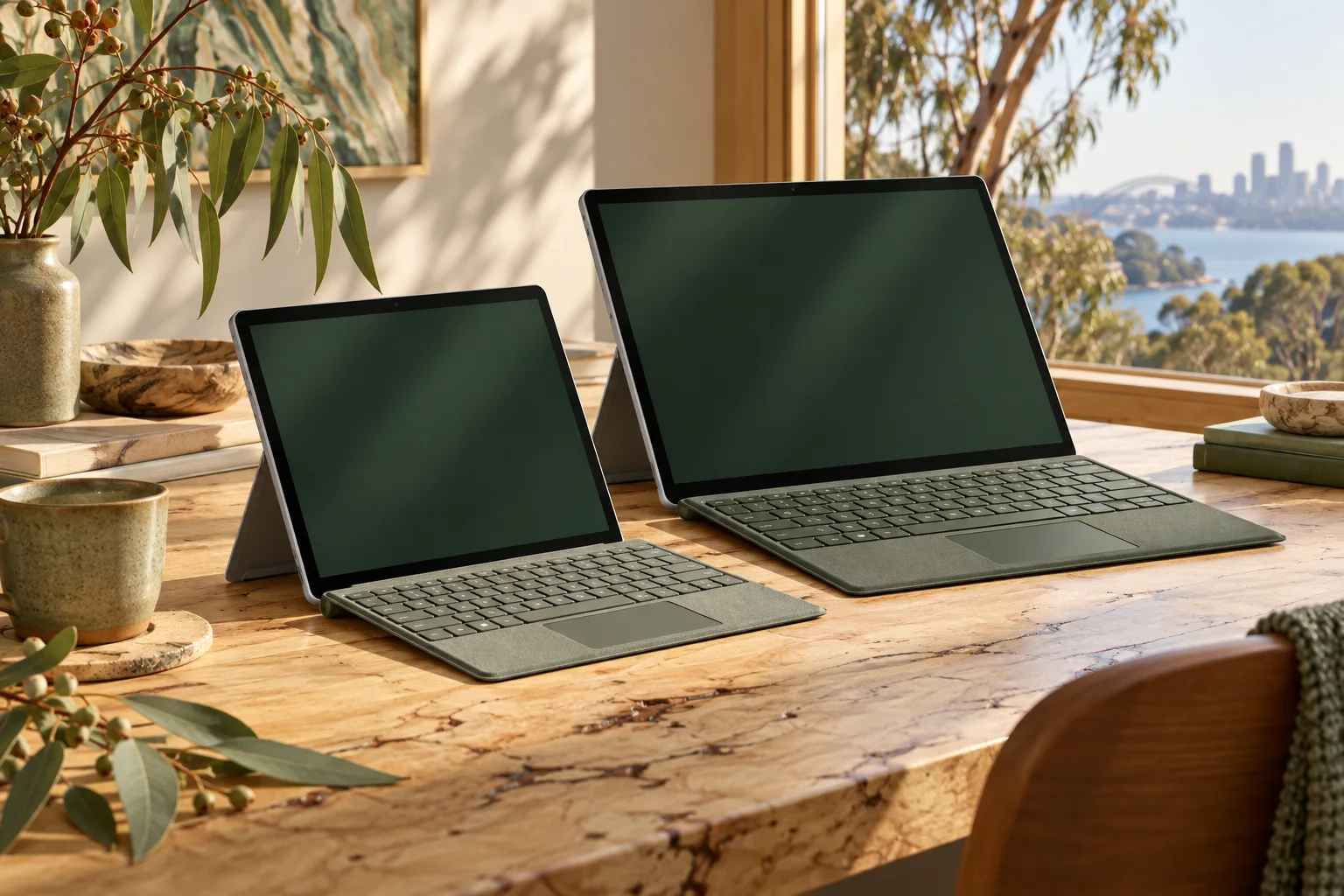
Choose the smaller device when a compact detachable setup and its documented ports meet the work. Investigate the 13-inch model when its larger working surface, USB4 connection or Surface Connect route is required. A processor core count alone does not establish your application’s speed, and both Snapdragon candidates still need an application and peripheral plan appropriate to Windows on Arm.
2. Compare the display configuration and carried device
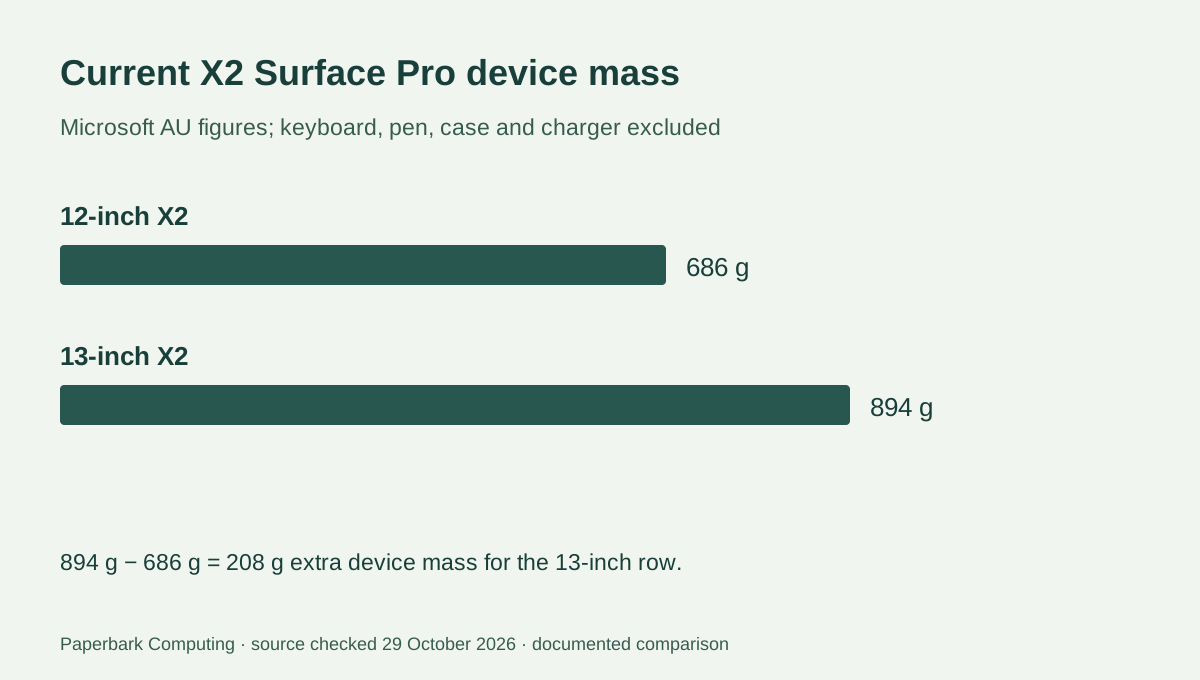
Microsoft lists the 12-inch device at 686 g and the 13-inch device at 894 g, excluding the keyboard. The difference is 208 g before input accessories: 894 − 686 = 208. That is not the mass difference between two complete bags. The actual chosen keyboard, pen, charger and case still matter.
The larger model’s display is listed as OLED or LCD depending on configuration. Do not describe every 13-inch offer as OLED. Preserve the exact panel and processor in the quote along with the physical size; a shared family name can still hide an important configuration change.
| Documented item | Surface Pro 12-inch X2 | Surface Pro 13-inch X2 |
|---|---|---|
| Processor choices listed | Snapdragon X2 Plus, 6-core | Snapdragon X2 Plus, 10-core or X2 Elite, 12-core |
| Display | LCD; 2196 × 1464; 90 Hz | OLED or LCD; 2880 × 1920; 120 Hz |
| Device mass, keyboard excluded | 686 g | 894 g |
| Ports in AU comparison | Two USB-C / USB 3.2 | Two USB-C / USB4; Surface Connect |
| Keyboard family shown | Pro 12-inch Keyboard | Pro Flex 13-inch Keyboard; other 13-inch choices listed separately |
| Pen storage / charging arrangement | Magnetic storage and wireless charging on the back | Storage and wireless charging on the relevant keyboard |
3. Match the ports and charging route to the desk
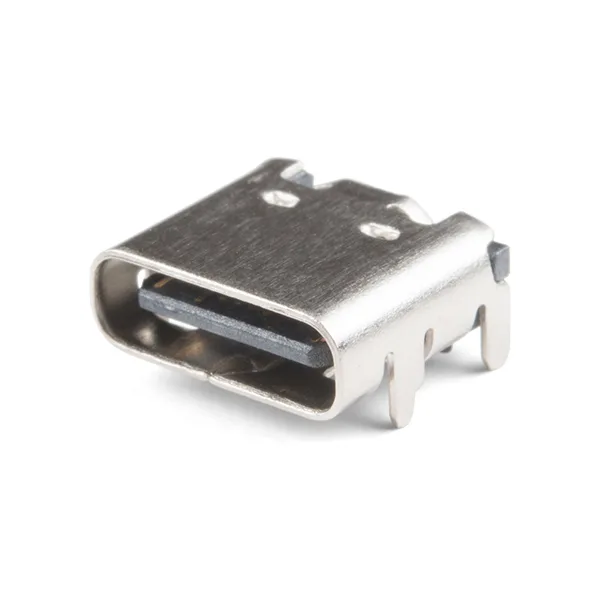
The current 12-inch row lists USB 3.2 through USB-C. The 13-inch row lists USB4 and Surface Connect as well as its two USB-C ports. If an accessory specifically needs USB4, do not assume the smaller device supplies that mode because the connector looks the same. The bare USB-C receptacle photograph illustrates the physical form only, not a protocol implemented by either product.
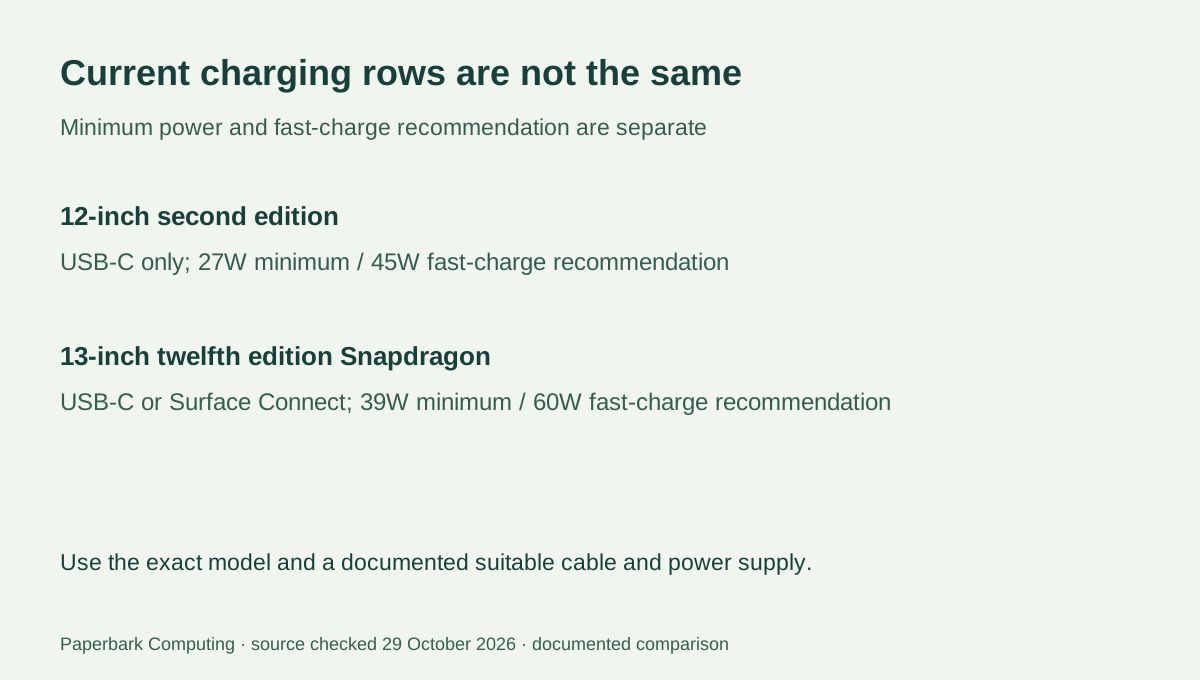
Microsoft’s charging support table distinguishes the 12-inch second edition from the 13-inch twelfth edition Snapdragon model. It lists USB-C-only charging and a 27W minimum / 45W fast-charge recommendation for the former, compared with USB-C or Surface Connect and a 39W minimum / 60W fast-charge recommendation for the latter. Those rows do not approve an arbitrary adapter or cable with the same headline wattage.
4. The keyboard and battery claims need their own scope
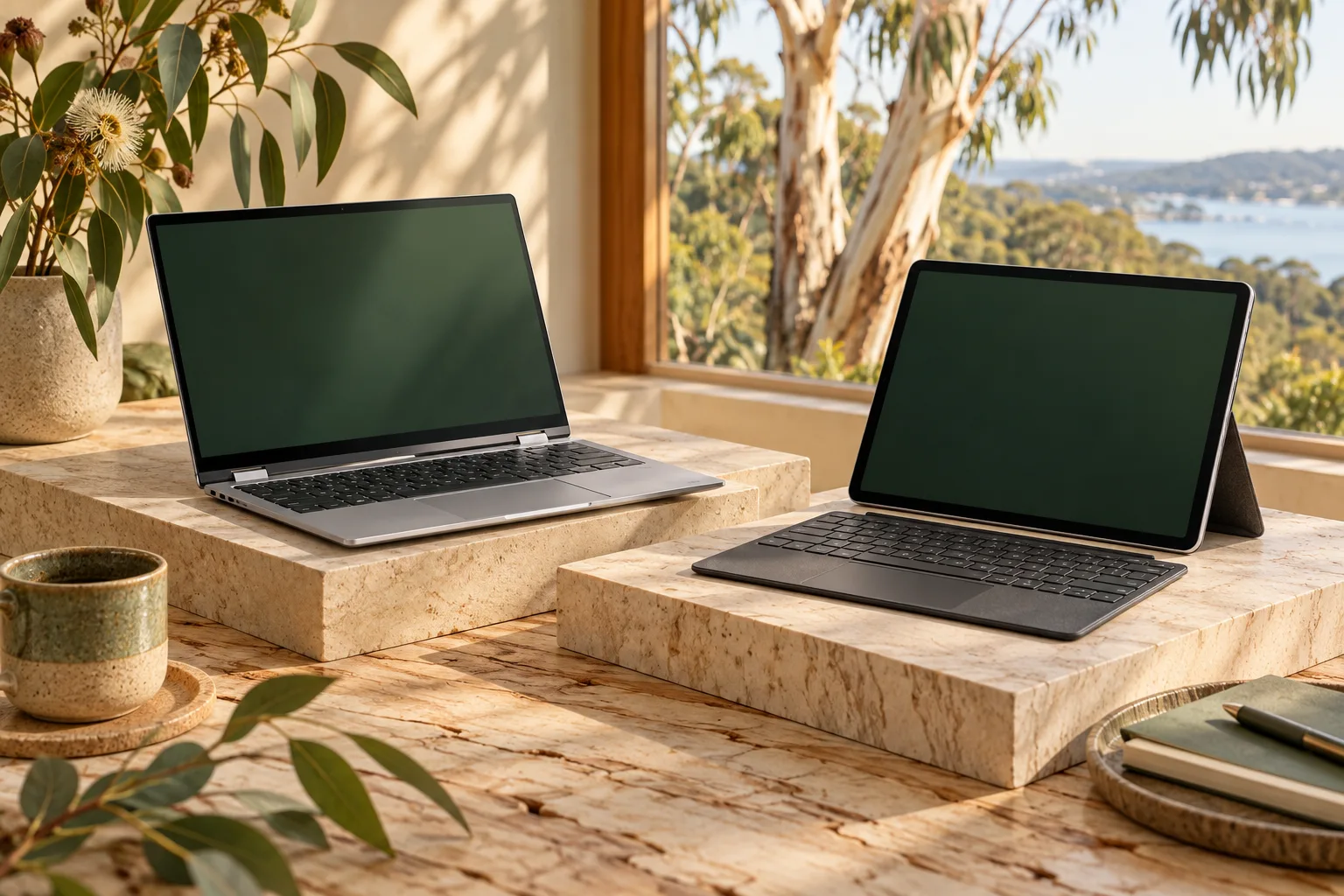
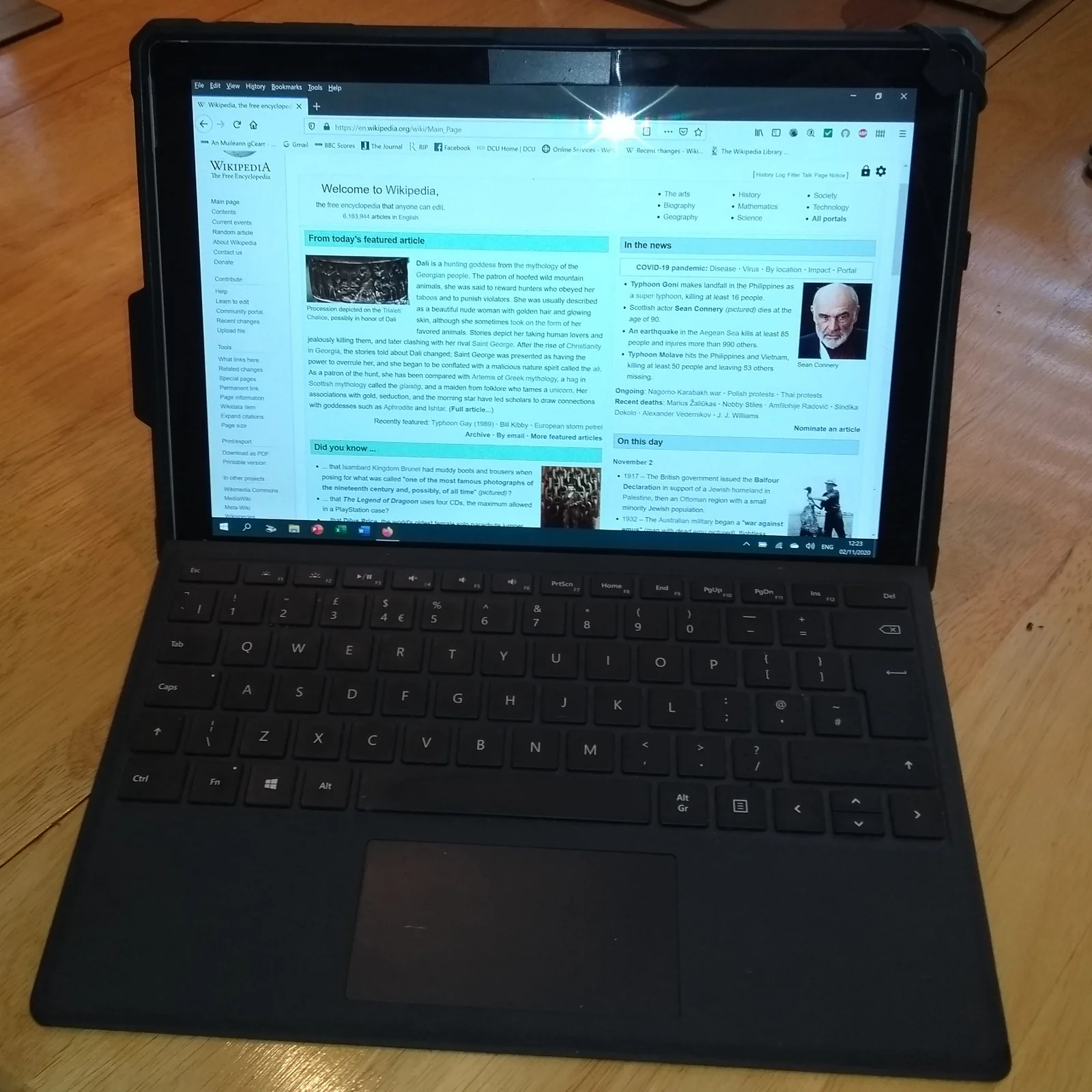
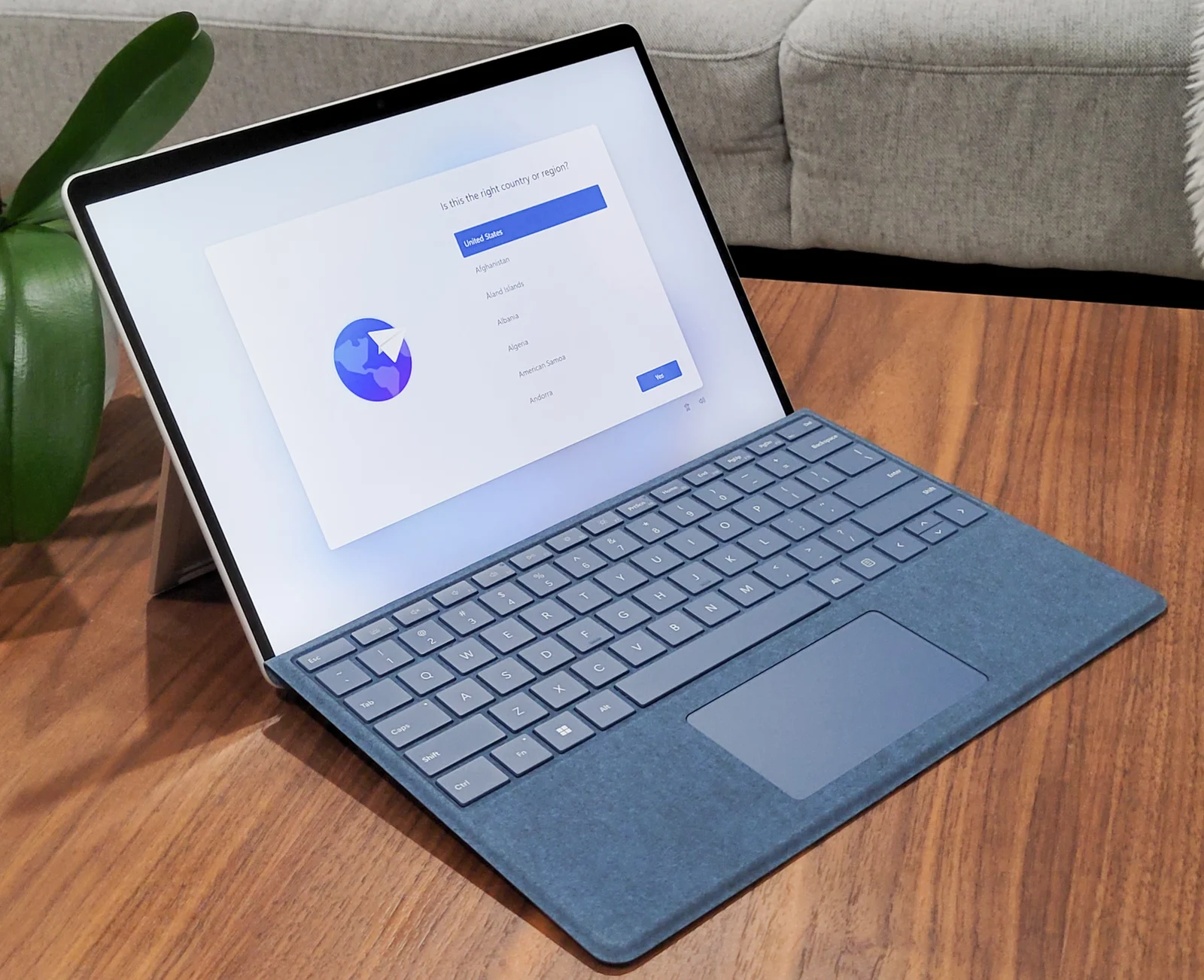
Microsoft marks pen and keyboard as separately sold and presents different keyboard families for the sizes. Check the exact supported device list before reusing an older Type Cover or a keyboard for the other physical size. The older Surface photographs show how a detachable setup can look; they are not proof that those photographed keyboards attach to the current X2 devices.
The AU page gives the same up-to 15.5-hour local-video headline for both sizes, but separately lists up to 13 hours of active web browsing for 12-inch and 11.5 hours for 13-inch. These are manufacturer test claims with their stated conditions, not our observed runtime or a guarantee for your work. Do not turn one shared video number into a claim that the configurations have identical endurance.
5. Choose a complete, identified configuration
The 12-inch X2 is a candidate when the smaller setup, USB 3.2 arrangement and its supported input accessories meet the actual task. The 13-inch X2 is the candidate when the larger display, identified panel type, USB4 or Surface Connect requirement changes that task. Confirm the required Windows applications and the exact peripheral drivers before treating either Arm device as a replacement for an established Intel system.
Get complete AUD quotes for the identified processor, memory, storage, panel, matching keyboard, pen if required and actual charging equipment. This guide has not verified a live retail price or stock feed, and it does not convert a marketing price into a complete-bundle saving. Keep the device and accessory specifications together so that a smaller headline size or a larger core count does not decide an otherwise incomplete purchase.