Dell WD19S: what changes between the 130W and 180W adapter bundles?
Read Dell’s host-power table before buying a dock bundle: 130W on an adapter is not 130W delivered to every laptop, and Apple hosts have separate limits.
Updated:
1. Identify the dock and its supplied adapter separately
A WD19S listing headed “130W” can be describing the AC adapter, not the power delivered to the connected notebook. Dell’s official cross-brand compatibility article distinguishes the WD19S with a 130W adapter from the same dock with a 180W adapter. Those are the two real bundles compared here, using the manufacturer’s documented hardware conditions checked on 29 October 2026.
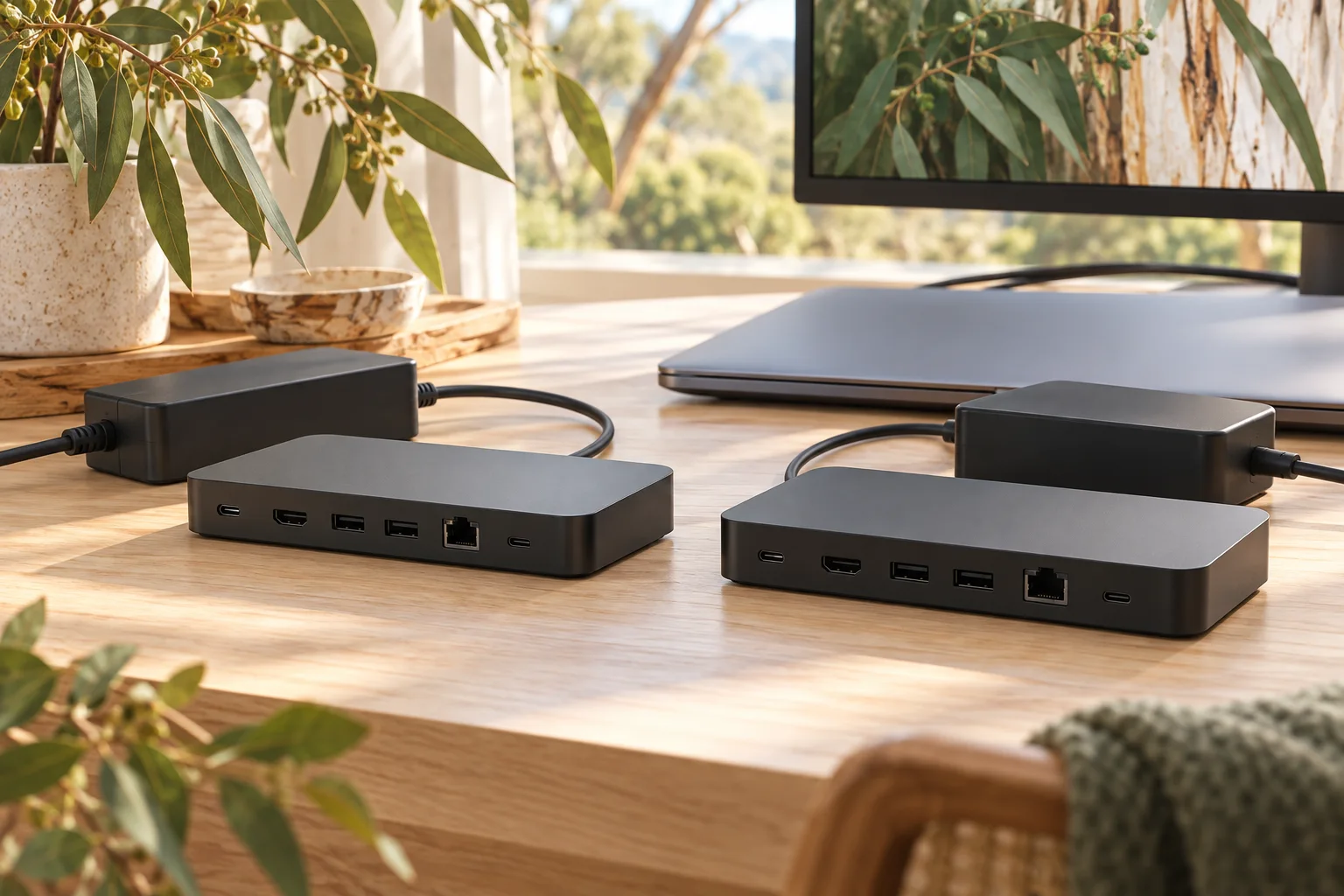
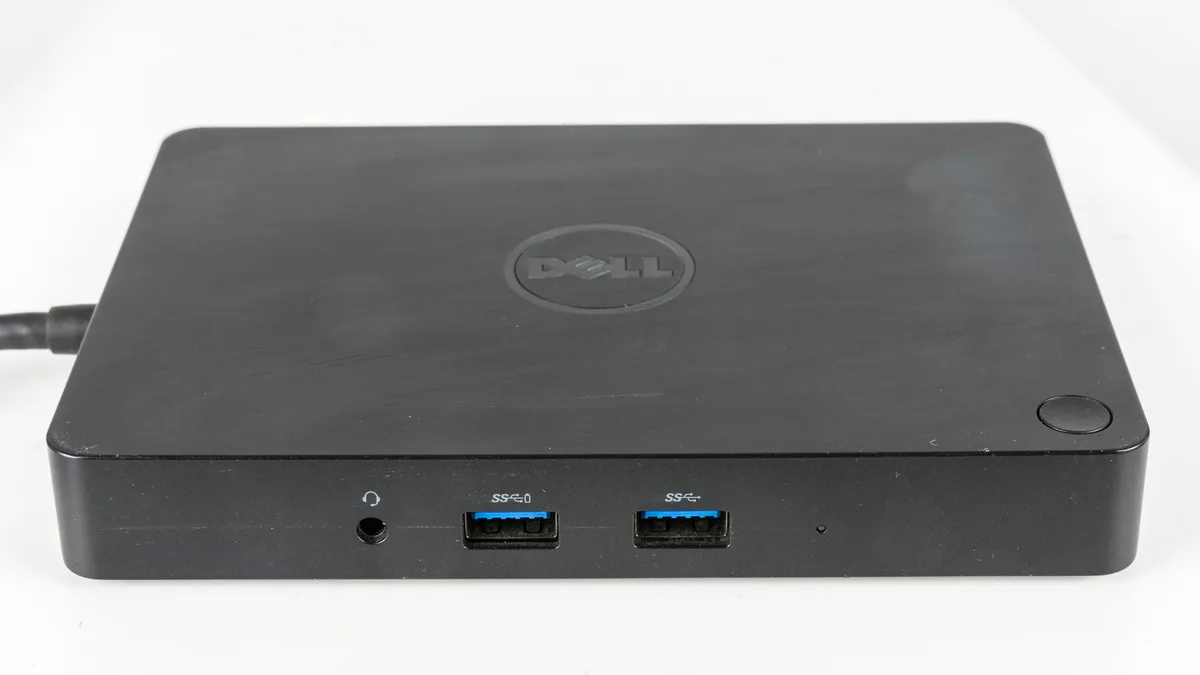
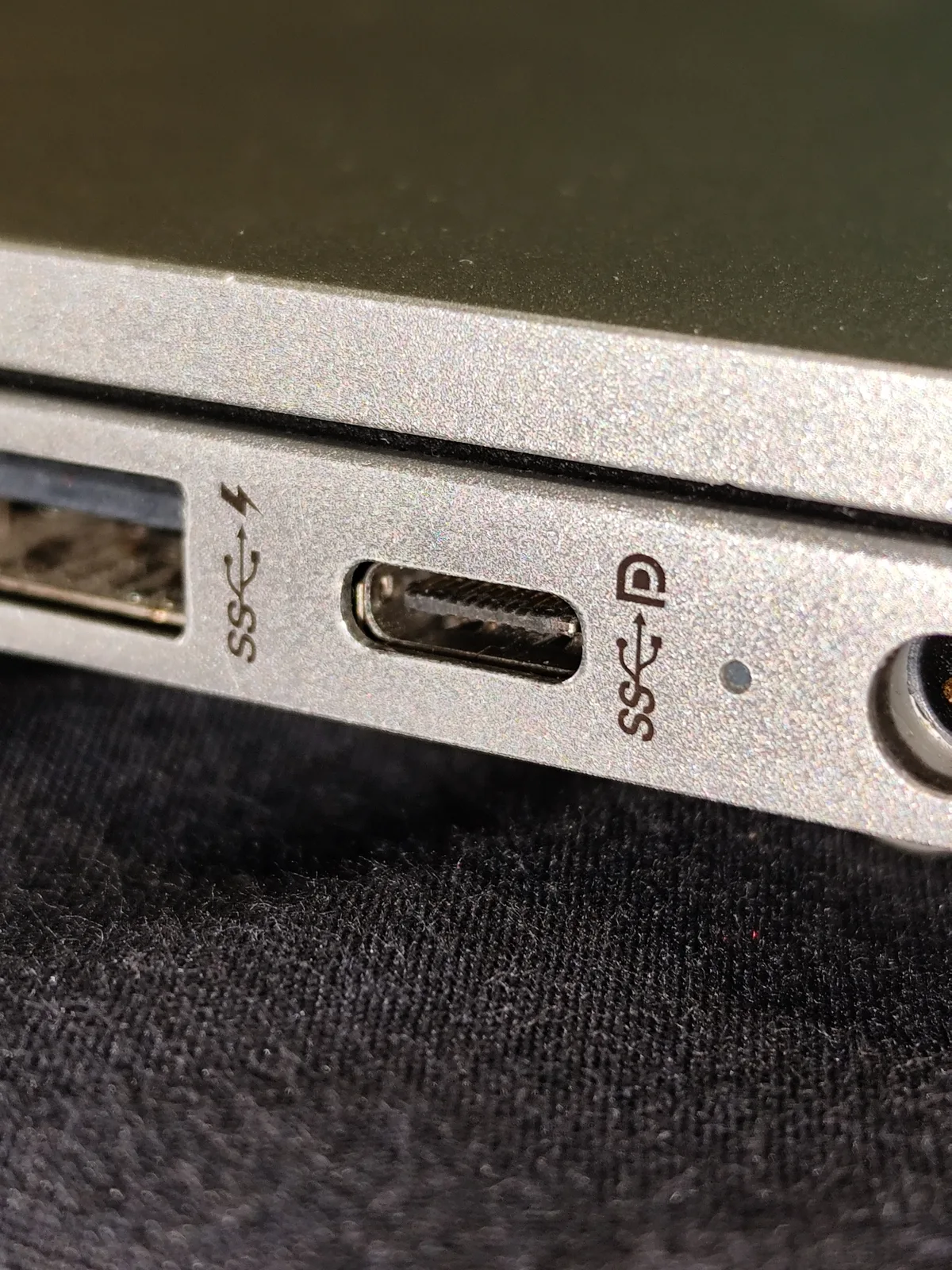
The source is Dell’s global hardware compatibility documentation hosted on its US support site. It is not evidence of current Australian stock, an Australian sale price or the regional mains lead in a particular used bundle. The photographs show real connection components and an older Dell dock as clearly labelled context; the generated cover is an illustration, not a photograph of WD19S ports.
2. Read the notebook-delivery row, not just the brick label
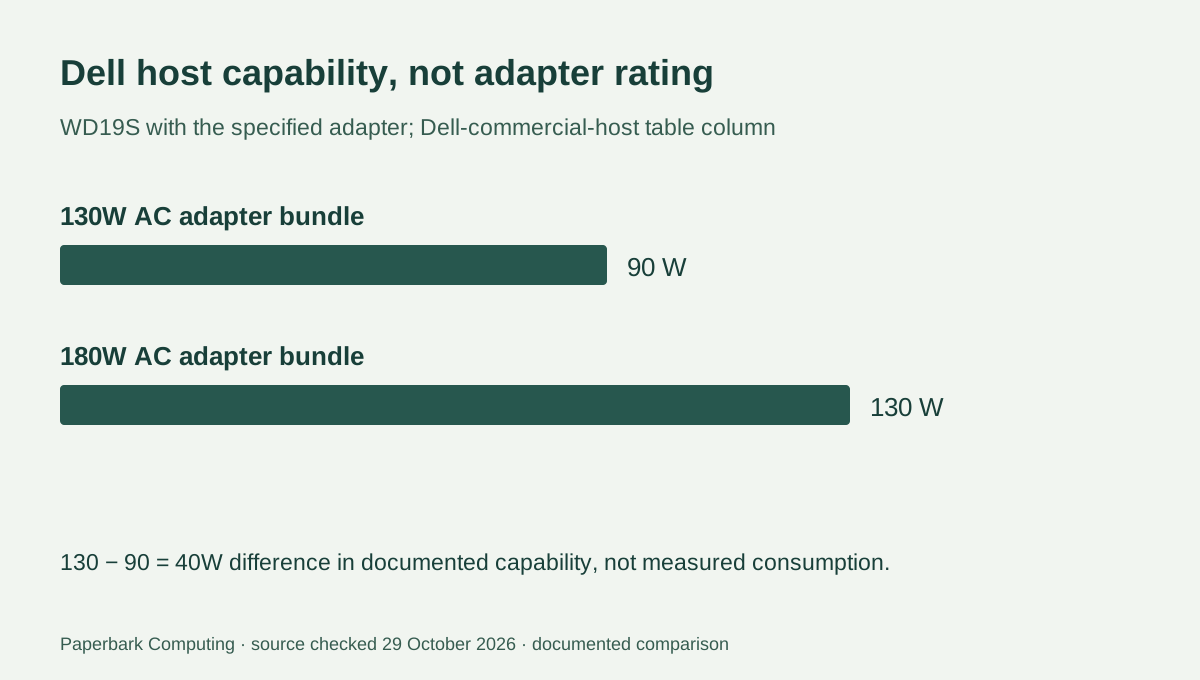
For Dell systems in the article’s Dell-commercial-host column, WD19S with a 130W AC adapter has a stated 90W host-power capability. With the 180W adapter, the stated capability is 130W. The adapter increase is 50W, while the documented host-power difference is 40W. Do not subtract those two quantities to invent a measured efficiency result: the table describes capabilities, not a power-consumption experiment.
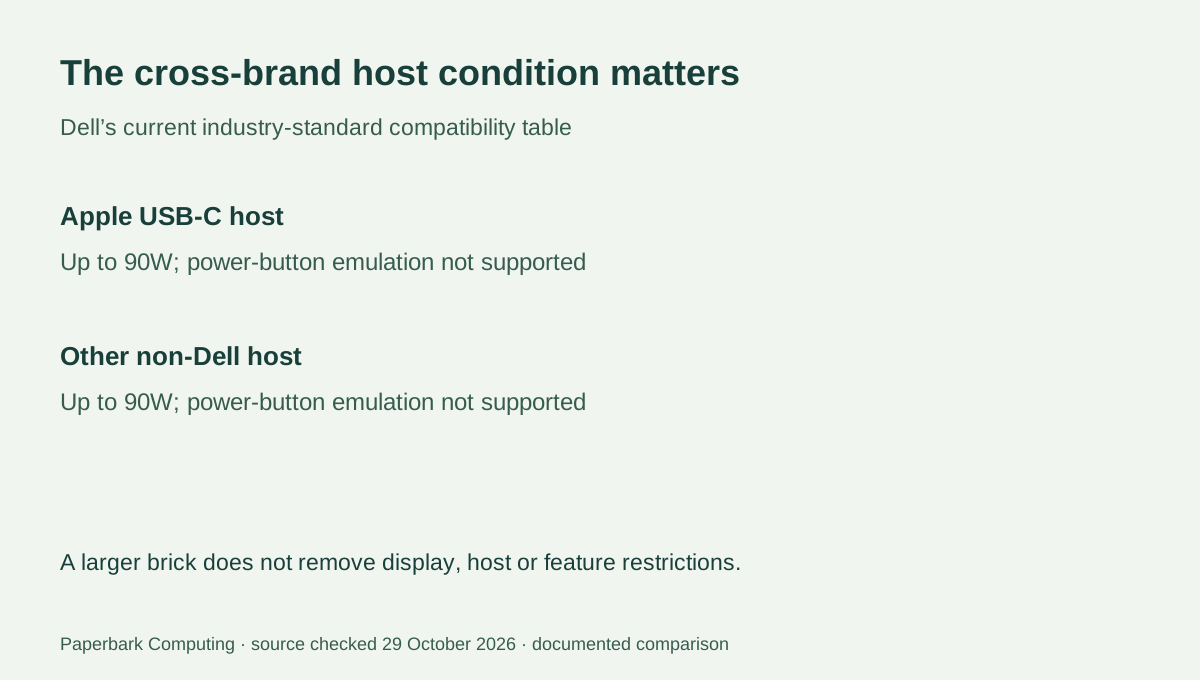
For the Apple USB-C-host and other non-Dell columns, Dell lists up to 90W. The larger adapter therefore does not turn the documented non-Dell limit into 130W. The actual notebook still needs a supported USB-C connection and an appropriate charging requirement. A connector that fits is not a complete compatibility decision.
| Bundle / host condition | 130W adapter bundle | 180W adapter bundle |
|---|---|---|
| AC adapter nameplate | 130W | 180W |
| Stated capability to Dell systems | 90W | 130W |
| Apple USB-C host column | Up to 90W | Up to 90W |
| Other non-Dell laptop column | Up to 90W | Up to 90W |
| Australian supplied lead and condition | Must be verified for the actual offered unit | Must be verified for the actual offered unit |
3. More adapter capacity does not change every dock function
Dell’s table also distinguishes the host’s feature support. The dock power button emulates the computer power button for the Dell-commercial column, but not for the Apple or other non-Dell columns. Purchasing the larger brick does not remove that cross-brand limitation. Keep the exact host model and the required functions alongside the dock model when researching a replacement kit.
For extended displays, the article’s MST row marks Apple USB-C hosts as requiring a workaround rather than providing the same extended-desktop support as the Dell and other non-Dell columns. Do not translate that footnote into a guarantee that a WD19S will drive two independent displays from every Mac. Native display limits, dock architecture, operating system and the complete cable path still matter. A higher wattage adapter does not add a missing display stream.
4. A used Australian bundle needs more than the dock body
Ask the seller to identify the WD19S body, the actual AC adapter’s rating and connector, the supplied host connection, and the appropriate mains lead. Establish whether the listing is a bare dock, a dock plus adapter, or a complete usable bundle. A different manufacturer’s power adapter with a superficially similar connector is not a verified substitute. This article does not approve electrical safety or adapter interchangeability.
The older WD15 in the real photograph is deliberately not described as a WD19S. Similar Dell branding and a familiar black box do not establish the product generation, audio connectors or power table. For the actual offered WD19S, obtain clear identity evidence and the manufacturer’s matching support information. Record condition, firmware requirements, return terms and the precise laptop model before obtaining a complete AUD quote.
5. Choose against the documented host requirement
For a compatible Dell host that needs the documented 130W capability, the 180W-adapter WD19S bundle is the relevant one of these two candidates. The 130W-adapter bundle’s published host capability is 90W. For an Apple or other non-Dell host, the cited table does not establish an increase beyond 90W from the larger adapter, so buying solely on the larger number can miss the actual constraint.
That conditional choice is narrower than declaring a universal best dock. We have not verified current Australian offers, prices or every laptop’s individual charging behaviour. Obtain the complete matched bundle quote, then resolve display and peripheral requirements separately. Use the electrical-profile calculator only for arithmetic on entered volts and amps; it cannot certify a dock, cable, laptop or mains adapter as compatible.