Surface Pro chargers: Pro 6, Pro 9 and Pro 9 with 5G are different rows
Compare Microsoft’s actual charging routes, minimum power and fast-charge recommendations before ordering a replacement for an older Surface.
Updated:
1. “Surface Pro charger” leaves out the deciding detail
For a Surface Pro 6 replacement, start with the Surface Connect route in Microsoft’s model table. For a Surface Pro 9, first determine whether it is the ordinary Pro 9 or Pro 9 with 5G: Microsoft gives them separate minimum-power rows. A current 12-inch Surface Pro is another generation with different charging arrangements and must not be treated as the same product.
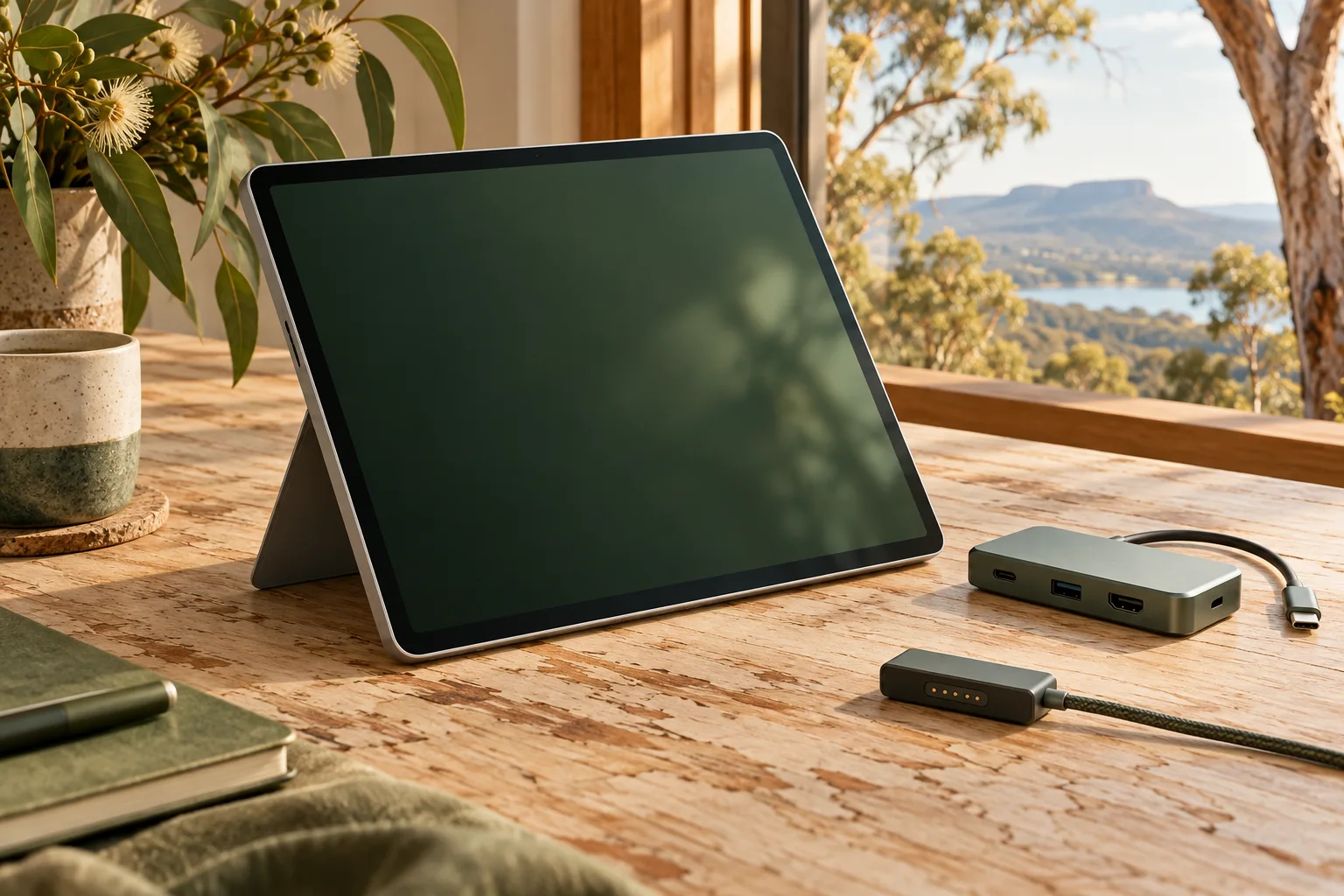
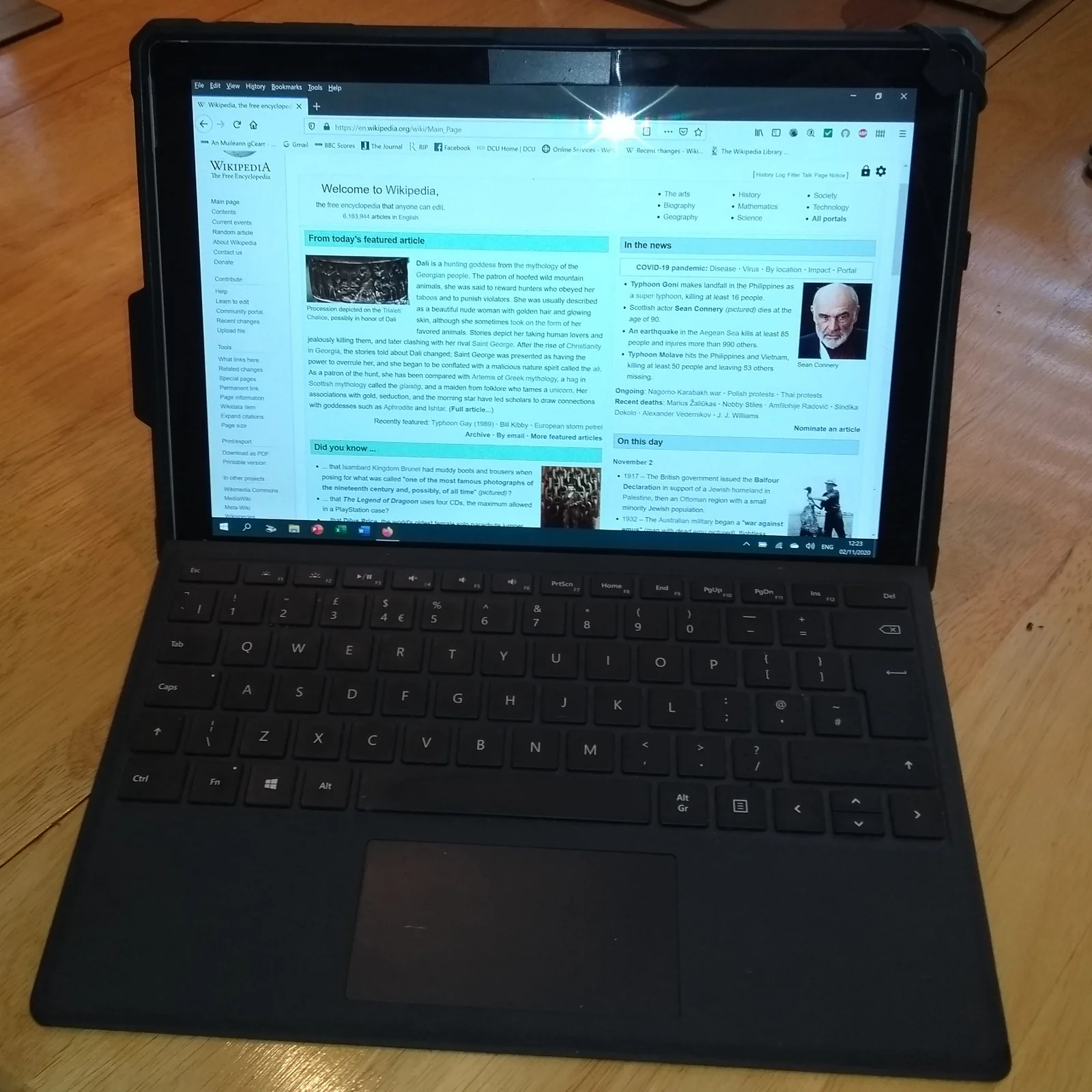
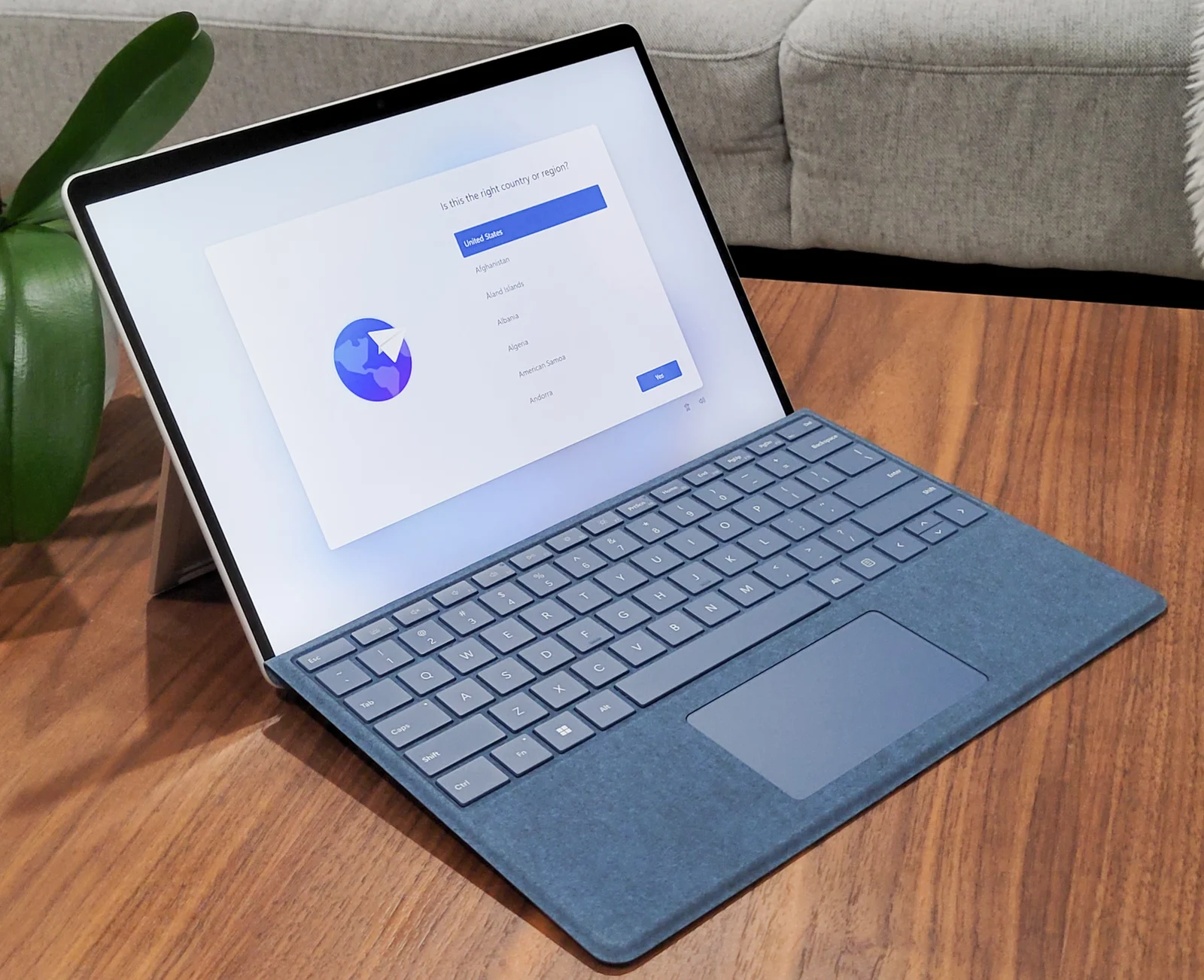
This guide uses Microsoft’s Australian support table checked on 29 October 2026. The photographs show actual older Pro 6 and Pro 9 devices, but the Pro 9 exterior alone does not establish its processor subtype. Confirm the device identity through its system information and purchase record before using the matching table row. A photograph, colour or keyboard arrangement is not sufficient variant identification.
2. Keep charging method, minimum and fast charge separate
Microsoft places Surface Pro 6 in the group that charges only using Surface Connect, with no fast-charge recommendation. It places Pro 9 and Pro 9 with 5G in the group supporting USB-C or Surface Connect. That distinction matters to someone who already owns a USB-C adapter: the same purchasing plan cannot simply be transferred back to Pro 6.
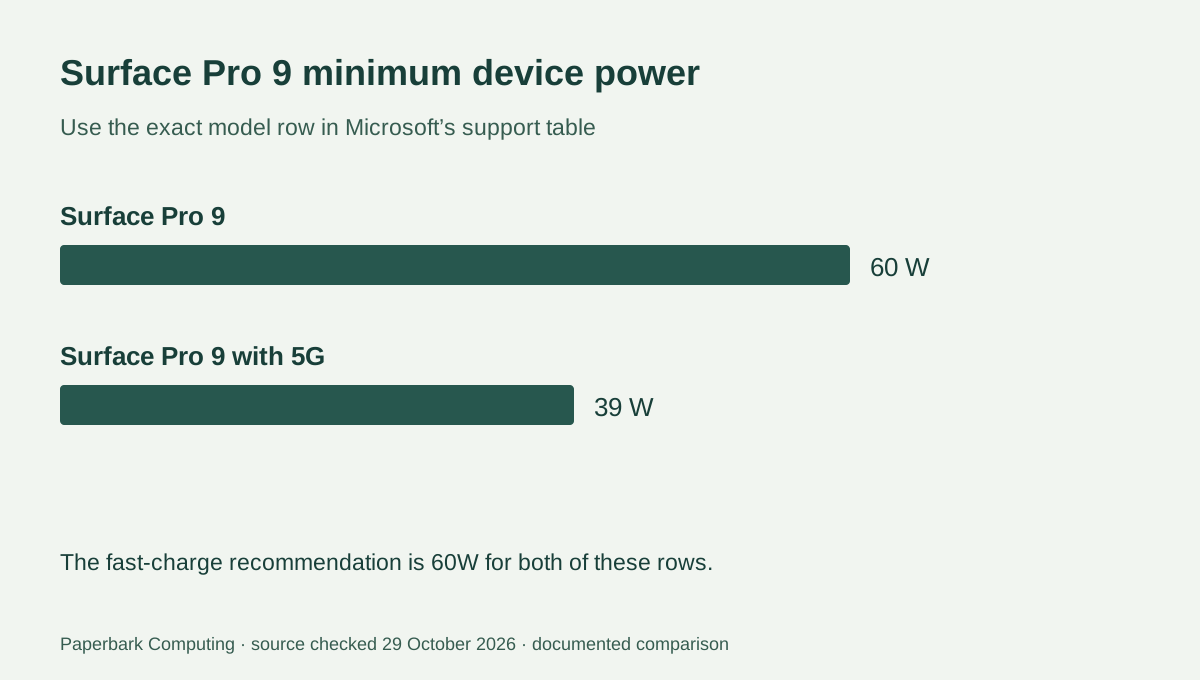
The minimum column and fast-charge column answer different questions. Pro 9 with 5G lists a 39W minimum and 60W fast-charge recommendation. Pro 9 lists 60W in both columns. Do not replace the documented row with a general claim that every Pro 9 needs the same power or that any 39W charger supplies the faster mode.
| Exact device | Documented charging route | Minimum / fast-charge recommendation | Listed Microsoft supply information if included |
|---|---|---|---|
| Surface Pro 6 | Surface Connect only | 39W / no fast charge | Model 1800; 39W, 15 V at 2.58 A |
| Surface Pro 9 | USB-C or Surface Connect | 60W / 60W | Model 1706; 60W, 15 V at 4 A |
| Surface Pro 9 with 5G | USB-C or Surface Connect | 39W / 60W | Model 1963; 39W, 15 V at 2.6 A |
3. Use label arithmetic without inventing compatibility
For the listed Pro 9 supply row, 15 V × 4 A = 60W. For Pro 9 with 5G, 15 V × 2.6 A = 39W. Those calculations reproduce the stated device-output rows. They do not approve an unrelated adapter with the same watt number, its connector, cable or negotiated USB-C profile.
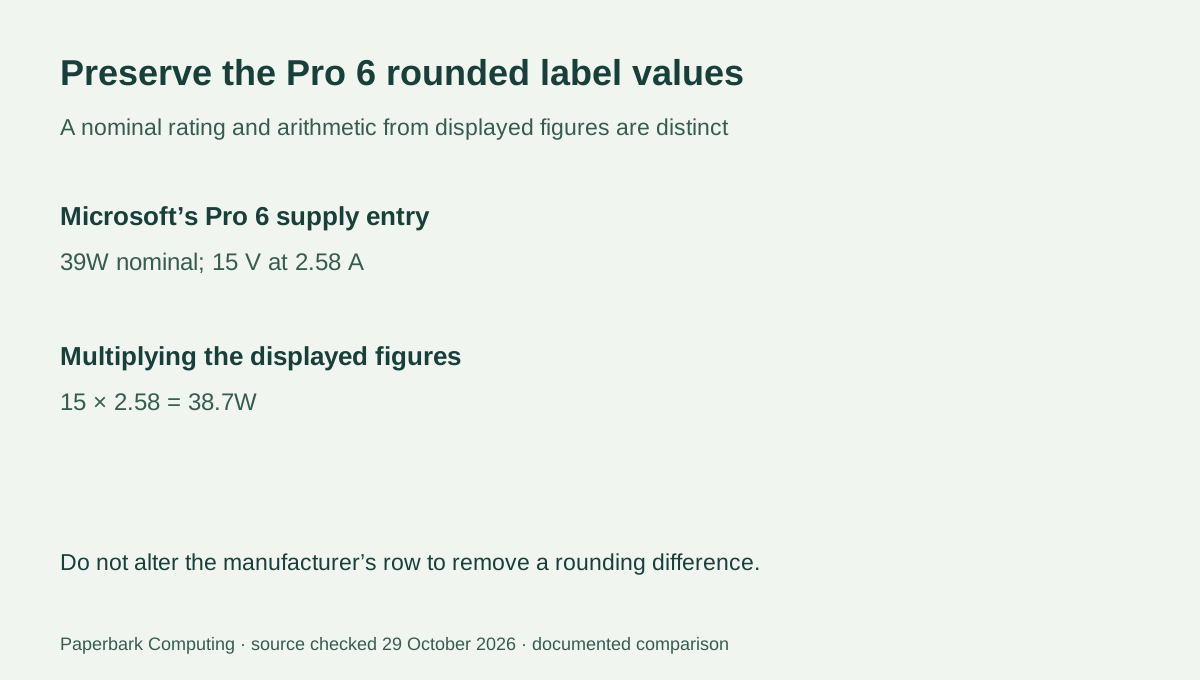
The Pro 6 row preserves Microsoft’s nominal 39W label and its printed 15 V at 2.58 A values. Multiplying those displayed rounded figures gives 38.7W. Do not silently change the current to 2.6 A or rewrite the source rating to hide the rounding difference. The calculator reports arithmetic from the numbers entered; the source’s product rating and compatibility instructions remain separate.
4. Compare a complete replacement, not a watt badge
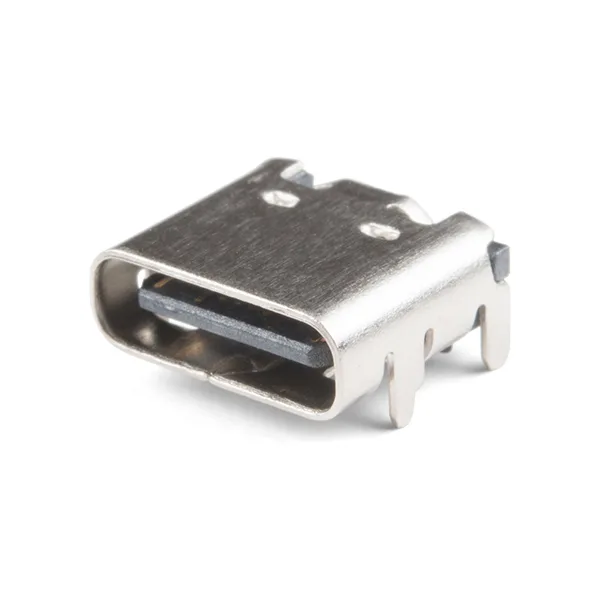
Record the exact device row, intended charging route, adapter model, required device cable and Australian wall-side connection. A USB-C receptacle photo illustrates physical form only; it cannot tell you the implemented power profile. Do not assume that an older Surface Connect accessory, a bare connector or a higher-wattage brick completes the same replacement package.
Ask the supplier to identify the actual replacement and its documented compatibility with your exact Surface. If the proposed purchase is a USB-C setup for Pro 9, check its cable and supported profile as well as the adapter. If the device is Pro 6, retain the documented Surface Connect-only scope. Do not modify or force a connector to make a different supply fit.
5. Preserve the generation in the quote
The useful result for a Pro 6 owner is a documented Surface Connect replacement for that model; it is not a generic USB-C recommendation. The useful result for a Pro 9 owner includes its variant and the intended ordinary or fast-charge requirement. If the subtype cannot be identified, resolve that factual gap before treating a candidate charger as suitable.
No current retail price or stock feed has been verified for these replacements. Get a complete AUD quote including any required cable or accessory and use the kit-cost tool for the supplied numbers. A lower quoted price does not establish correct charging behaviour, and the V × A result is not an electrical safety or compatibility certification.