Laptop USB-C chargers: Apple 70W vs 96W, including the cable and AC connector
The Australian listings differ in more than wattage. Compare the recommended computer pairing, cable exclusion and AC Connector 1 or 2 accessory family.
Updated:
1. Start with the exact laptop and adapter listing
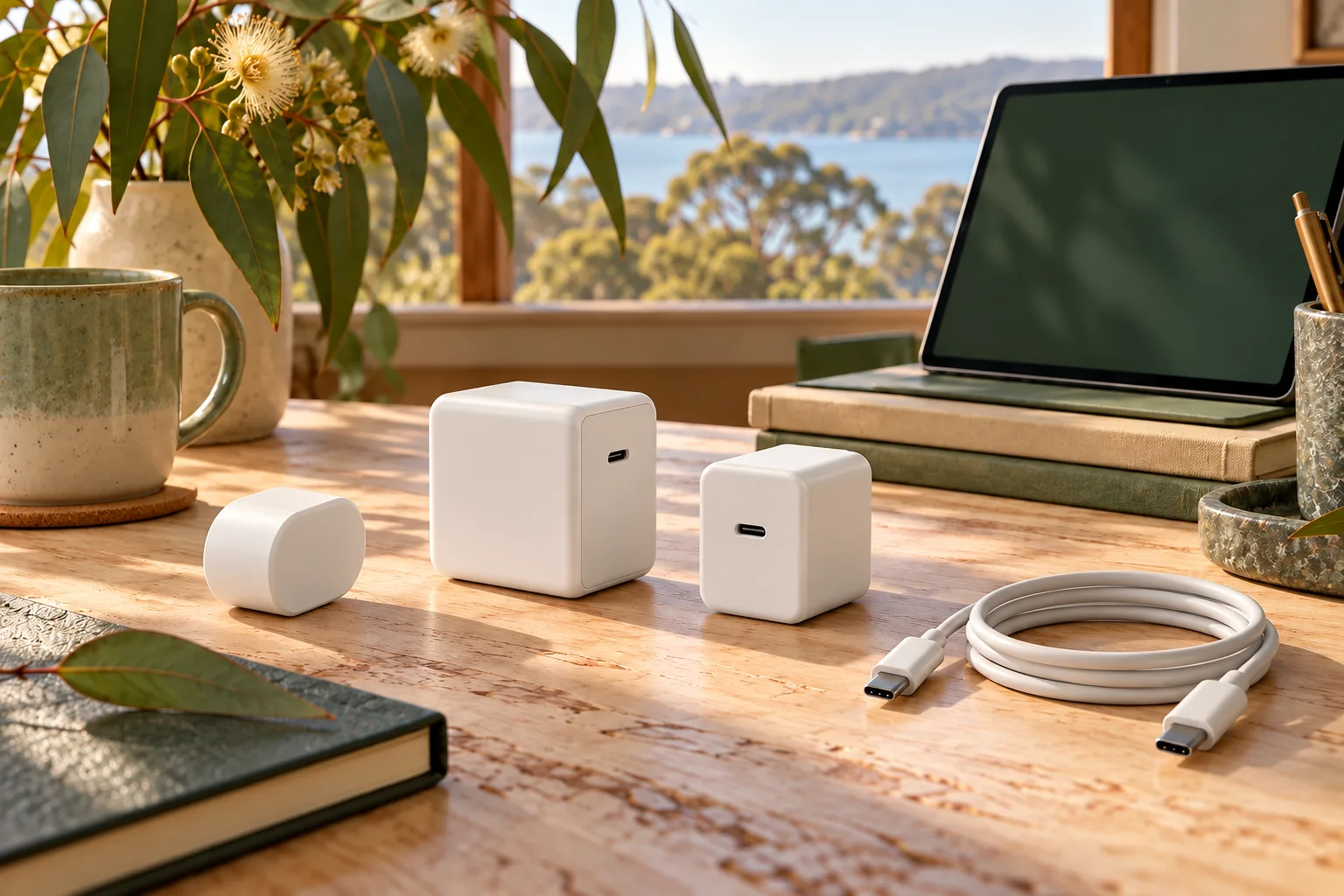
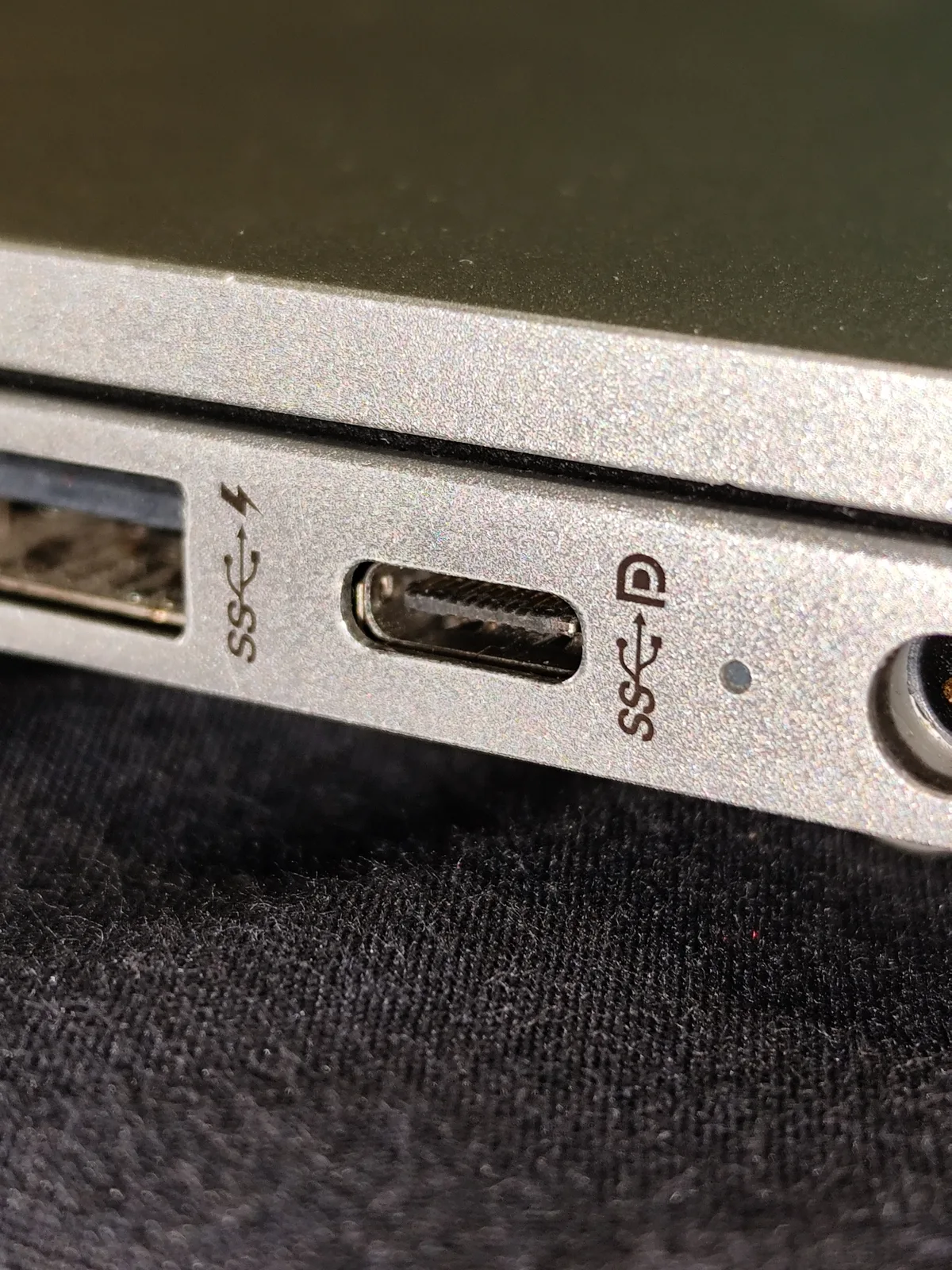
A USB-C laptop charger purchase has several separate decisions: the laptop’s documented power requirements, the adapter’s supported output, the cable and the wall-side accessory. A matching plug shape settles only the physical connector question. This comparison uses the Apple Australia listings for the 70W Power Adapter and 96W Power Adapter observed on 29 October 2026; it does not approve either one for every USB-C laptop.
For the MacBook Air M5, Apple’s current specification describes fast charging with a 70W or higher USB PD power source. That does not establish a charge-time result for every third-party charger, cable, workload or battery condition. For another computer, use its own exact model documentation rather than transferring the Air statement.
2. The actual Australian adapter differences
The 70W listing recommends pairing with a 14-inch MacBook Pro or a 13-inch or 15-inch MacBook Air. The 96W listing specifically recommends a 14-inch MacBook Pro from 2021 or later for its stated fast-charging use. The recommended pairing is useful context; it is not a promise that a laptop will draw the adapter’s full headline wattage continuously.
| Purchase detail | Apple 70W adapter | Apple 96W adapter |
|---|---|---|
| Headline power | 70W | 96W |
| Listing recommendation | 14-inch MacBook Pro; 13- or 15-inch MacBook Air | 14-inch MacBook Pro, 2021 or later |
| Device-side cable | Sold separately | Sold separately |
| Listed AC accessory family | AC Connector 2 | AC Connector 1 |
| New World Travel Adapter Kit | Listing includes compatibility | Listing expressly says not compatible |
3. Watts are one part of the specification
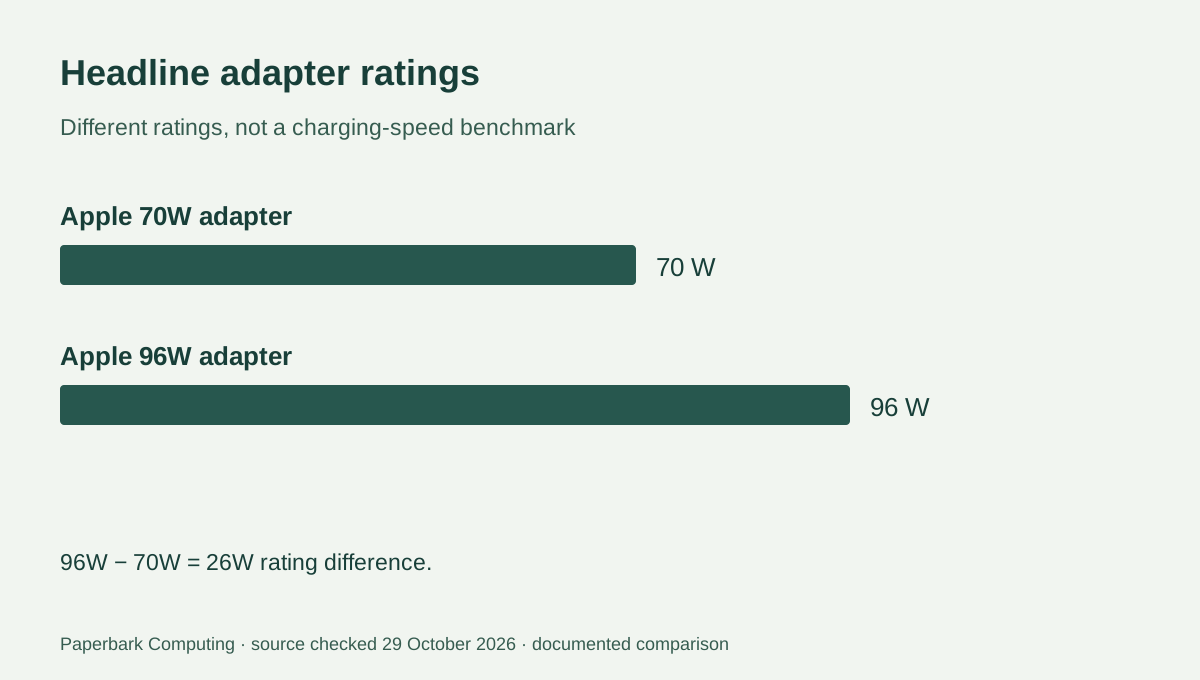
The arithmetic difference is 26W: 96 − 70 = 26. That is a difference between headline ratings, not a measured increase in charging speed or battery runtime. Do not convert it into a claim that the larger adapter charges a particular computer proportionally faster. The computer, cable and negotiated output profile still matter.
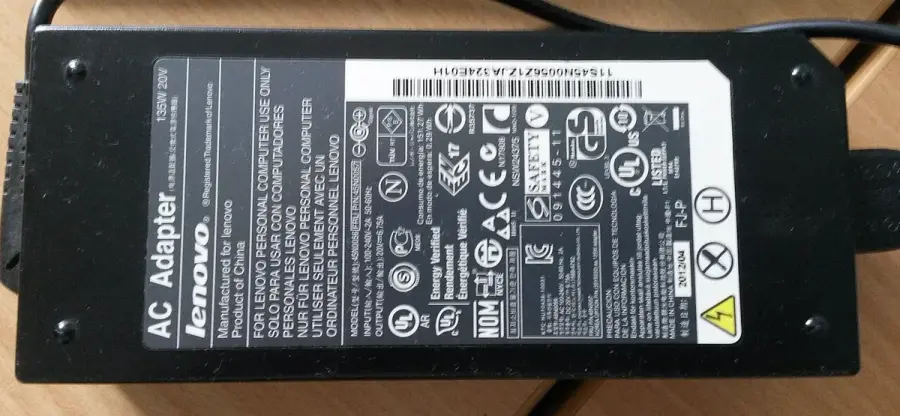
The calculator multiplies one voltage and current row. A fictional output row of 20 V and 3.25 A gives 65W; that example is not an asserted output row for either Apple adapter above. Alternative output profiles on a label are choices, not power sources to add together. The older Lenovo supply in the real photograph illustrates why a labelled notebook adapter must also be identified by its actual connector and intended device, rather than accepted because its number looks large.
4. Keep the cable and AC accessory families explicit
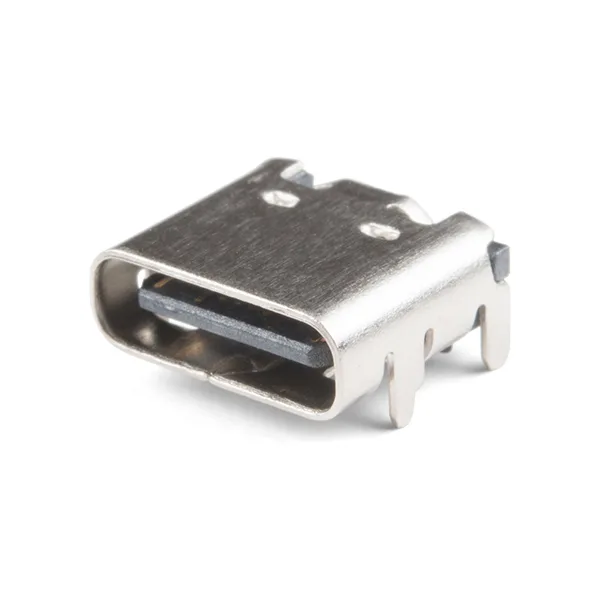
Both listings exclude the charging cable. Check whether your intended connection is a USB-C charge cable or USB-C to MagSafe 3 cable and whether the exact cable supports the intended use. An older MagSafe cable is not made suitable by buying a higher-wattage USB-C adapter. Preserve the full cable description when comparing quotes.
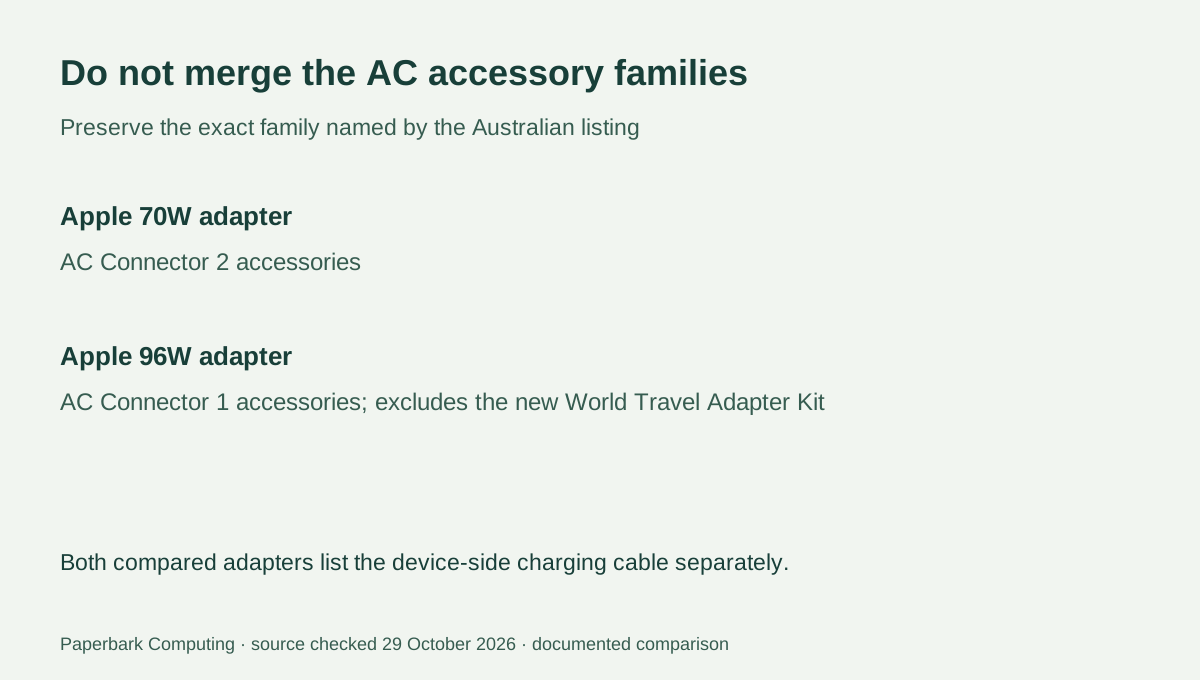
The current 70W listing names AC Connector 2 accessories. The 96W listing names AC Connector 1 accessories and expressly excludes the new World Travel Adapter Kit. Those are useful documented differences for a buyer retaining an existing extension lead or planning travel. Do not assume that accessories sold under a similar family name are interchangeable, and do not modify connectors to make them fit.
5. Choose the complete documented setup
For an M5 Air purchase, start with the actual in-box adapter for the selected configuration. If the reason for an additional adapter is the documented fast-charge option, compare the 70W setup with the required cable and your existing wall-side accessories. For a 14-inch Pro, use the exact generation’s instructions and the 96W listing’s stated pairing, rather than choosing solely by the highest rating.
We have not verified a live retail price or stock feed for these complete setups. Obtain current AUD quotes for the adapter, any required cable and any replacement AC accessory, then use the kit-cost tool. A cable you genuinely own and have verified as suitable can be recorded as included; an unknown cable requirement is not a $0 saving. Neither the quote total nor the V × A calculator is an electrical safety assessment.