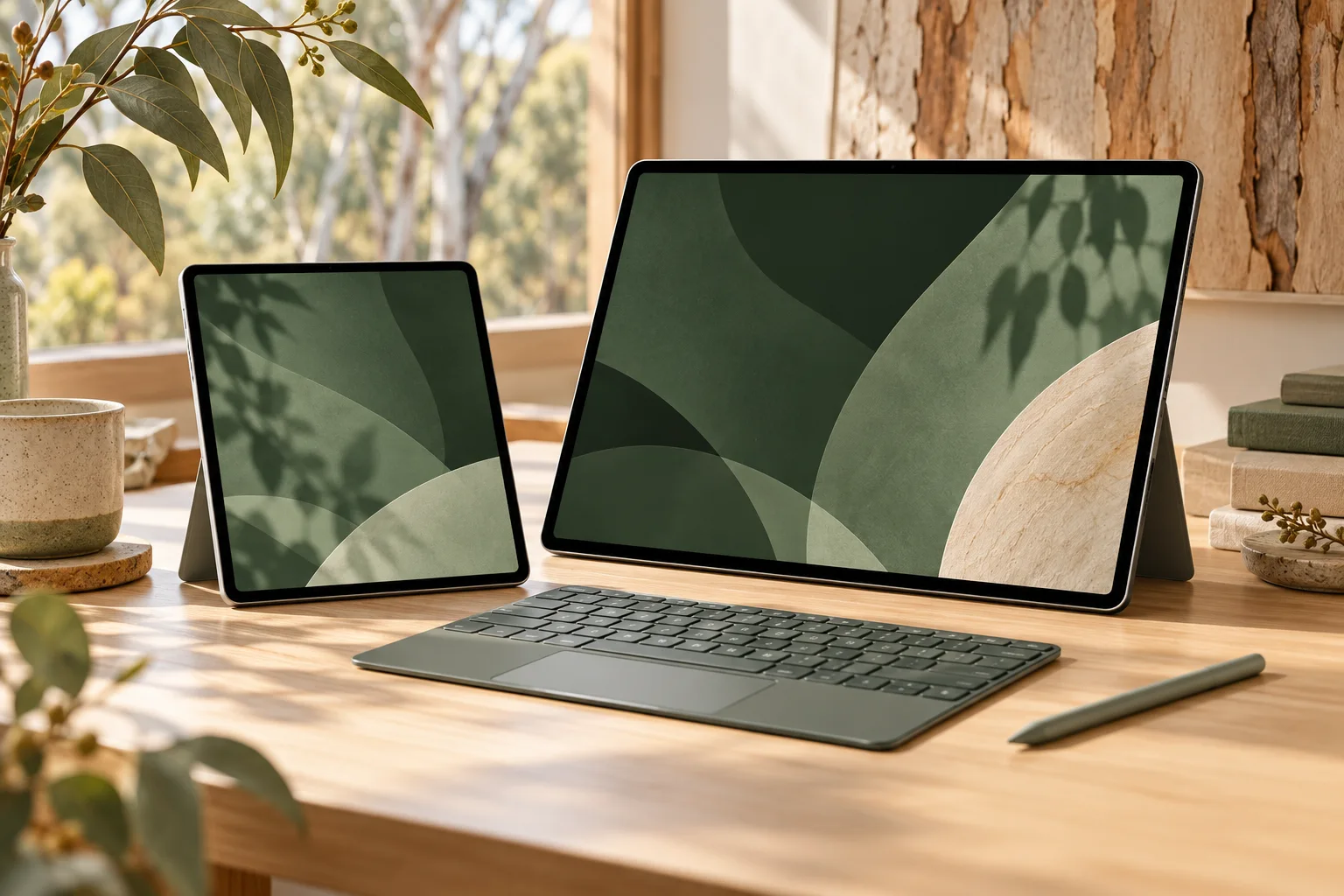
iPad Air M4 or iPad Pro M5: compare the 11-inch working setup
The actual 11-inch models differ in display, port capability and keyboard family. Match the same storage tier before comparing a complete Australian quote.
Updated:
1. Match the storage tier before comparing the names
For note-taking, document work and a portable canvas, the 11-inch iPad Air M4 is a sensible starting candidate when your required apps run on iPadOS and its documented display and connections meet the job. The 11-inch iPad Pro M5 becomes a stronger candidate when the OLED display, adaptive refresh or Thunderbolt connection solves a specific requirement. The word Pro by itself is not a reason to replace a laptop or buy accessories again.
The comparison here fixes both devices at Wi-Fi and 256GB storage. Apple lists a smaller 128GB starting option for Air, while Pro begins at 256GB, so comparing only the cheapest configuration on each page hides a storage difference. The specifications were checked on Apple Australia on 29 October 2026. We have not independently benchmarked either device or verified a live retail offer.
2. Read the actual screen and mass differences
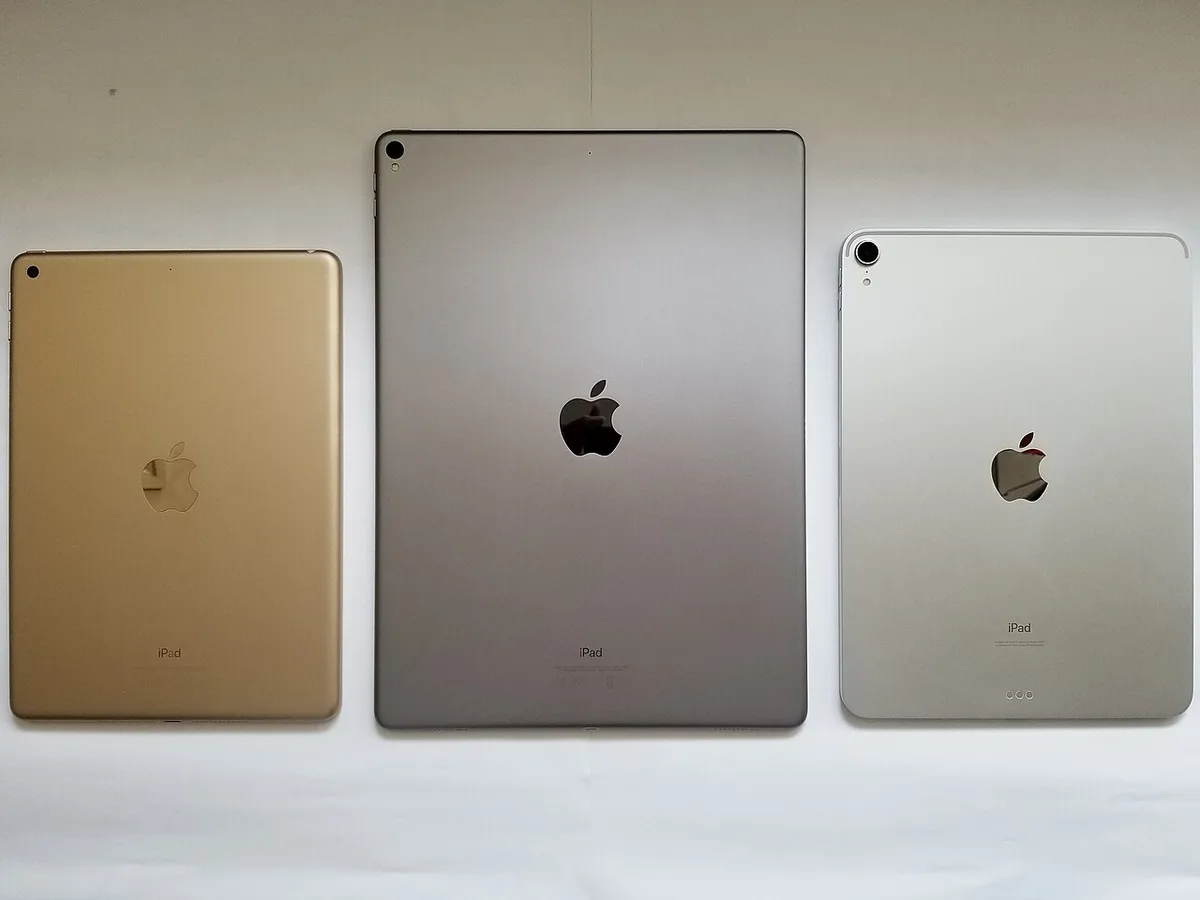
The Air uses an IPS LCD Liquid Retina display. The Pro uses tandem OLED Ultra Retina XDR with adaptive ProMotion from 10 Hz to 120 Hz. Those documented differences are relevant to someone who knows that display behaviour is part of their drawing, animation or viewing workflow. They do not establish how a particular third-party app performs or whether its iPad version contains every desktop feature.
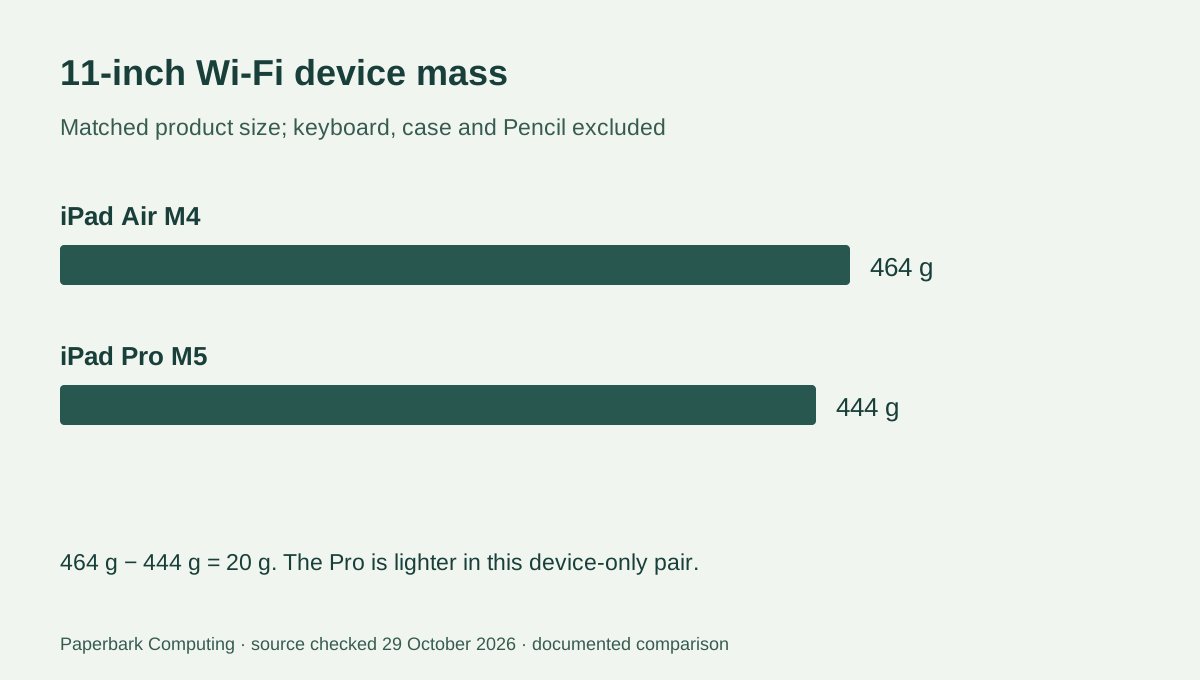
The Pro is also 20 g lighter in this exact Wi-Fi comparison: 464 − 444 = 20. That reverses the easy assumption that a higher product tier must be heavier. A keyboard, cover and Pencil can change the complete carried setup, so keep device-only figures separate from a weighed bag.
| Documented item | iPad Air 11-inch M4 | iPad Pro 11-inch M5 |
|---|---|---|
| Display technology | IPS LCD Liquid Retina | Tandem OLED Ultra Retina XDR |
| Native pixels | 2360 × 1640 | 2420 × 1668 |
| Listed display brightness | 500 nits | 1000 nits maximum SDR; separate HDR conditions |
| Wi-Fi device mass | 464 g | 444 g |
| Memory at 256GB storage | 12GB unified memory | 12GB unified memory |
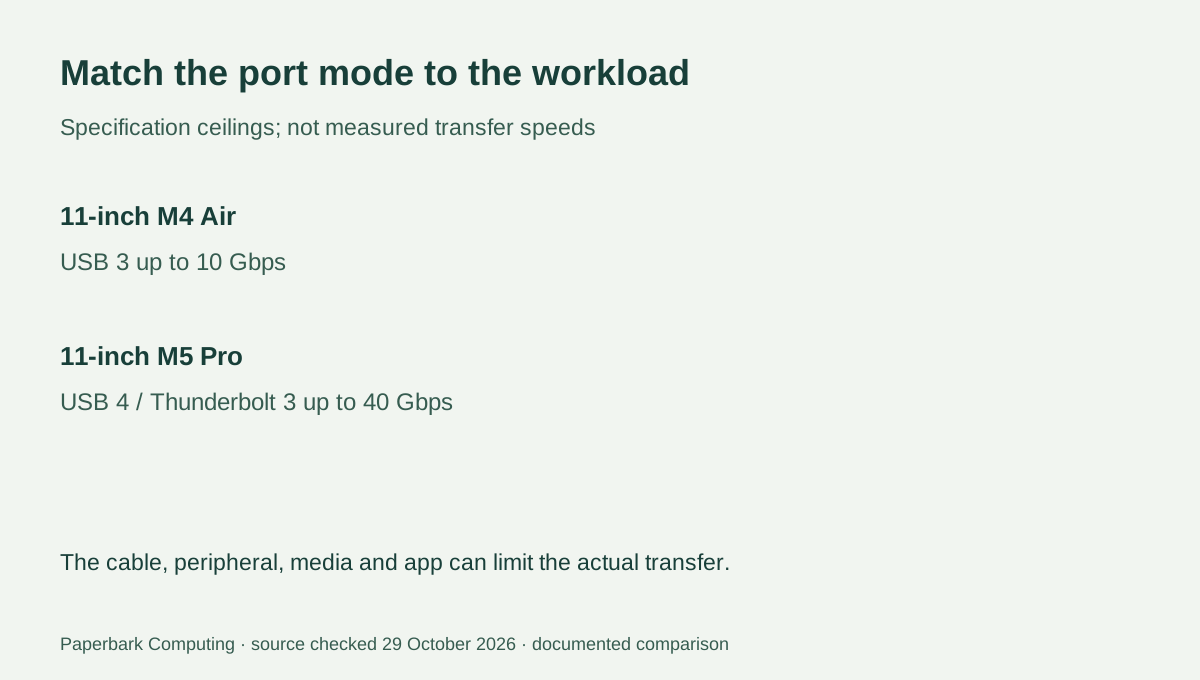
| Listed higher-speed port modes | USB 3 up to 10 Gbps | Thunderbolt 3 / USB 4 up to 40 Gbps |
3. Decide whether the port difference is useful to you
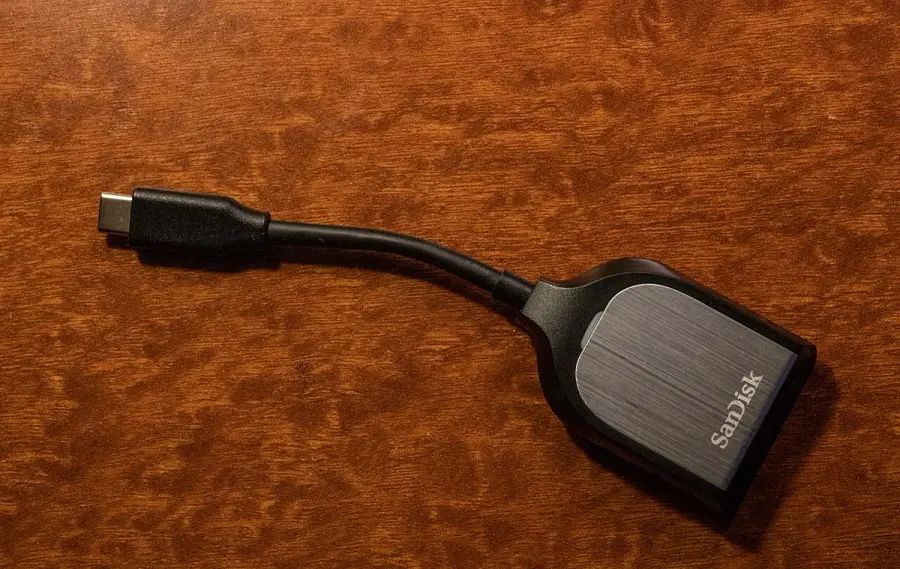
The Air specification lists USB 3 up to 10 Gbps through USB-C. The Pro lists Thunderbolt 3 and USB 4 up to 40 Gbps, as well as USB 3 support. Those are interface ceilings, not our measured file-transfer results. A reader importing photographs should identify the card reader, card, cable and app workflow; choosing a higher-rated tablet port does not make a slower card transfer at that port’s headline speed.
Both specifications describe one external display up to 6K at 60 Hz. The Pro additionally lists a 5K at 120 Hz option. This is a documented mode difference, not approval for an arbitrary adapter or a promise that a specific app gains extra windows. If your existing display is the purchase reason, preserve the exact display mode and connection chain in the comparison rather than buying on connector shape alone.
4. Keep the keyboard family and Pencil separate
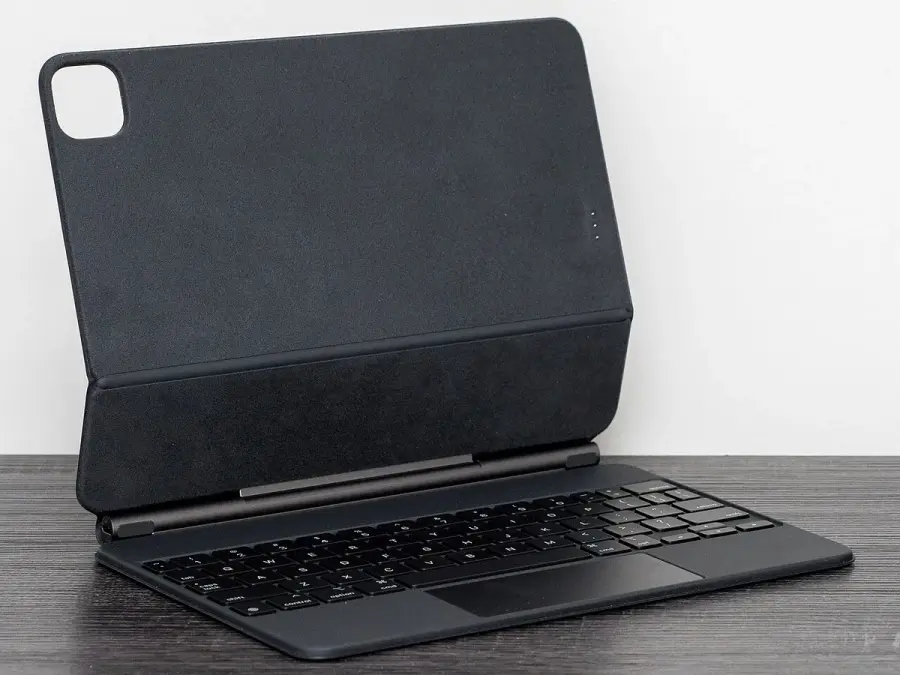
Apple’s current keyboard comparison places these tablets in different Magic Keyboard families: Magic Keyboard for iPad Air and Magic Keyboard for iPad Pro. The family, supported generation and physical size all matter. An old keyboard may have a similar cantilever shape without being the correct attachment for the new tablet. Use the exact accessory listing, not an older photograph, to decide what can be retained.
Both device specifications support Apple Pencil Pro and Apple Pencil (USB-C). That shared compatibility can keep the input question separate from the display decision, but it does not make the two Pencil choices identical in features. An owner of another Pencil generation still needs to check the exact model. An existing supported accessory can be retained only when its own identity has been established.
5. Choose around the feature you will actually use
Choose Air when the required iPad apps, LCD display and documented port modes already meet the work. Choose Pro when you can name the OLED, refresh or interface requirement that changes the job for you. If your required examination software, engineering package or workplace tool needs a desktop operating system, resolve that issue first; either tablet can be the wrong main computer despite its processor specification.
Obtain complete AUD quotes for matched storage, keyboard and Pencil choices. Add any needed card reader or display adapter only after checking its specific compatibility. No verified current price or stock feed is used here, so we do not declare a cheapest setup or a saving. The useful result is a complete configuration whose additional feature you can explain and whose total you can actually quote.