iPad Pro M5: 11 or 13 inches, and will your input accessories carry across?
Compare the actual M5 sizes, Wi-Fi weights and storage-linked memory, then separate the right keyboard and Pencil from older accessories.
Updated:
1. Choose a size and a configuration, not just “Pro”
For an Australian buyer choosing between the 11-inch and 13-inch iPad Pro with M5, the smaller device makes sense when holding the tablet, taking it between classes or working in a narrow seat matters most. The larger model is the stronger candidate when a full-page document, drawing canvas or two app windows matter more than the smallest bag. Neither size turns an iPad app into the desktop version of that app. Check your actual course or work software before treating either tablet as your only computer.
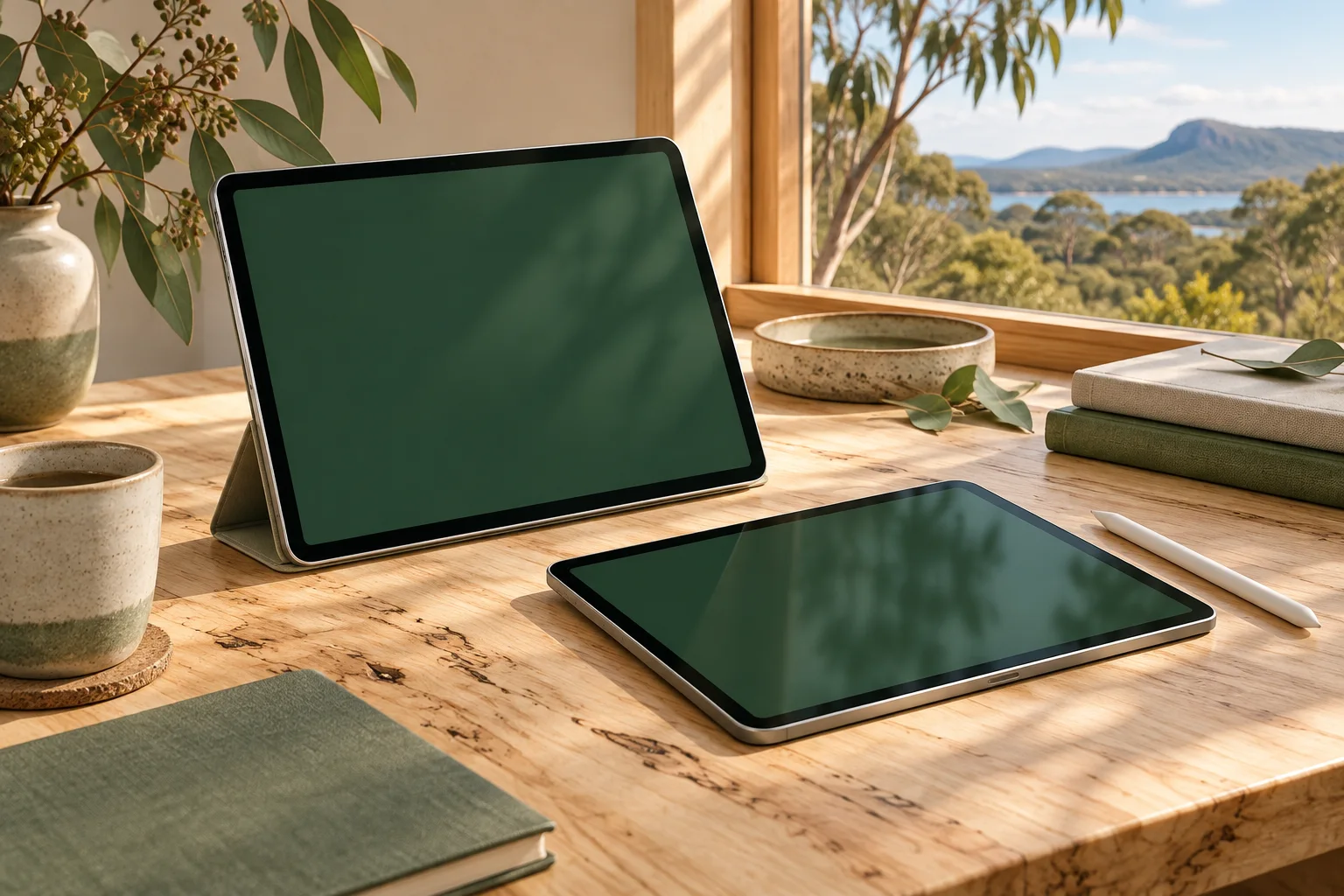
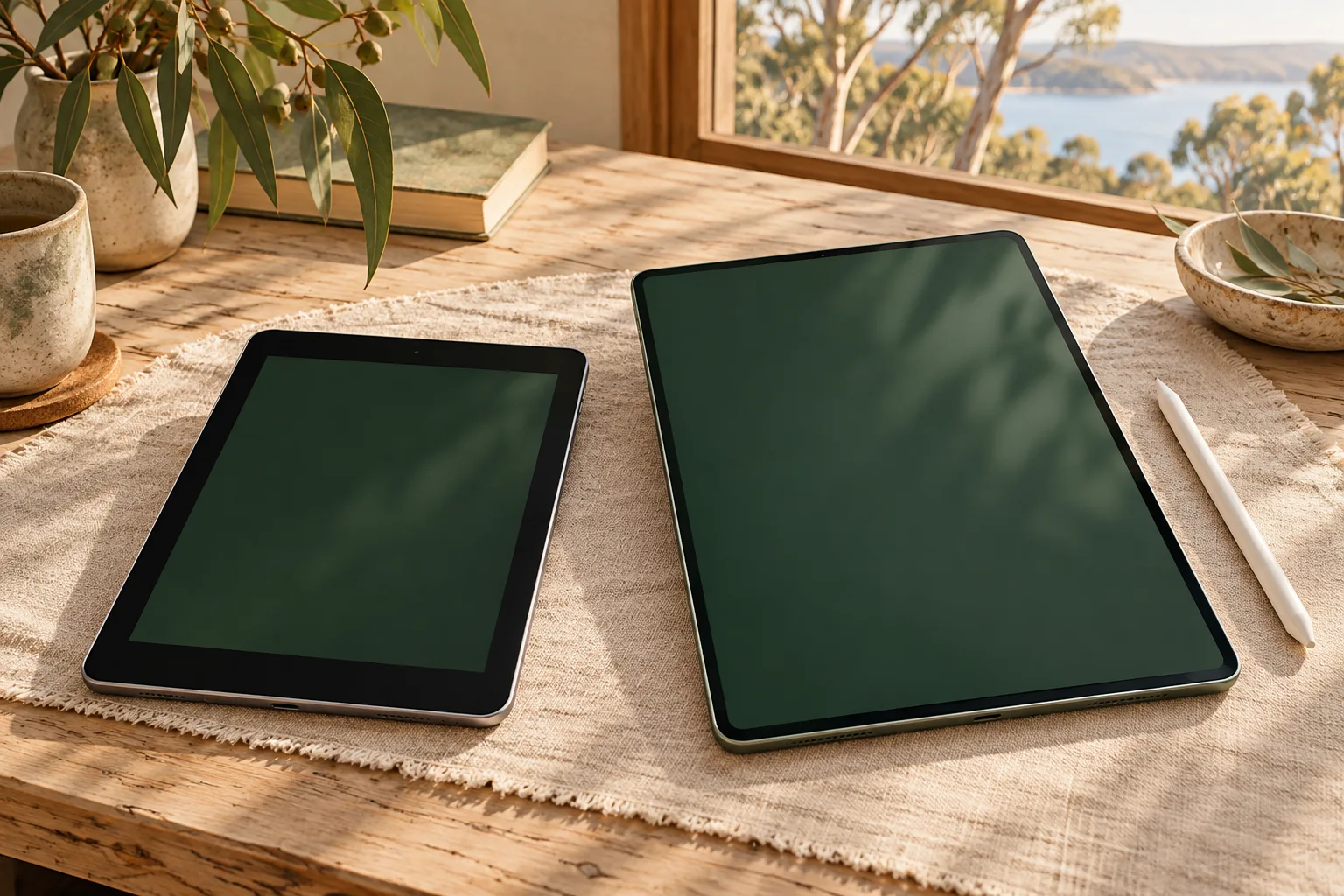
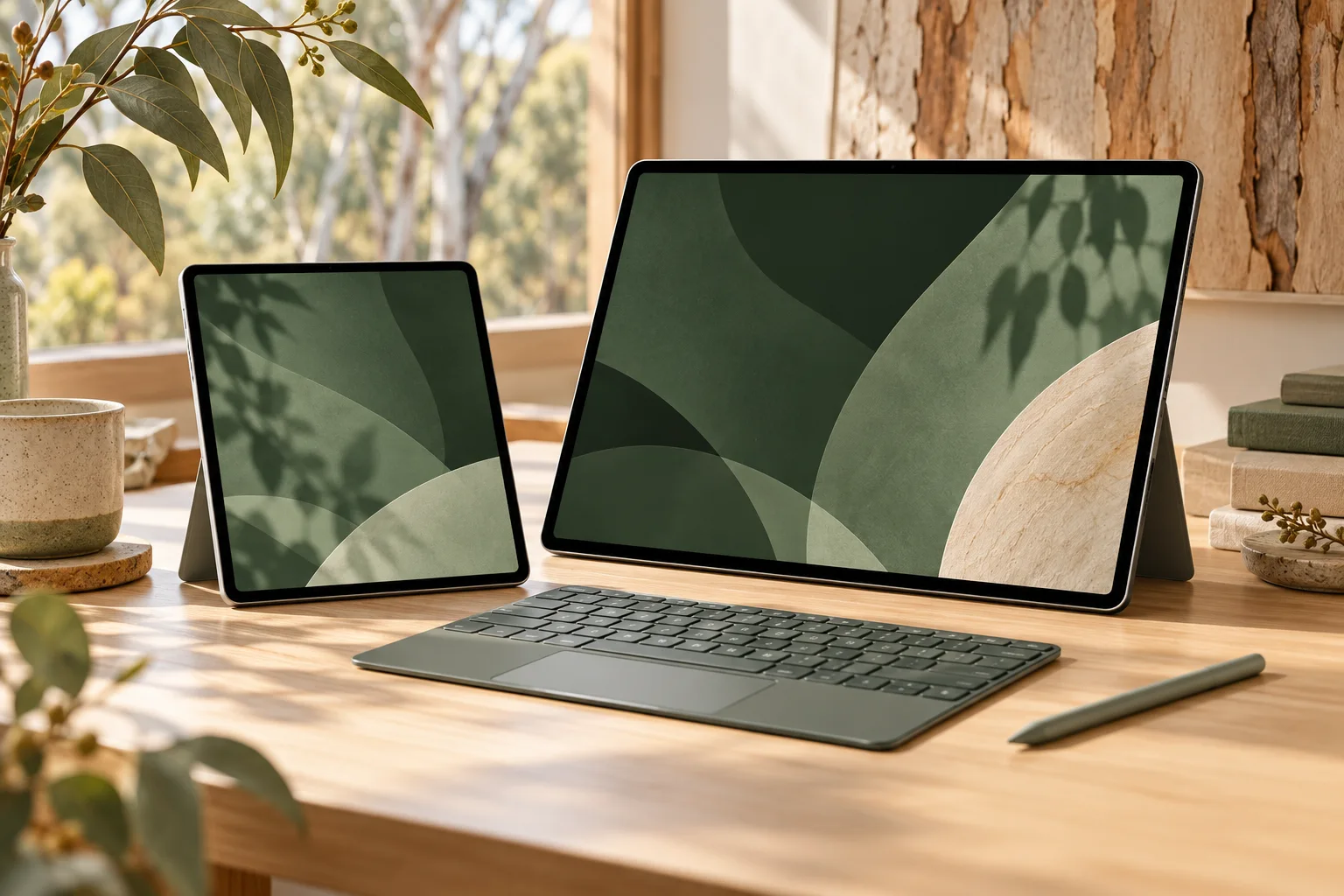
This comparison uses Apple Australia’s M5 technical specifications checked on 29 October 2026. It compares Wi-Fi devices unless a row says otherwise. A Cellular configuration, different storage tier, keyboard and case must remain explicit in a quote. Earlier devices in the real photographs help identify the generations you may already own; the generated cover is a conceptual illustration.
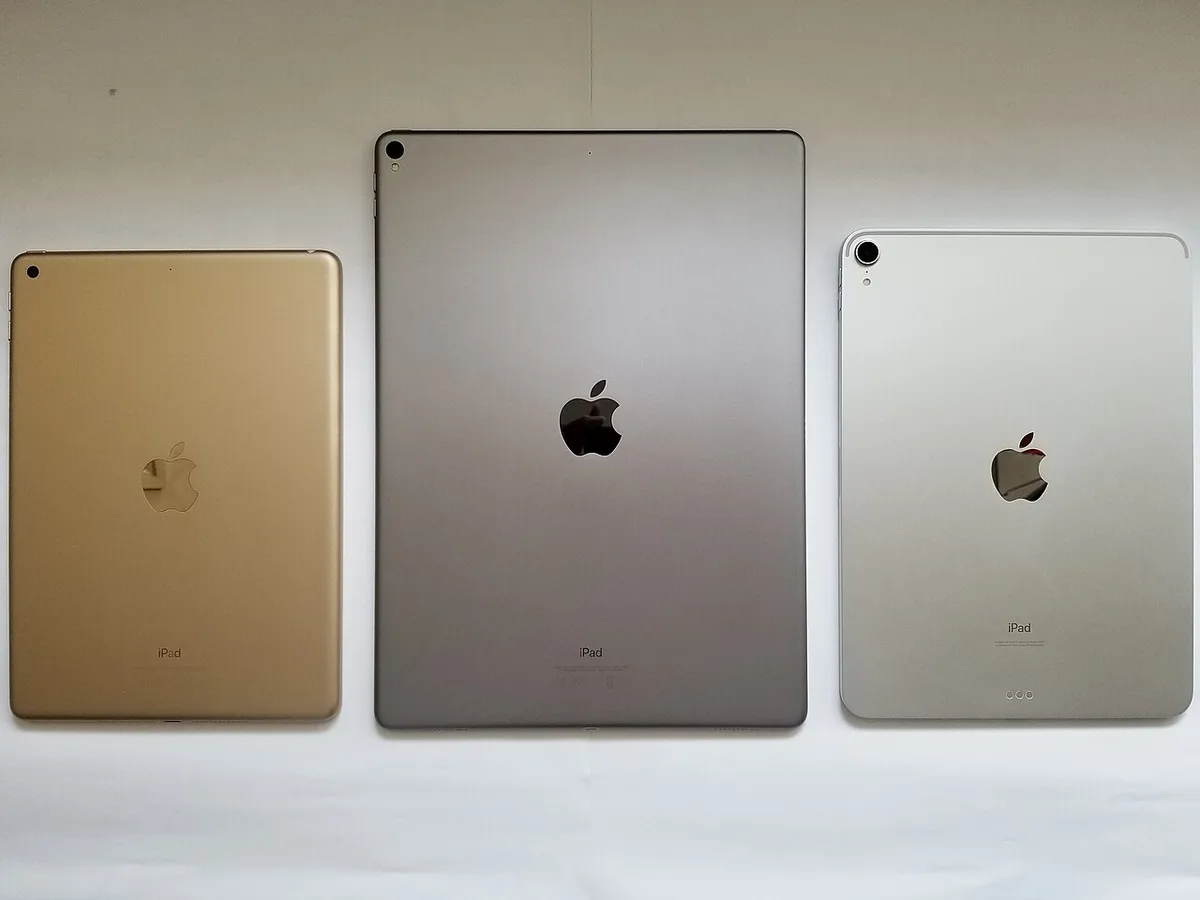
2. The two actual devices side by side
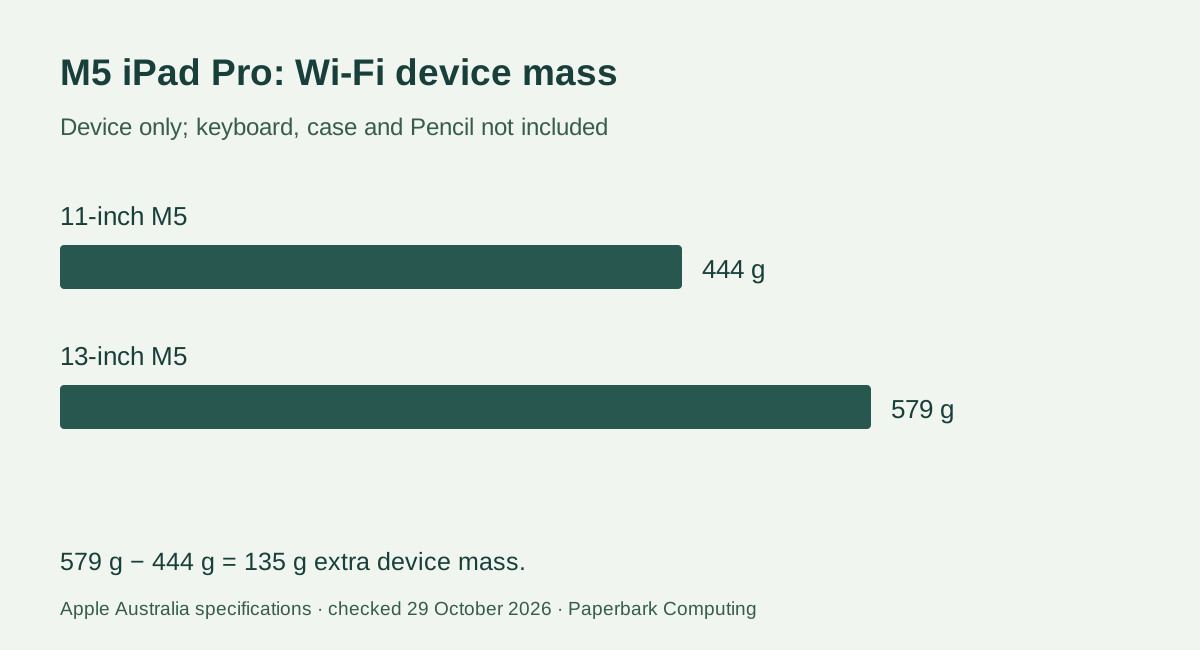
The larger Wi-Fi device adds 135 g before any keyboard or case: 579 − 444 = 135. That is a device-only difference, not the difference between two complete bags. Try the intended keyboard arrangement on the desk or surface you use; a bigger canvas is useful only if the whole setup fits.
Both sizes have the M5 platform and a tandem OLED Ultra Retina XDR display with adaptive ProMotion from 10 Hz to 120 Hz. Choose the larger model for workspace, rather than assuming its size alone gives a different software feature set. The different pixel dimensions below are manufacturer specifications, not our measurements of usable app area.
| Documented item | iPad Pro 11-inch M5 | iPad Pro 13-inch M5 |
|---|---|---|
| Body dimensions | 249.7 × 177.5 × 5.3 mm | 281.6 × 215.5 × 5.1 mm |
| Wi-Fi device mass | 444 g | 579 g |
| Native display pixels | 2420 × 1668 | 2752 × 2064 |
| Storage choices | 256GB, 512GB, 1TB, 2TB | 256GB, 512GB, 1TB, 2TB |
| Supported Pencil choices | Apple Pencil Pro or Apple Pencil (USB-C) | Apple Pencil Pro or Apple Pencil (USB-C) |
3. Storage is also a configuration decision
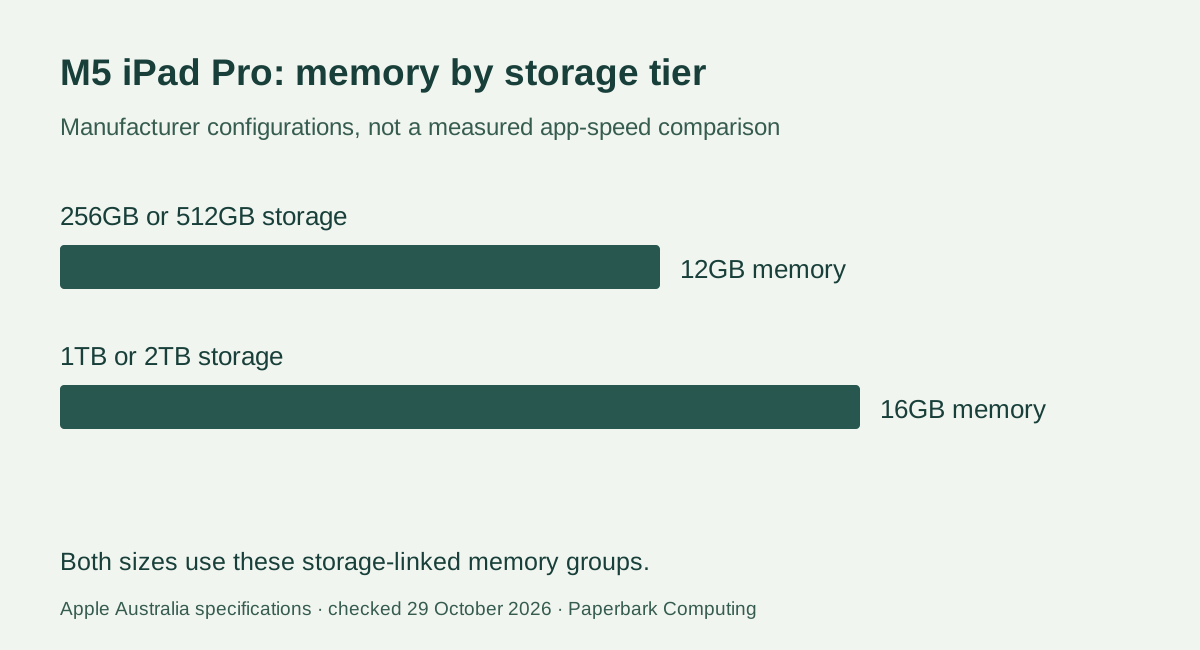
The M5 specification assigns 12GB unified memory and a 9-core CPU to the 256GB and 512GB models. The 1TB and 2TB models list 16GB unified memory and a 10-core CPU. This is a real difference between configurations; it is not a claim that every app becomes faster by a fixed percentage. A storage recommendation must therefore name the exact tier being compared.
Start with your actual offline files, installed apps and project requirements. A student streaming lectures with modest local documents has a different storage question from a creator keeping large video projects offline. The storage tool converts decimal GB to GiB and subtracts supplied use; it cannot know your system reservations, app caches or future project growth. Check an existing device’s measured use and your app’s requirements before paying for a higher tier.
4. Identify the keyboard and Pencil you already have
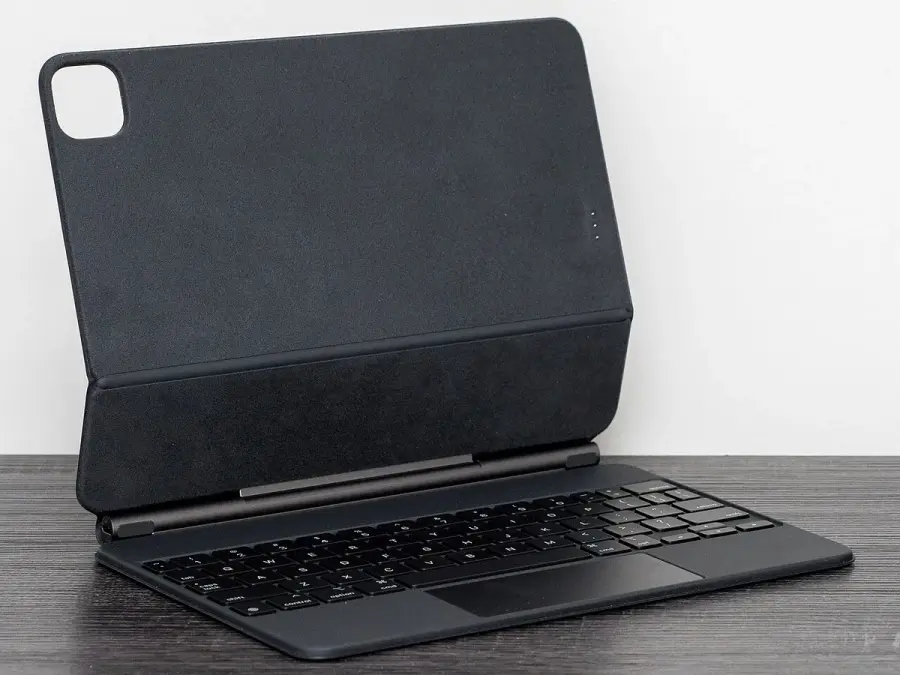
Apple’s current keyboard comparison groups Magic Keyboard for iPad Pro with the 11-inch and 13-inch M4 and M5 devices. The physical size must match as well as the supported generation. A keyboard described only as “for iPad Pro” or “12.9-inch” is not enough evidence. Record its model or part number and match it against the actual accessory compatibility listing; an older Magic Keyboard photograph cannot establish that it fits a new tablet.
Both M5 sizes list Apple Pencil Pro and Apple Pencil (USB-C). Do not assume the older round, capped Pencil in the photograph is supported simply because it is an Apple Pencil. Identify the existing Pencil generation before including it as a retained accessory. If drawing depends on a particular Pencil feature, compare the feature list of the two supported choices instead of treating them as identical styluses.

5. Compare the complete Australian quote
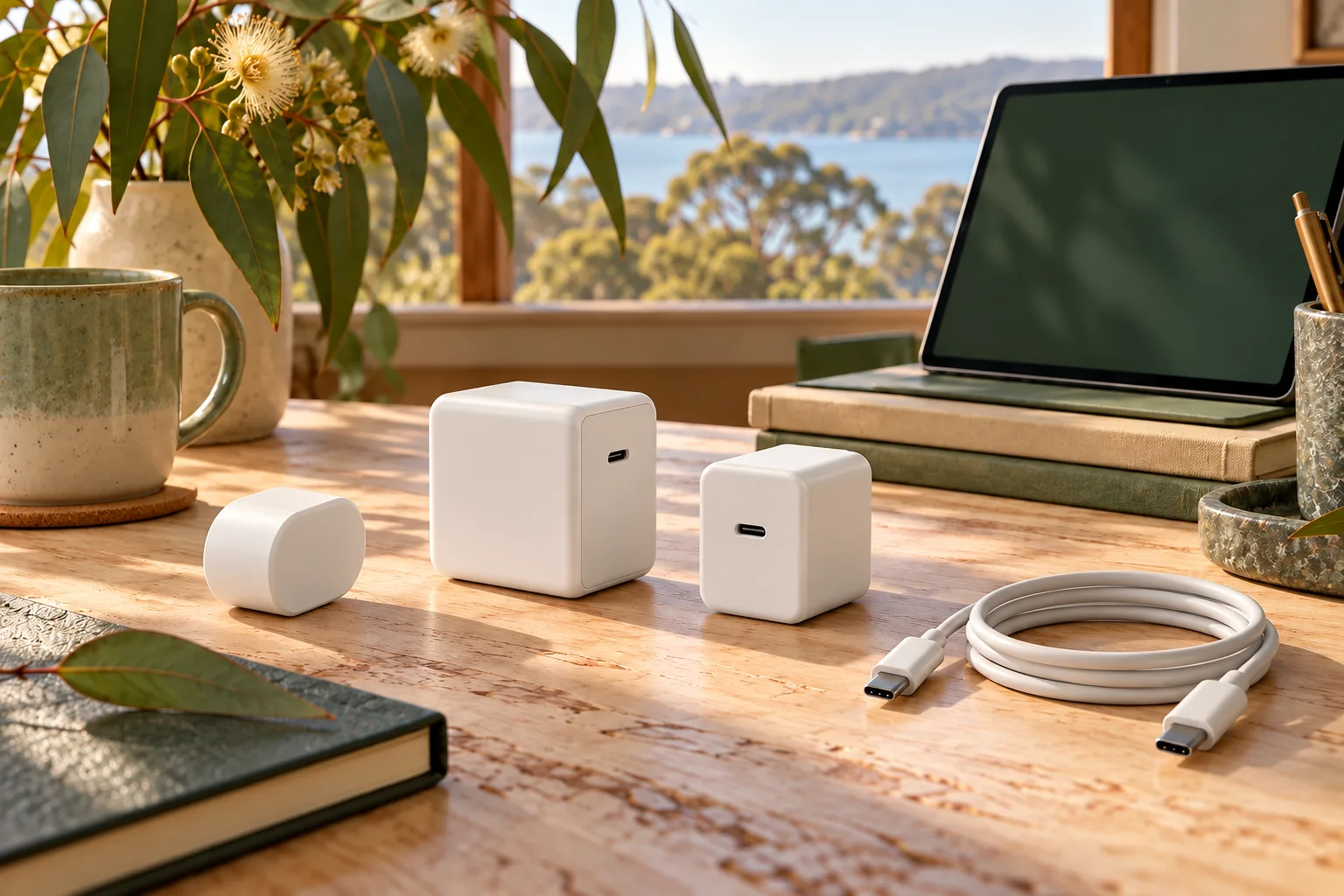
Build each quote around the exact size, storage, Wi-Fi or Cellular configuration, keyboard size and Pencil model. Apple’s M5 specifications list a USB-C charge cable and 20W USB-C power adapter in the box; keyboard and Pencil are separate purchase decisions. Do not add a second charger automatically, or assume a seller’s bundle contains the same items as Apple’s stated box contents. Ask for the actual bundle inclusions.
We have not verified a live Australian retailer price or stock feed for these configurations, so this guide does not present a cheapest offer or savings total. Enter confirmed AUD quotes into the kit-cost tool, including delivery or accessories where charged. An unknown item is an unquoted cost, not $0. Keep any change-of-mind conditions separate from consumer guarantees and read the seller’s current terms before paying.
6. Make the size choice around your real work
Choose the 11-inch M5 when frequent handheld use and a smaller setup dominate, provided the apps and documents remain comfortable at that size. Choose the 13-inch M5 when a larger working canvas is the reason for buying the tablet and you accept the documented extra device mass plus the size of its matching keyboard. For either choice, confirm a course’s examination software or a workplace’s required desktop tools before replacing a laptop.
A useful final comparison preserves the exact configuration and input accessories on both sides. If your old keyboard or Pencil is unsupported, include the confirmed replacement quote before judging the total. If your existing input accessory is supported, retain that specific fact in the quote rather than generalising from an older photograph. The answer can then be a size and complete setup that suit your work, rather than an unsupported claim that the largest or most expensive model is best.