MacBook Air M5: 13-inch or 15-inch for an Australian everyday kit?
Compare the actual M5 Air sizes, weight, footprint, included power adapters and display connections before choosing the complete kit.
Updated:
1. Choose the physical kit before the storage upgrade
The current Australian M5 MacBook Air comes in two body sizes. This comparison uses Apple Australia’s specifications checked on 29 October 2026: the model marketed as 13-inch has a 13.6-inch display, while the 15-inch has a 15.3-inch display. Both are actual M5 families, rather than an older Air description transferred to a current listing. No current retailer price or stock comparison has been verified here.
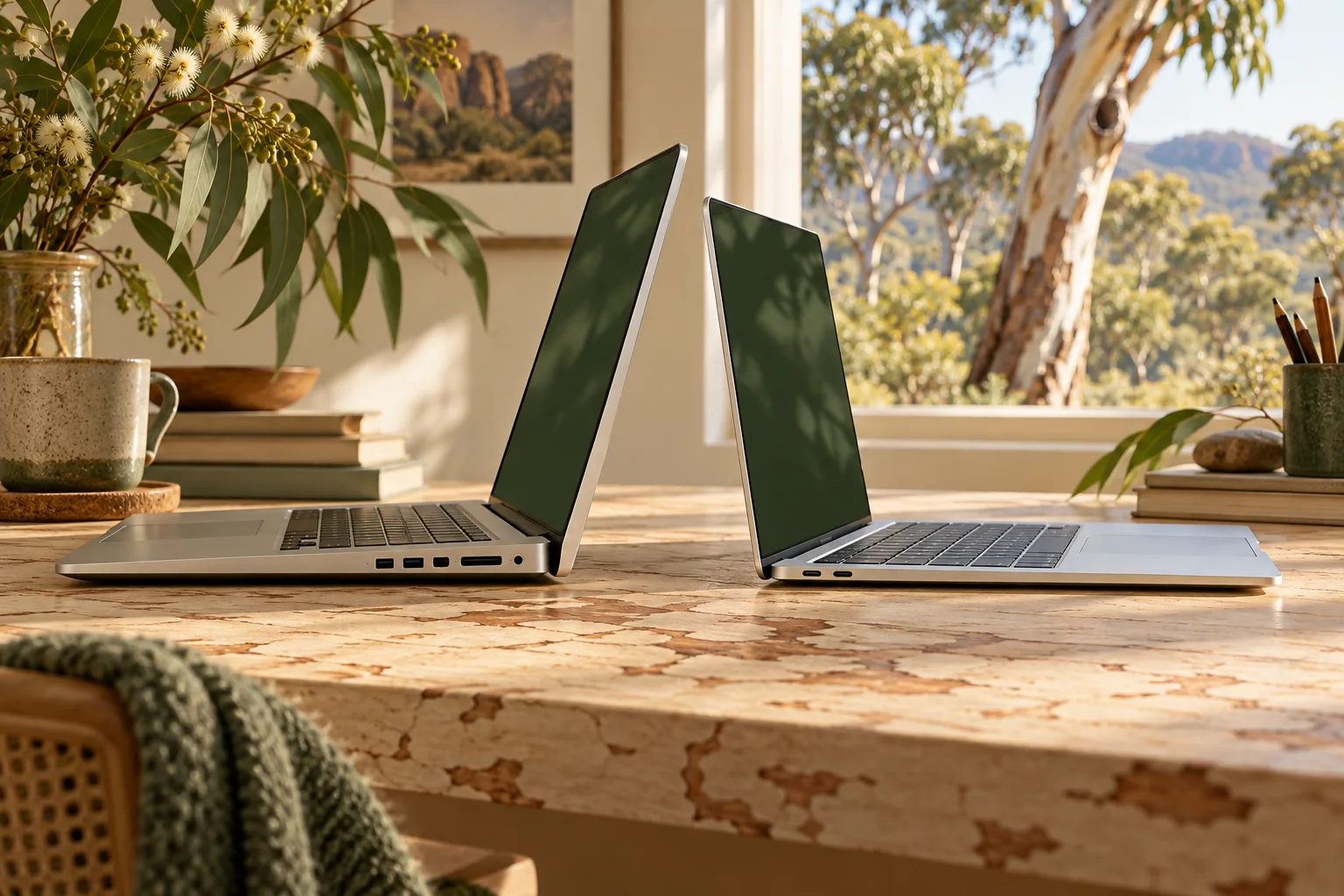
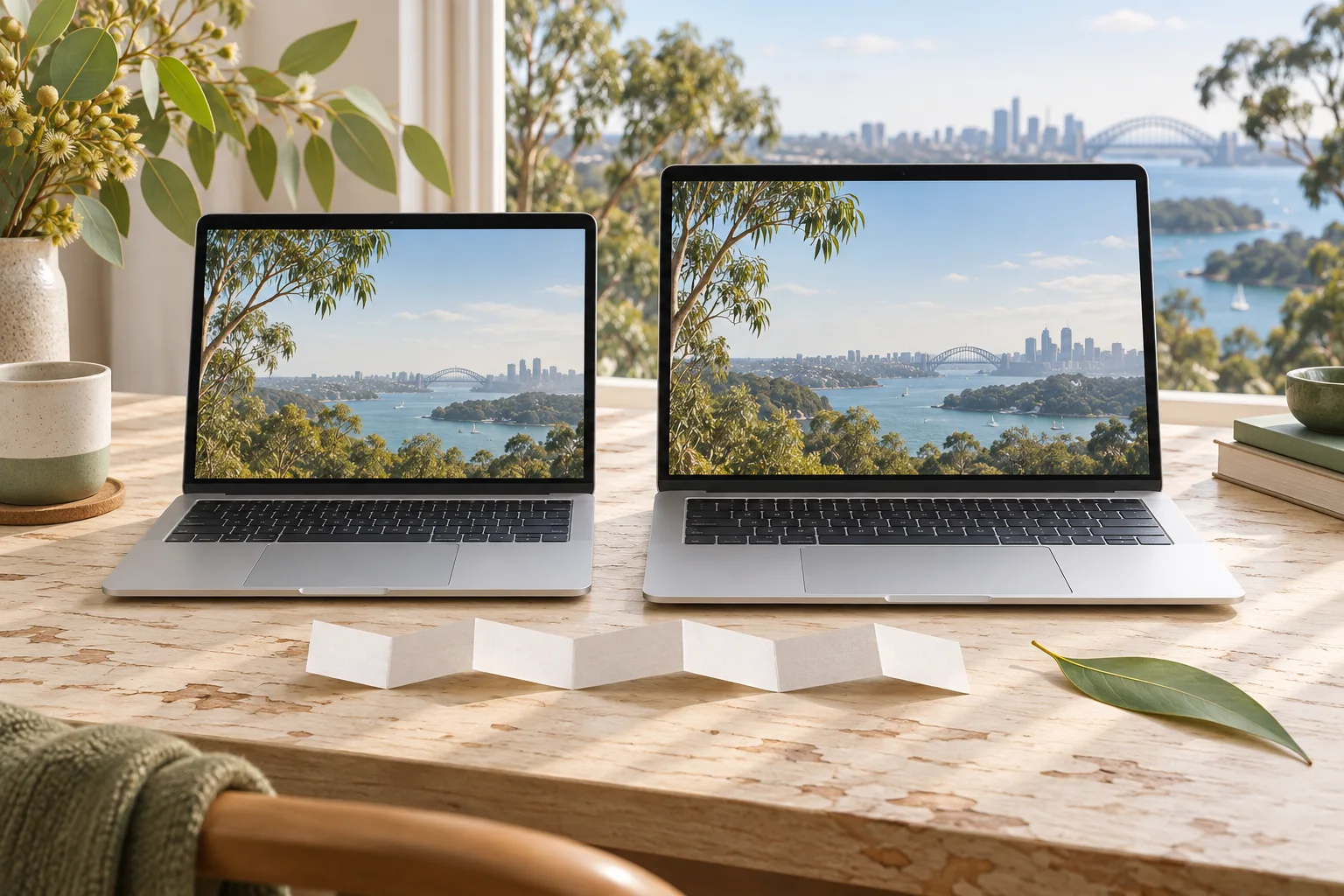
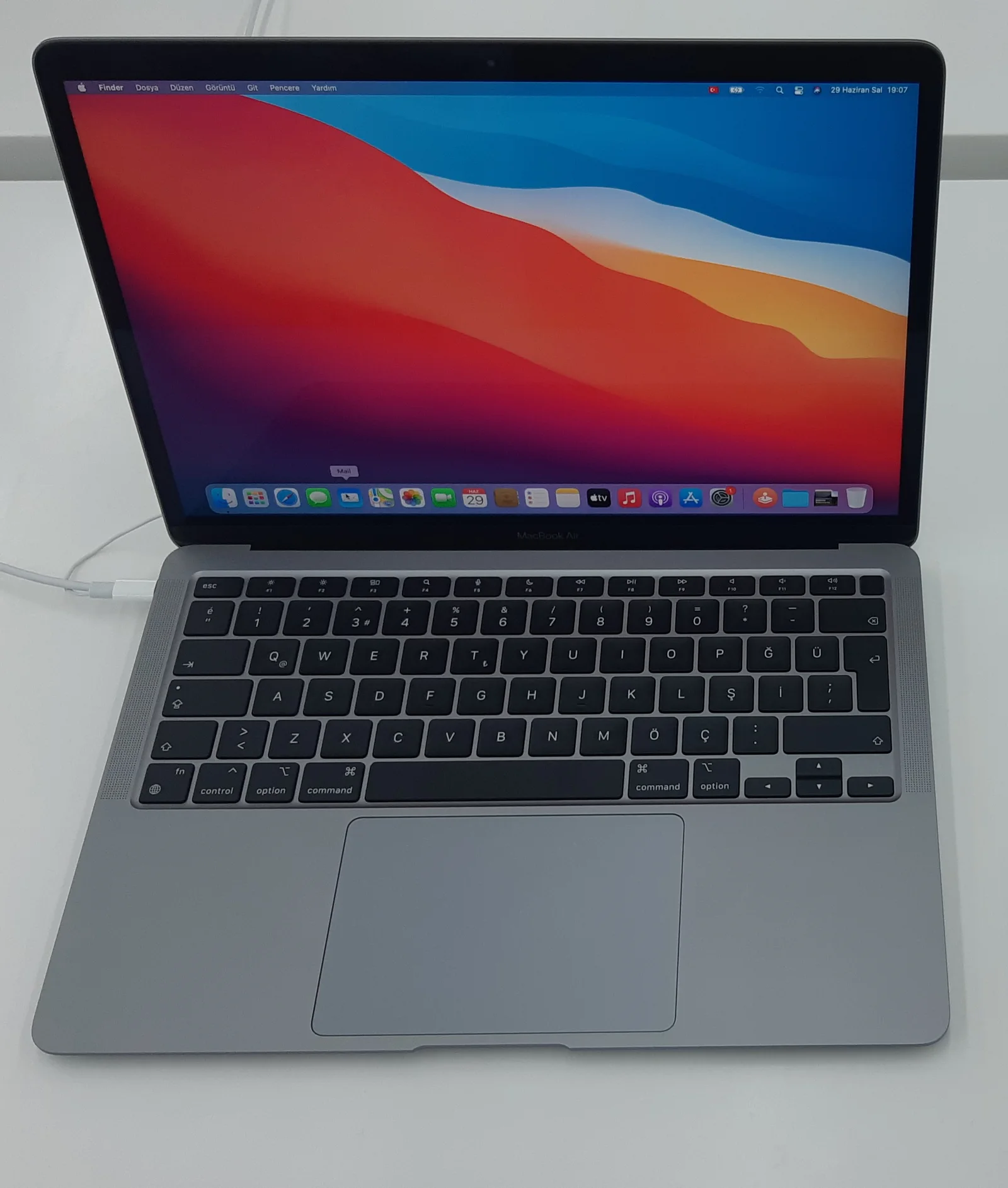
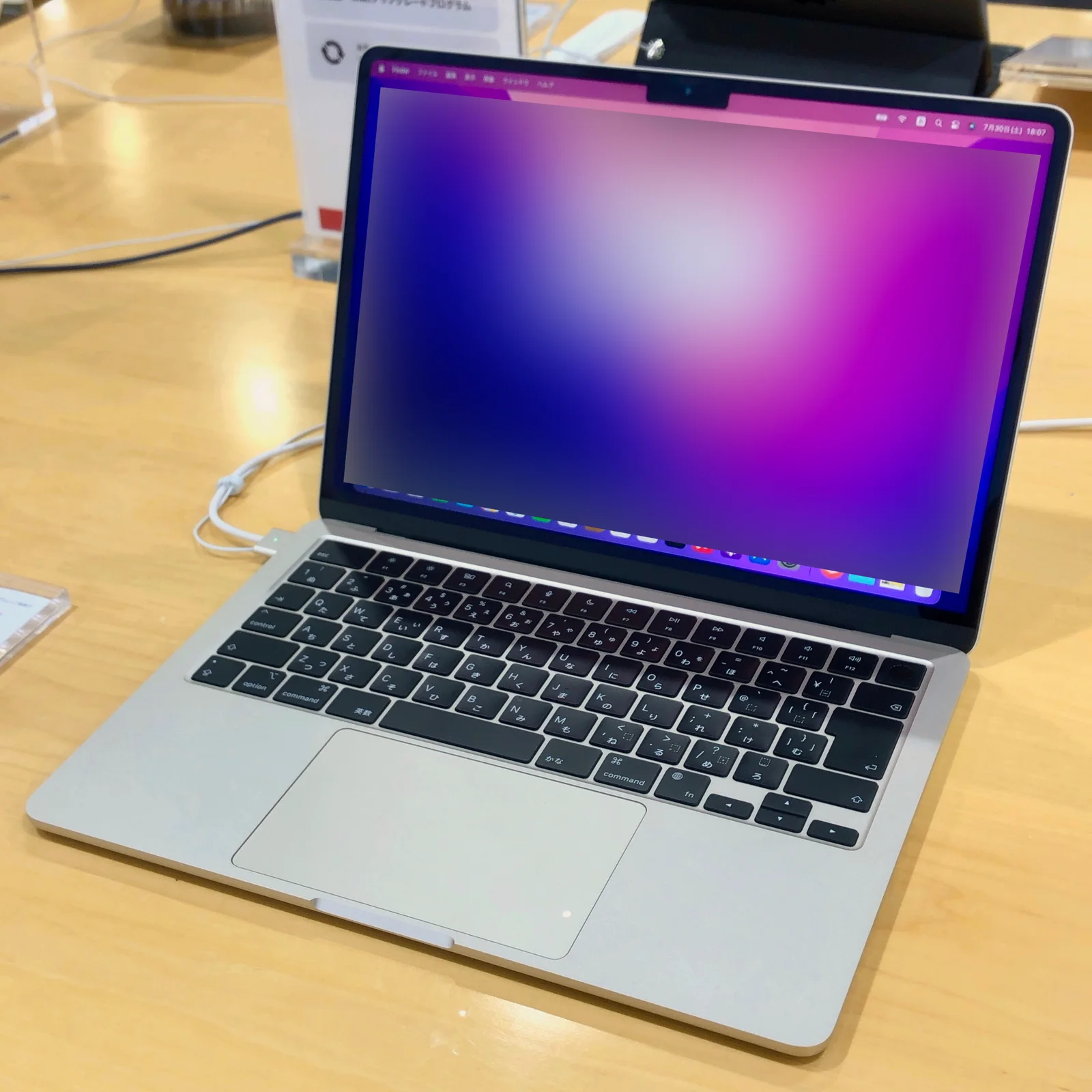
Choose the larger model when its additional built-in workspace addresses a task you actually do away from a desk. Choose the smaller one when the lighter body and smaller footprint matter more. Neither conclusion requires pretending the larger machine has extra ports or that a higher storage tier changes its screen size. The photographs show earlier real Air generations as physical context; they are not M5 review units.
2. Compare screen, mass and bag footprint together
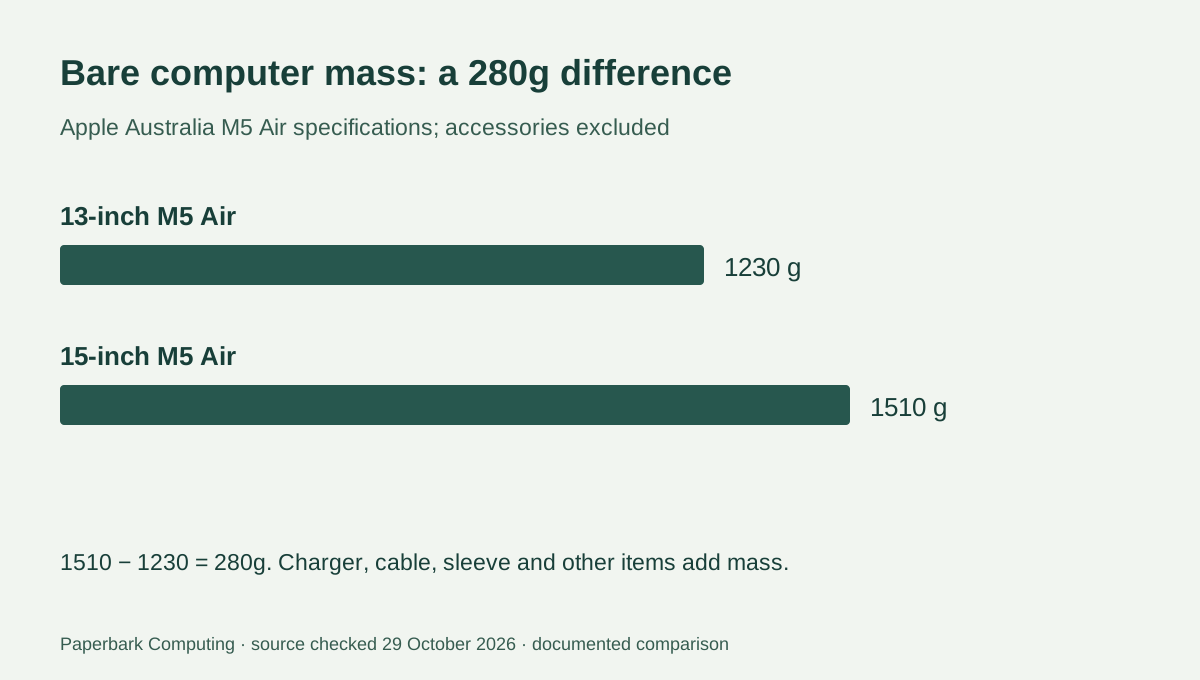
Apple lists the smaller model at 1.23kg and the larger at 1.51kg. The bare-computer difference is 0.28kg, or 280g. Add the actual charger, cable and sleeve when comparing a carried kit: those accessories are not included in the computer mass. A shoulder-bag decision based only on the diagonal screen label can overlook the larger rectangular footprint.
The display resolutions are 2560 × 1664 and 2880 × 1864 respectively. Both are specified at 500 nits. These numbers describe the documented panels, not a measured brightness test or a guarantee about readability in every Australian outdoor condition. A 15.3-inch panel offers more physical space, but the task’s scaling and application layout still determine usable workspace.
| Physical detail | 13-inch M5 Air | 15-inch M5 Air |
|---|---|---|
| Actual display diagonal | 13.6 inches | 15.3 inches |
| Resolution | 2560 × 1664 | 2880 × 1864 |
| Published display brightness | 500 nits | 500 nits |
| Bare computer mass | 1.23kg | 1.51kg |
| Width × depth | 30.41 × 21.5cm | 34.04 × 23.76cm |
| Height | 1.13cm | 1.15cm |
3. Ports and the included adapter do not follow the size label alone
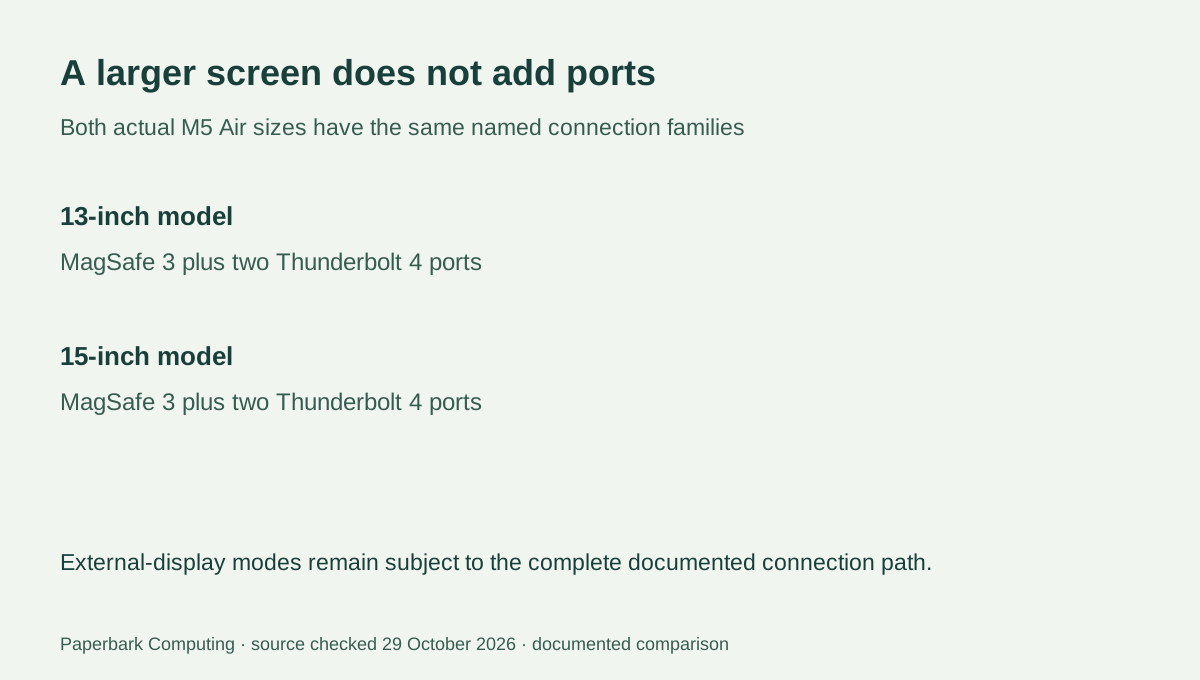
Both sizes have MagSafe 3 and two Thunderbolt 4 ports. The larger size does not buy a third Thunderbolt port. Apple documents support for up to two external displays alongside the built-in screen, with resolution and refresh-rate combinations specified on the linked page. A dock’s connector shape alone does not prove that your intended two-display arrangement is supported; the computer, dock, cables and displays must support the same complete connection path.
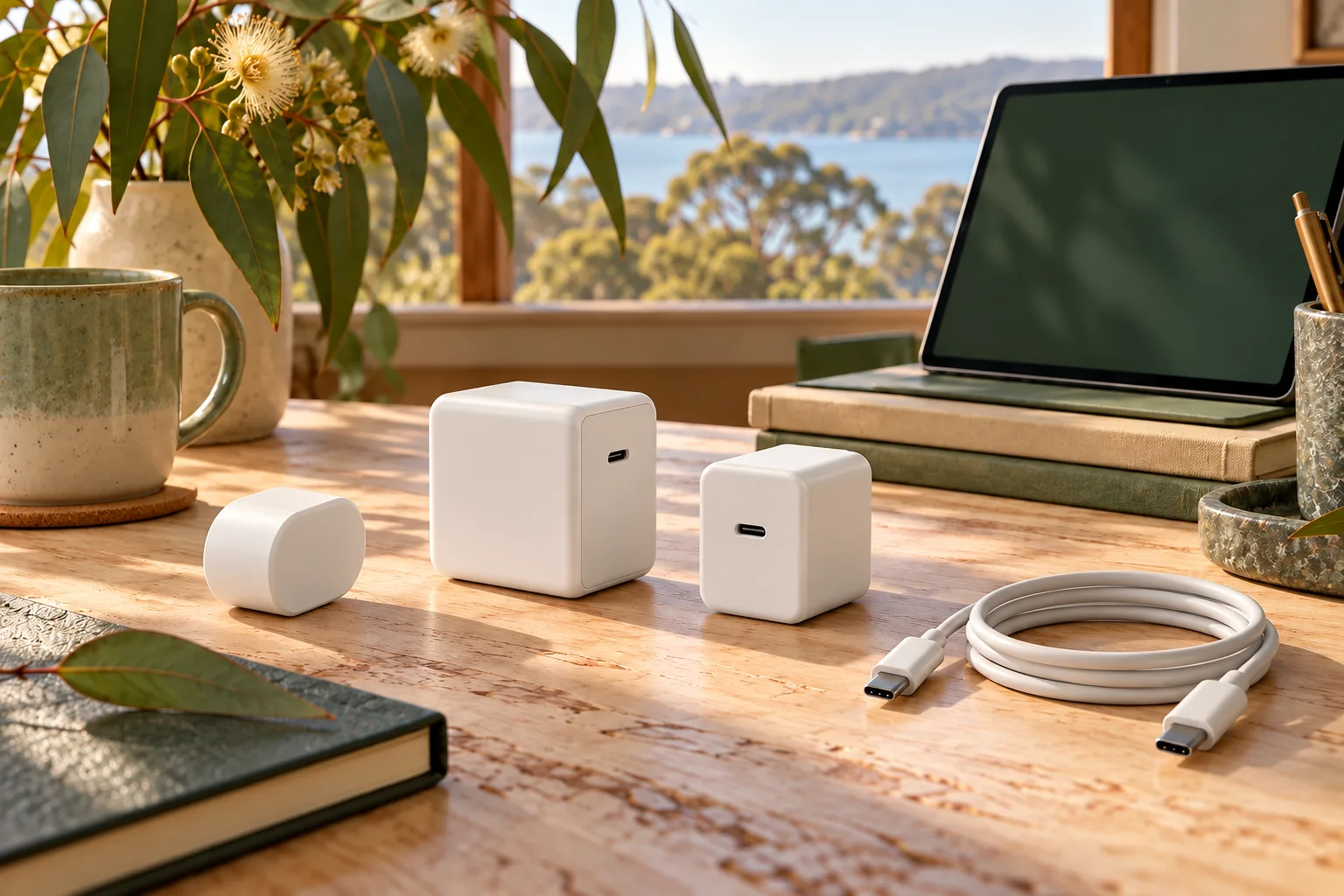
The 13-inch eight-GPU-core configuration includes a 30W USB-C adapter. Apple lists a 35W dual USB-C adapter for the 13-inch ten-GPU-core configuration and the 15-inch model. The included 2m USB-C to MagSafe 3 cable is a separate supplied component. Fast-charge support with a suitable 70W adapter is a capability statement, not proof that a 70W adapter is included in every box. Keep these configuration conditions in an Australian quote.
4. Make the choice against the actual place you work
For frequent commuting, small lecture-room desks or a narrow bag, the 13-inch model is the stronger physical candidate: it is 280g lighter before accessories and 3.63cm narrower. Check the sleeve’s internal dimensions rather than relying on a generic “13-inch” label. A case that fits an older tapered Air is not automatically a fit for the current rectangular body.
For regular side-by-side document work away from an external monitor, the 15-inch model is the stronger screen-space candidate. It keeps the same stated brightness and port count, so its advantage here is the larger built-in panel rather than a new class of connector. If most work happens at a fixed external display, compare the smaller complete desk kit before paying for physical screen area you rarely use. These are task-based choices, not measured performance rankings.

5. Keep the order configuration explicit
The published M5 family starts at 16GB memory and 512GB storage, with further configuration options listed by Apple. Match memory, storage and GPU configuration when obtaining prices for the two sizes. A higher-storage small Air compared against an entry larger Air answers a different cost question from a size-only comparison. Do not describe that mismatched quote as the premium for the larger screen.
Write down the exact size, memory, storage, GPU option, supplied adapter, sleeve and any required external-display accessories. Use the kit calculator only after obtaining actual AUD amounts; an unquoted item is unknown rather than free. This comparison establishes the documented physical trade-off. It does not verify availability, student eligibility, institutional software approval or a universal best-value offer.