Used MacBook Air M1 vs M2: check the model, ports and supplied kit
Compare the actual 2020 M1 and 13-inch 2022 M2 specifications, then identify the keyboard layout and charging equipment in the offered unit.
Updated:
1. Preserve the year and model identifier
An M1 MacBook Air from 2020 and the 13-inch M2 Air from 2022 are different physical designs. Apple identifies them as MacBookAir10,1 and Mac14,2 respectively. Start a used-offer comparison with that identity and the actual memory and storage, rather than a seller description that says only “MacBook Air”. This guide does not compare the later 15-inch M2 Air.
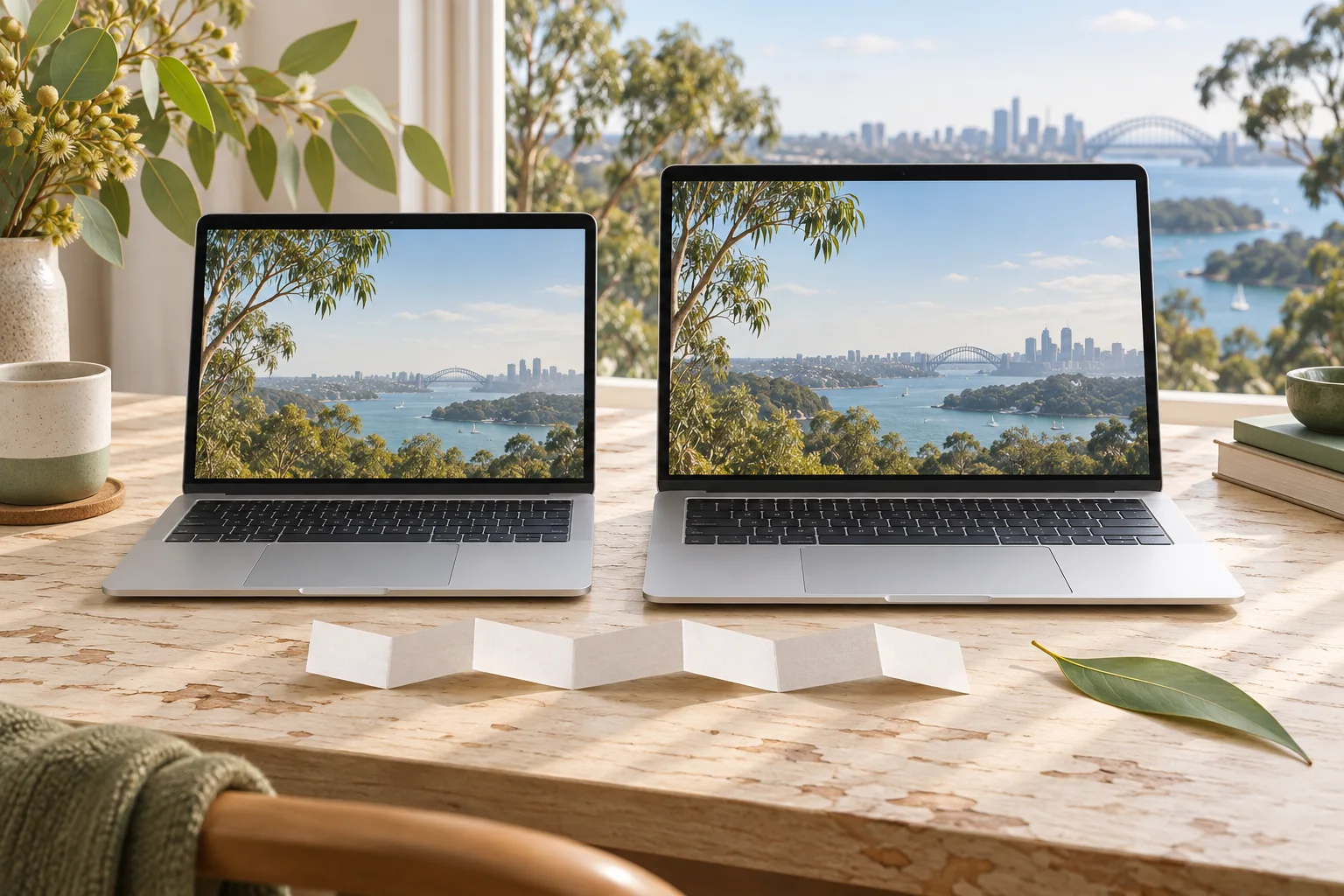
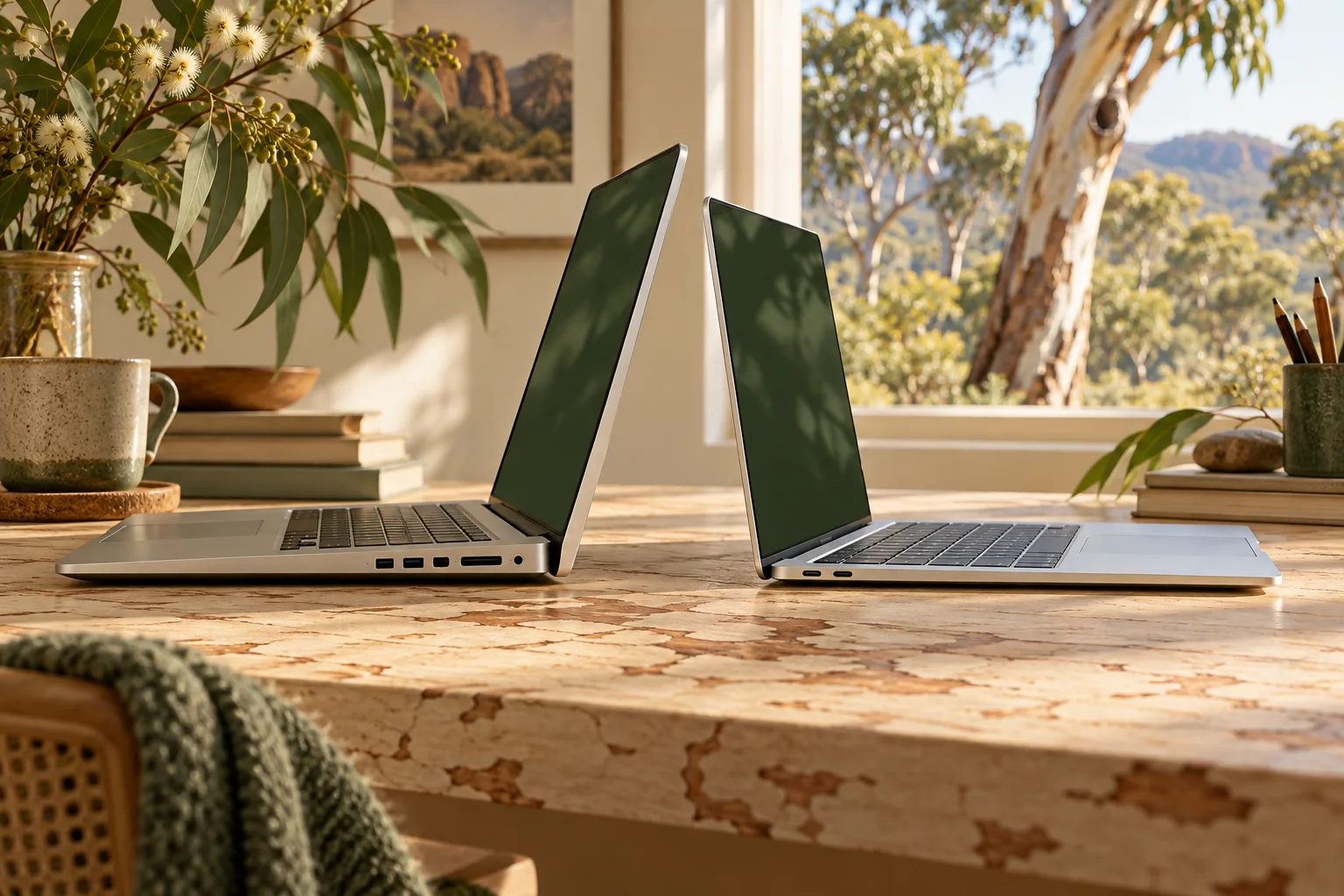
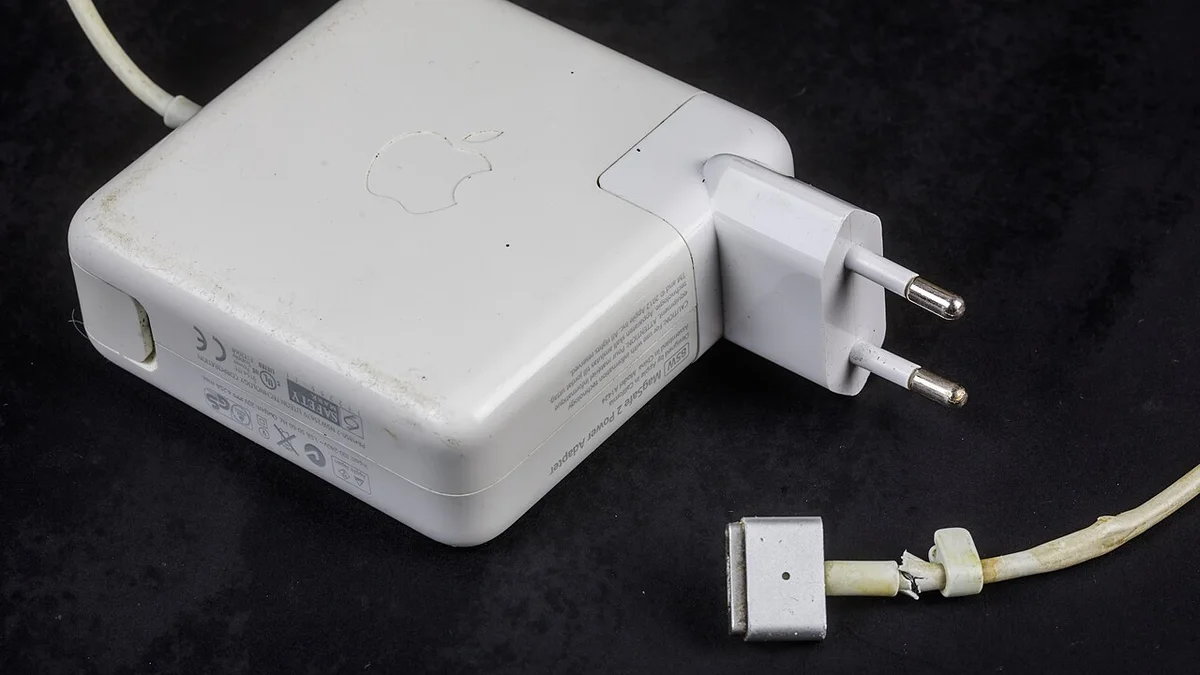
The technical comparison uses Apple Australia documents checked on 29 October 2026. The real photographs show an M1 body, a separate earlier Air keyboard and an older charging accessory. They support specific identification and retained-equipment questions; they are not a photographed M2 review or a measured performance test. No current Australian used price or stock feed has been verified.
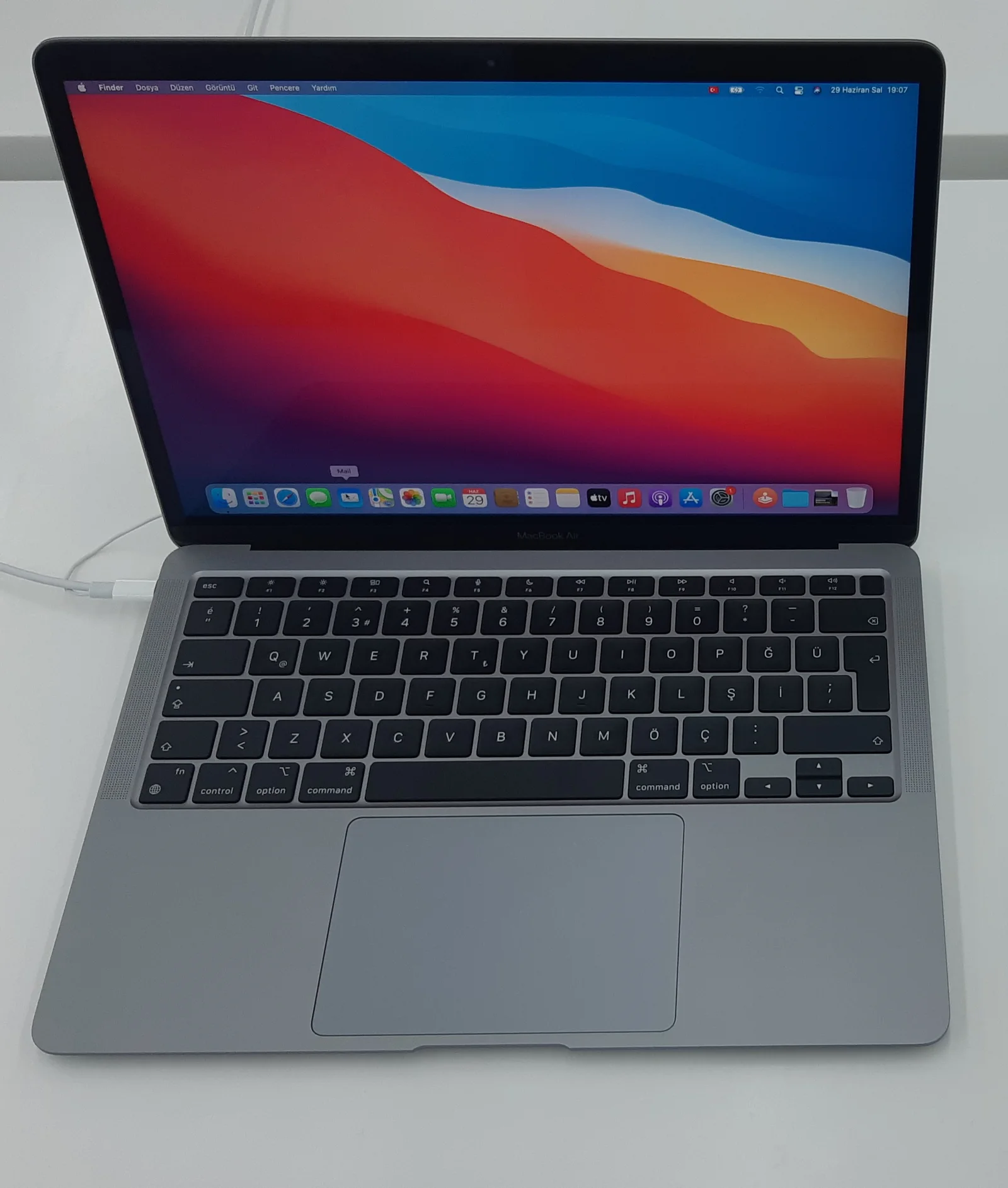
2. The actual hardware differences
The M2 document lists a larger 13.6-inch display, higher listed brightness and a 1080p camera, compared with the M1’s 13.3-inch display and 720p camera. These are specification differences, not our assessment of how much better a particular video call or application looks. The M2 also has a documented 24GB memory configuration, while the M1 document lists up to 16GB.
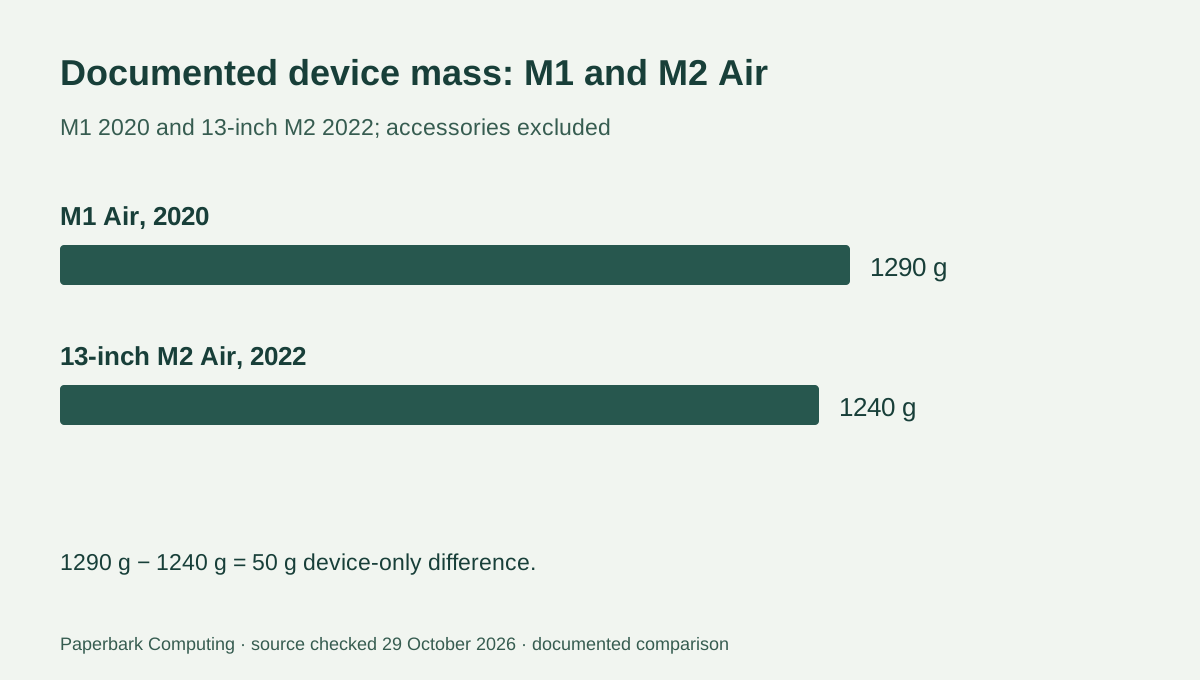
Device mass falls from the M1’s 1.29 kg to 1.24 kg for this M2 design, a 0.05 kg or 50 g difference. Both listed widths are 30.41 cm, but depth and body profile differ. A sleeve or case that merely says “13-inch Air” still needs its own exact fit check. Include the actual charger and cover when comparing complete carried setups.
| Documented item | M1 Air, 2020 | 13-inch M2 Air, 2022 |
|---|---|---|
| Model identifier | MacBookAir10,1 | Mac14,2 |
| Display | 13.3-inch; 2560 × 1600 | 13.6-inch; 2560 × 1664 |
| Listed brightness | 400 nits | 500 nits |
| Memory configurations in cited document | 8GB or 16GB | 8GB, 16GB or 24GB |
| Device mass | 1.29 kg | 1.24 kg |
| Camera | 720p FaceTime HD | 1080p FaceTime HD |
| Charging connections | USB-C through Thunderbolt / USB 4 ports | MagSafe 3 and USB-C through Thunderbolt / USB 4 ports |
3. Check the supplied charger and actual cable generation
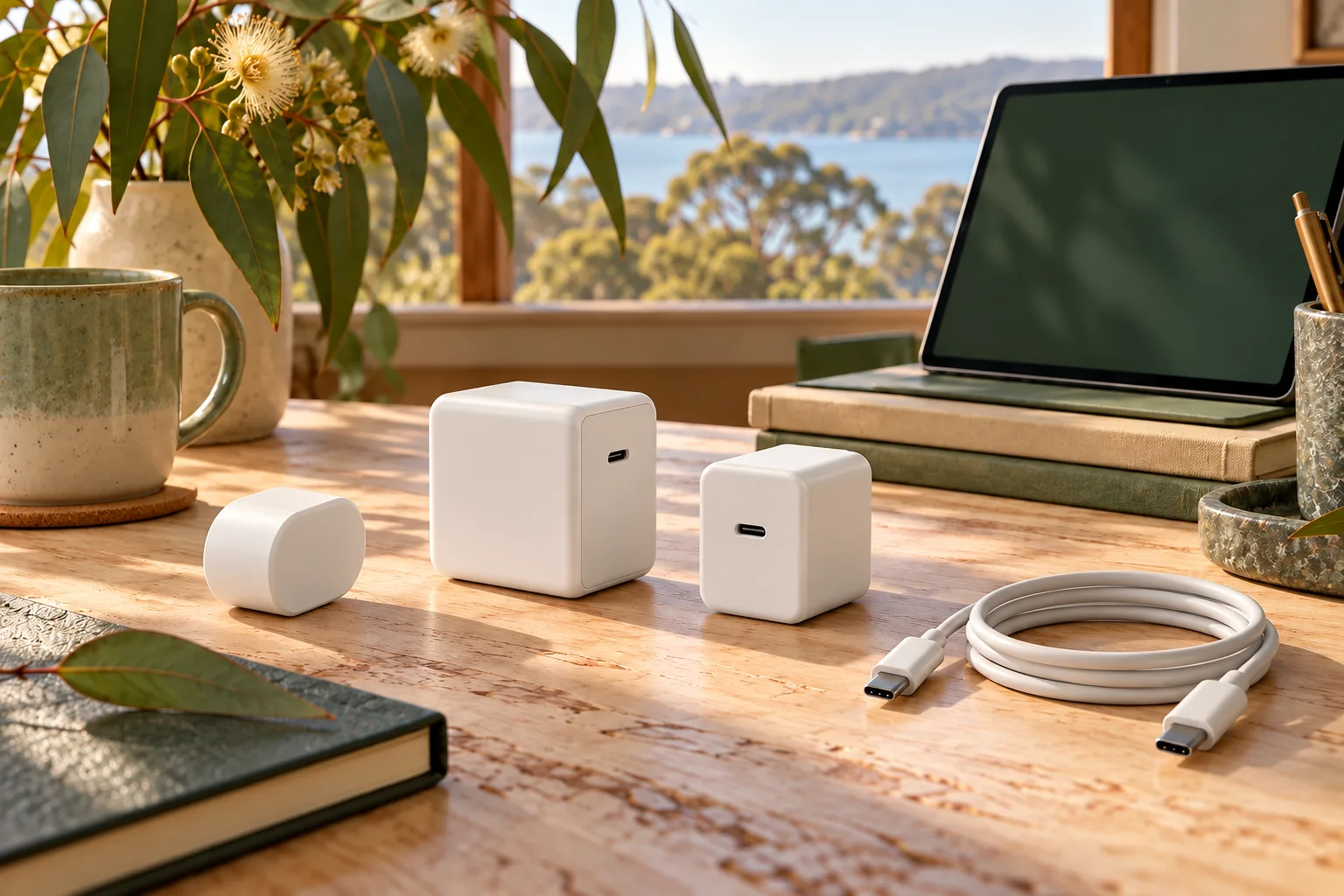
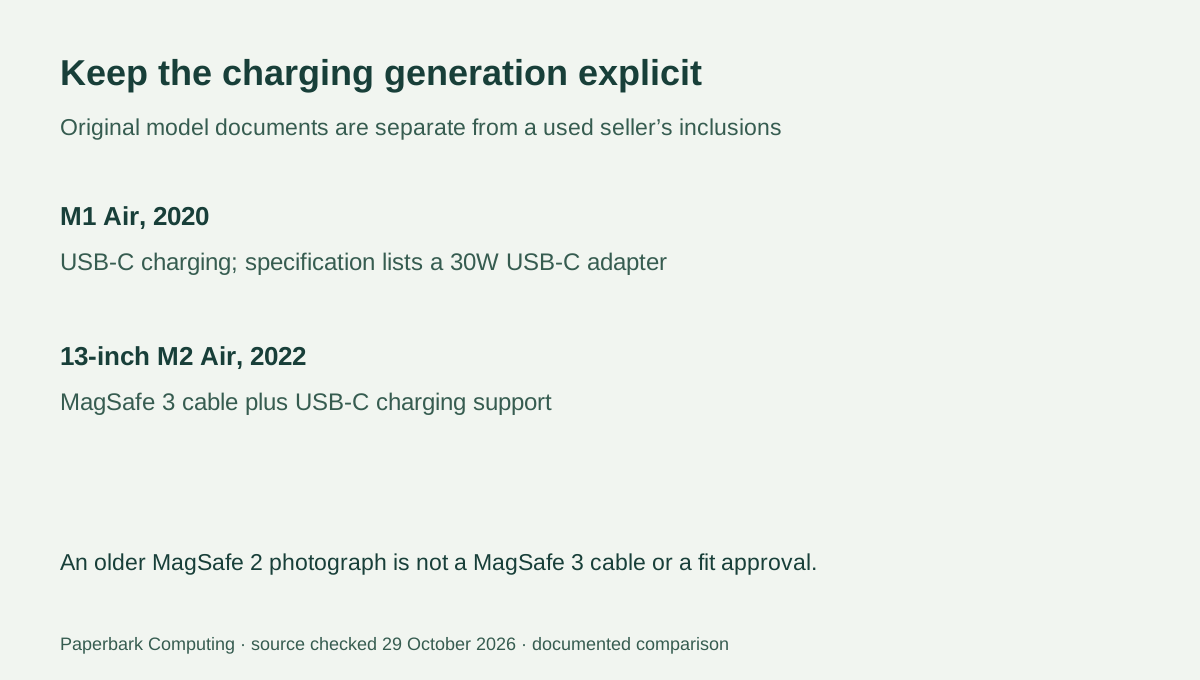
The M1 specification lists a 30W USB-C adapter. The M2 specification distinguishes its supplied adapter by GPU and storage configuration and lists a USB-C to MagSafe 3 cable; its USB-C ports also support charging. A used seller’s actual inclusions may differ from the original box, so record the supplied adapter and cable explicitly rather than assuming they are present.
The older MagSafe 2 adapter in the photograph is a different accessory with visible wear. It is not the M2’s MagSafe 3 cable or an item we recommend using. Apple’s power-adapter guidance distinguishes USB-C, MagSafe 3 and older MagSafe arrangements and says the older MagSafe-to-MagSafe-2 converter is not compatible with MagSafe 3. Do not treat a shared family name or a large wattage number as proof that an old cable fits the chosen computer.
4. Verify the offered keyboard and condition
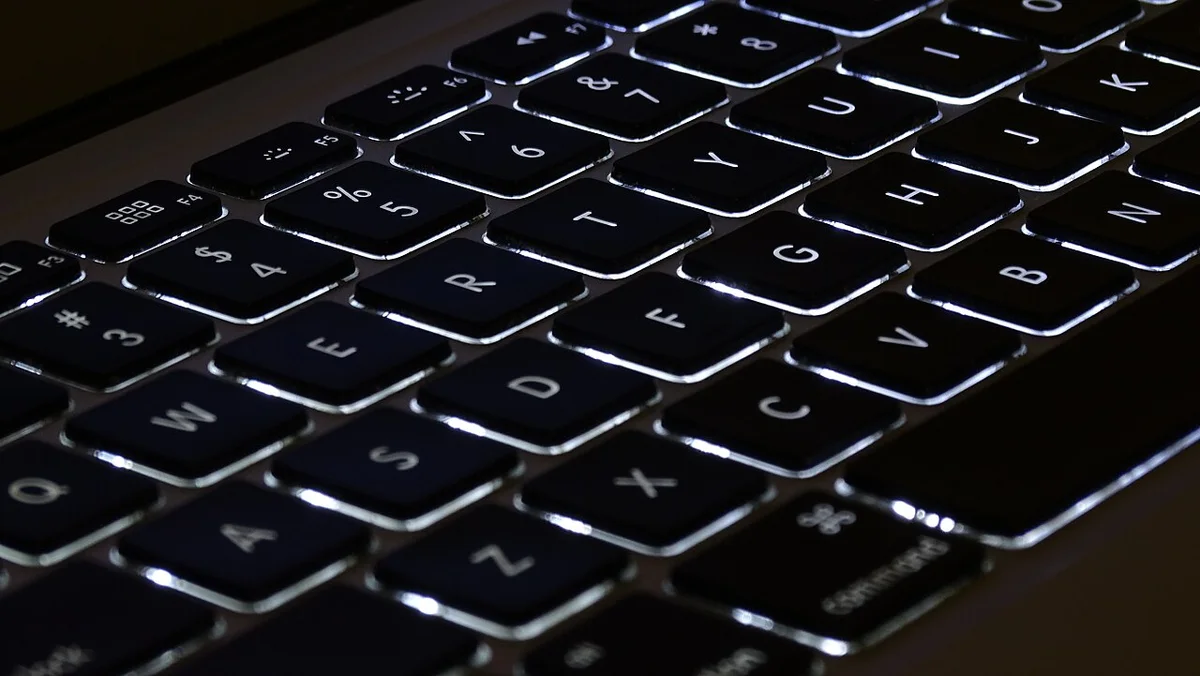
The separate Air keyboard photograph illustrates visible layout, not a claimed Australian keyboard supplied with either offer. Ask for the offered unit’s own clear keyboard image and compare the keys and layout you need. A model identifier does not by itself establish the keyboard region, cosmetic condition or how a previous owner used the computer.
Record actual battery condition information, disclosed faults, included power equipment and the seller’s warranty and return terms. A manufacturer’s original up-to battery test is not a current used-unit runtime measurement. If a required accessory or service is unquoted, preserve that missing cost instead of assuming a free replacement. This guide does not decide a battery’s remaining life from an exterior photograph.
5. Choose between the identified offers
The M1 is a candidate when its actual configuration and condition meet the software, display and connection requirements and the complete quote is suitable. The M2 is the candidate when its documented screen, camera, MagSafe 3 arrangement or higher memory option addresses a real requirement. Do not turn those differences into an unsupported percentage performance or battery-life improvement.
Keep the exact year, identifier, configuration, keyboard layout and supplied kit beside both AUD quotes. Check the required applications and Apple’s current model-specific software information for the offered device. The result should be an identified, complete offer you can assess—not a claim that the newer chip is automatically the best deal or that photographs prove an uninspected unit’s condition.